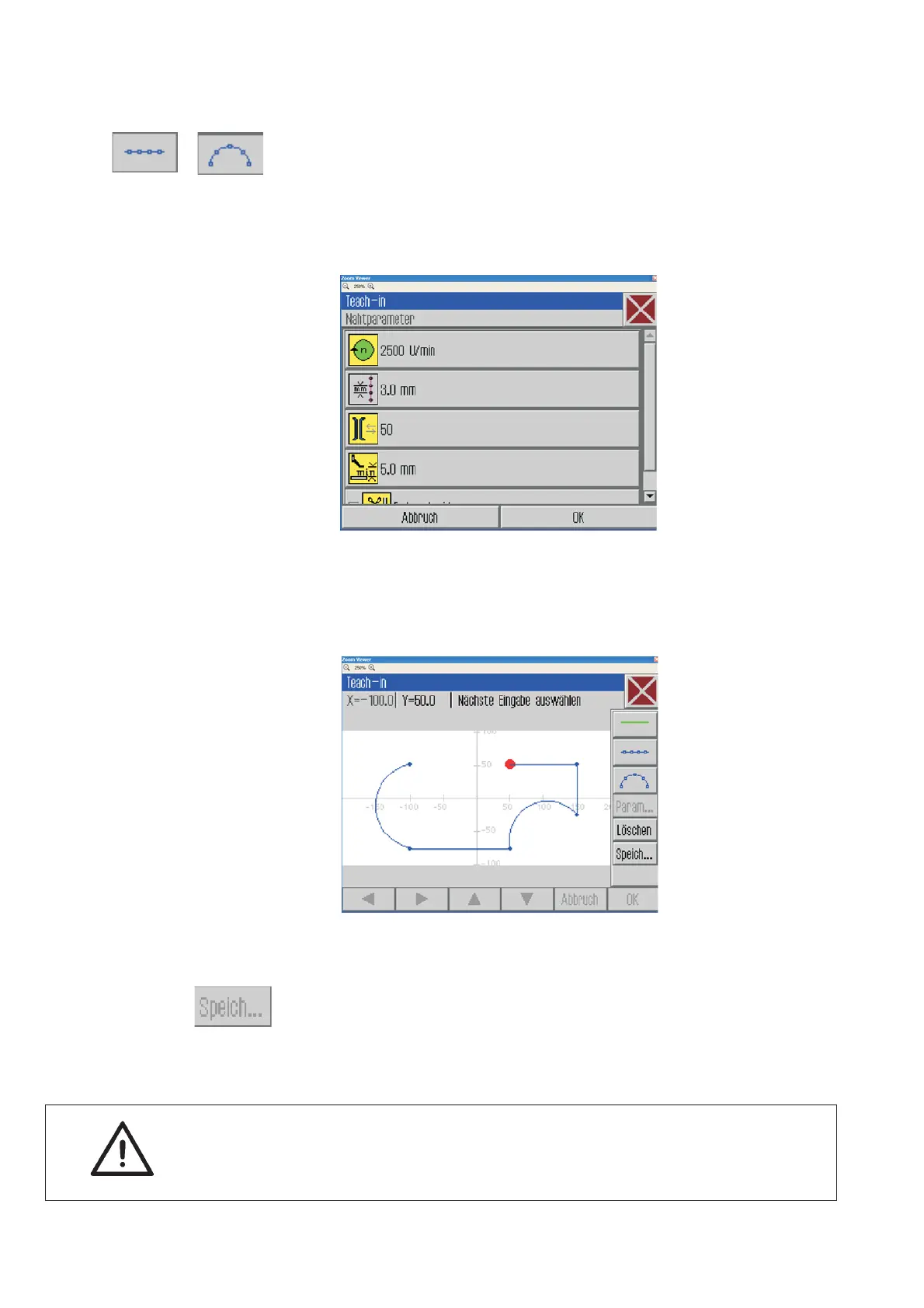
Step 2
In the second step it will be determined whether:
·
a non sewing line
·
a line or a circular arc will be sewn.
–
Select the desired button for the next entry.
–
Select the “Line sewing” or “circular arc” button. The menu for the
seam parameters will pop up.
–
Enter the seam parameters for the new seam segment.
–
Enter the desired seam segment by using the arrow keys “ñ”,
“ò”,“ñ”or“ò”.
–
Enter all further seam segments.
Step 3
–
Press the “Memorize” button.
Enter the desired name and press “ Enter ”.
–
Adjust the program parameters.
ATTENTION !
Run a contour test in order to check the contour movement. After
a successful test the seam can be sewn.
54







 To Next Page