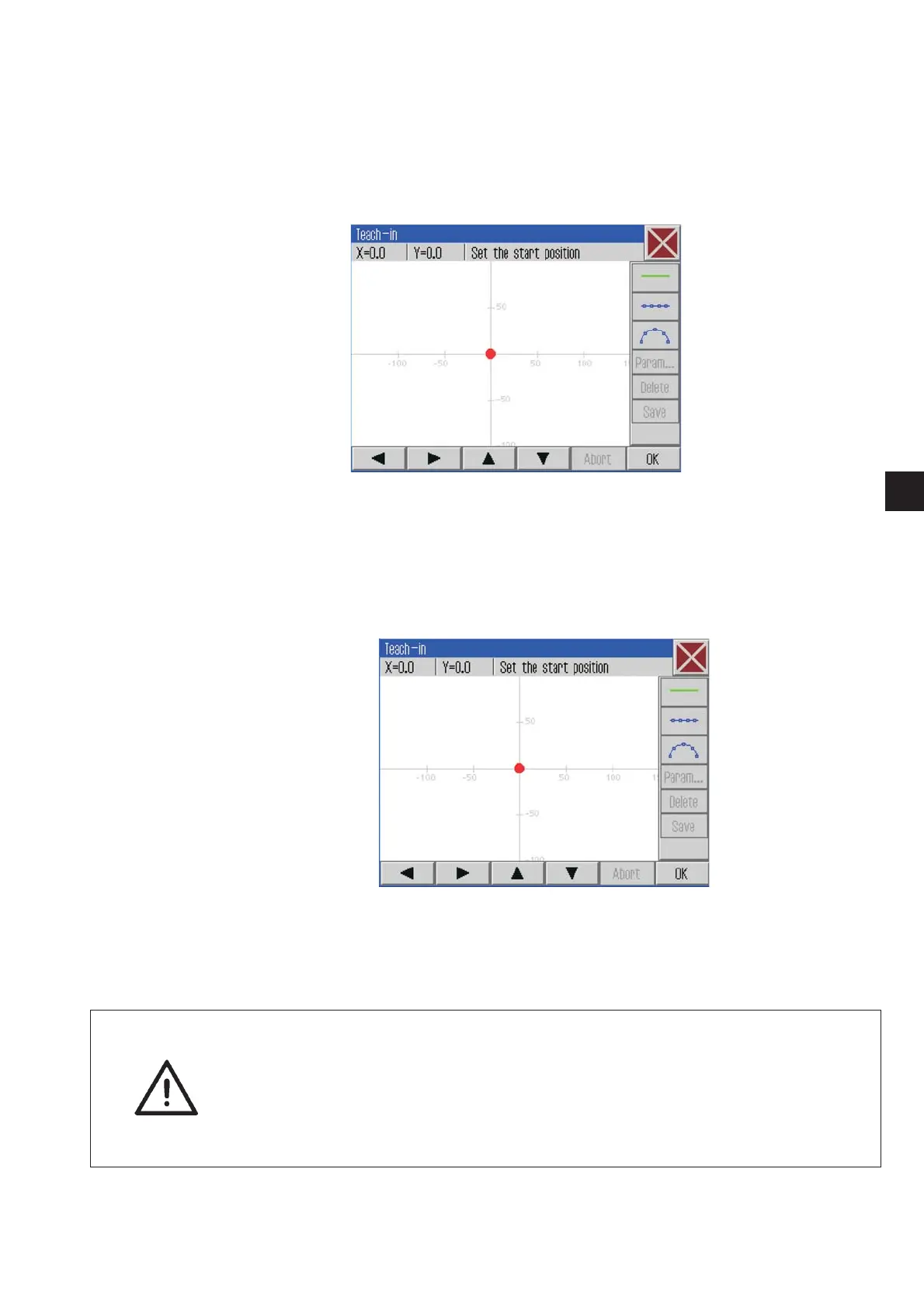
7.11.1 Creating a new seam contour
Step 1
In the first step the starting point of the seam segment
is determined.
–
Go to the desired starting point by using the a rrow keys “ñ ”,
“ò ”,“ñ ”or“ò ”.
–
Press the “ OK ” button.
The starting point will be adopted.
The starting point will be displayed in green.
ATTENTION !
Pay attention to the specific c lamp limits so that t he seam contour is
inside the possible sewing field and that no collision will take place!
Run a contour test in order to check the clamp motion.
The sewing can be started afer a successful run.
The input of circular arcs requires particular a ttention since the
intermediate points will be interpolated!
53
1







 To Next Page