Accessing the EN-204 via a Web Browser
23
A preset can be linked to a PTZ alarm by selecting Configuration > Alarm Settings > Alarm Input >
Triggered Actions. See Alarm Input (page 80).
5.1.3 Configuring Video Parameters
To configure video parameters
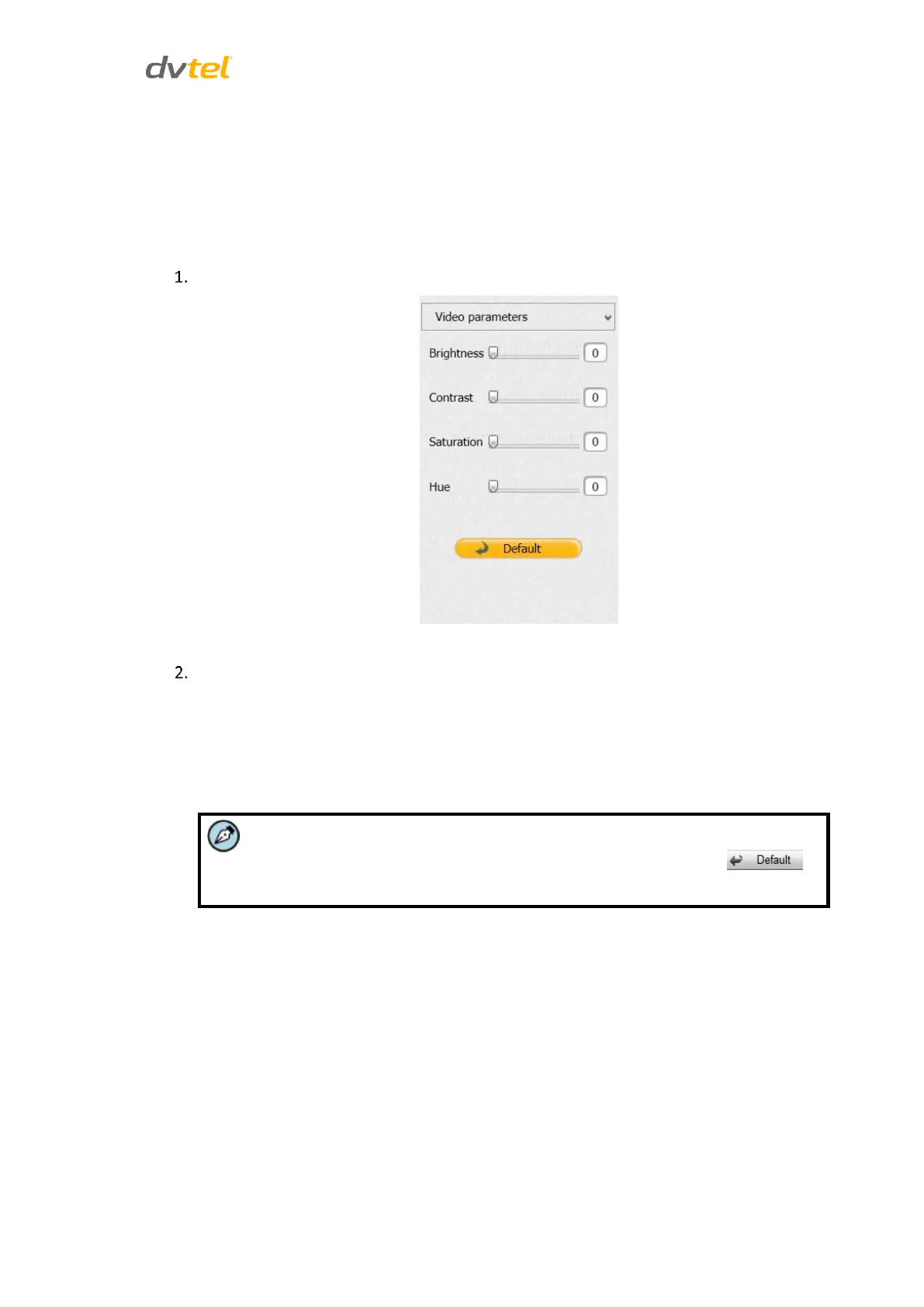
Click Video Parameters. The Video Parameters pane opens:
Figure 24: Video Parameters Pane
Adjust the slider to control the setting for:
Brightness
Contrast
Saturation
Hue
Note:
The adjustment range is 0 - 100. The default setting is 60. Click
to restore the default settings.



 To Next Page