EN-204 User and Installation Guide
34
5.4.2 Encoder Configuration
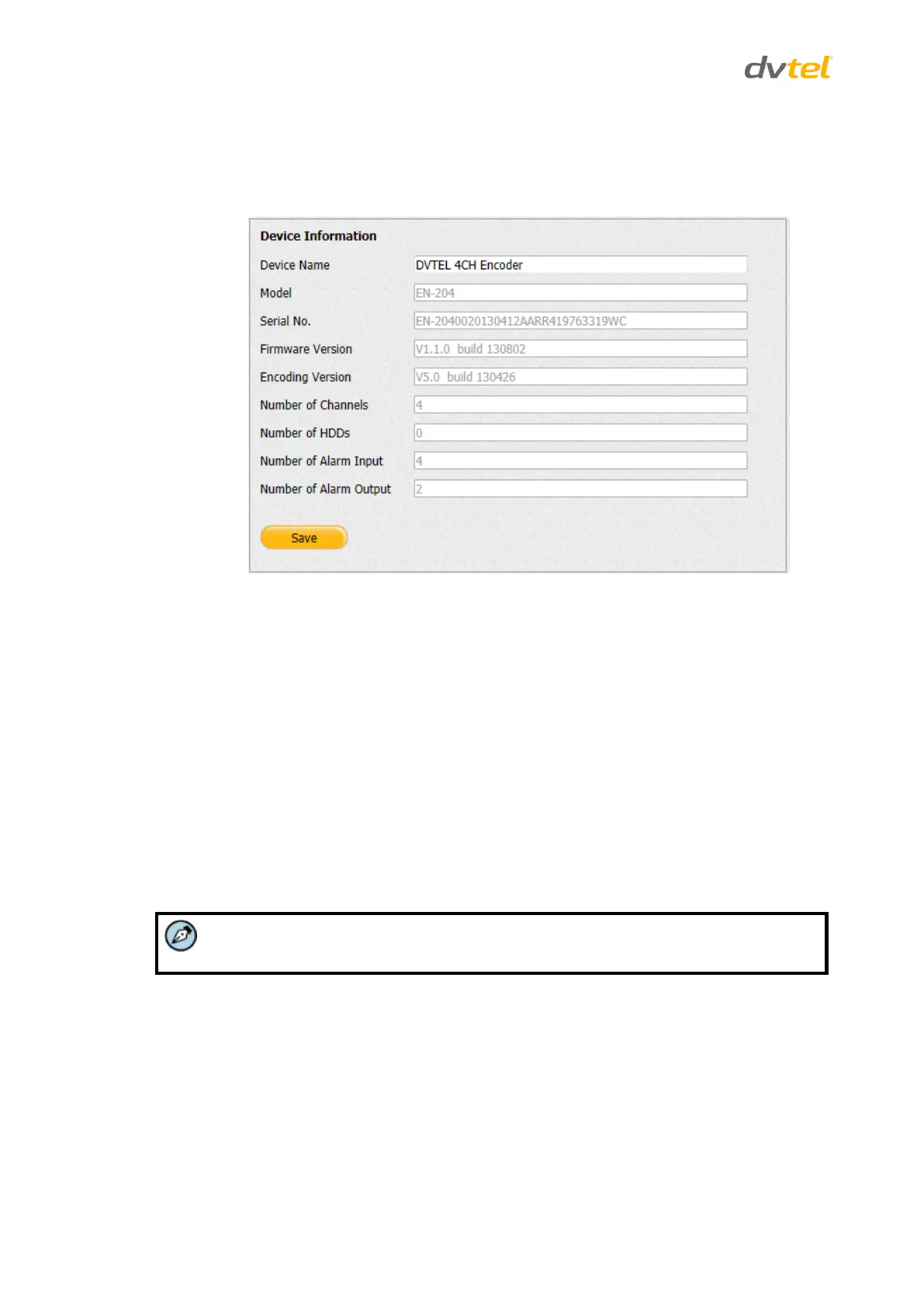
From the Configuration sidebar menu, select Encoder Configuration to configure the encoder. The
Device Information screen within the Device Parameters tab is displayed.
Figure 36: Device Information Screen
The Device Information screen displays the following details about the encoder:
Device Name – Enter the name you select for the unit in this field.
Model – Displays the encoder model number.
Serial No. – Displays the unit’s serial number.
Firmware Version – Displays the unit’s firmware version.
Encoding Version – Displays the unit’s encoding firmware version.
Number of Channels – The number is always “1”.
Number of HDDs – The number depends on the number of connected HDDs.
Number of Alarm Input – The number is always “4”.
Number of Alarm Output – The number is always “2”.
Only the Device Name field can be changed.



 To Next Page