EN-204 User and Installation Guide
40
5.4.3.3 Schedule Settings
The Schedule Settings screen is used to configure recording or capture (snapshot) settings.
Before you start, make sure that:
1. The encoder is connected to a network disk or that a microSD card is installed.
2. The network disk has been initialized when used for the first time.
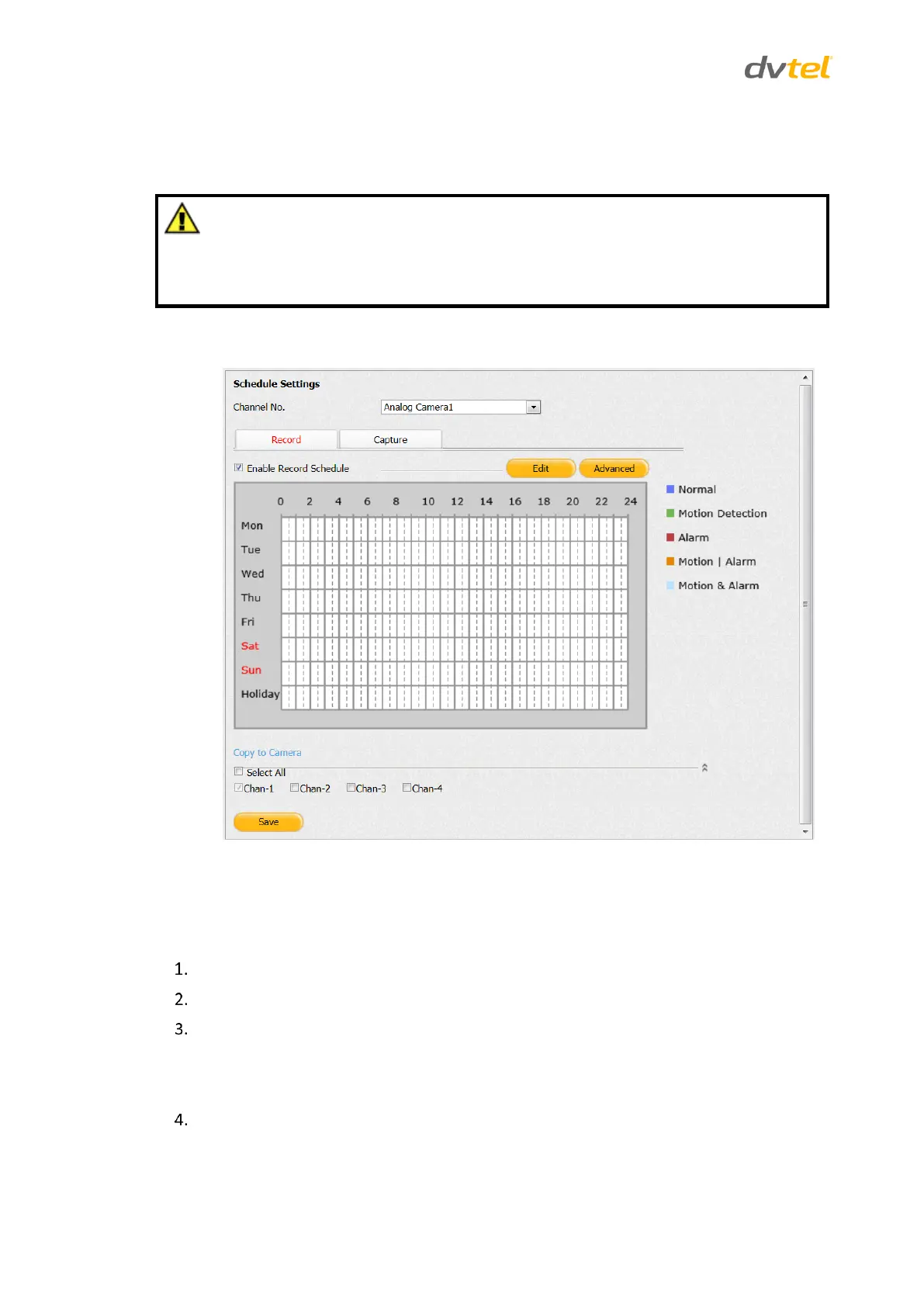
From the Configuration sidebar, select Camera Settings > Schedule Settings to configure recording
or capture settings. The Schedule Settings screen opens on the Record tab.
Figure 40: Record Schedule Settings Screen
5.4.3.3.1 Setting a Recording Schedule
To set a recording schedule
From the Channel No. drop-down list on the Record tab, select a camera.
Check Enable Record Schedule.
Do one of the following:
Click Edit to edit the recording schedule.
Click Advanced to configure advanced recording settings.
To edit the recording schedule, click Edit. The Edit Schedule screen opens.



 To Next Page