Accessing the EN-204 via a Web Browser
77
5.4.4.13 Bonjour
The encoder supports Apple’s Bonjour protocol for zero configuration networking (zeroconf) of
Apple devices discovered on a network.
To configure support for Bonjour
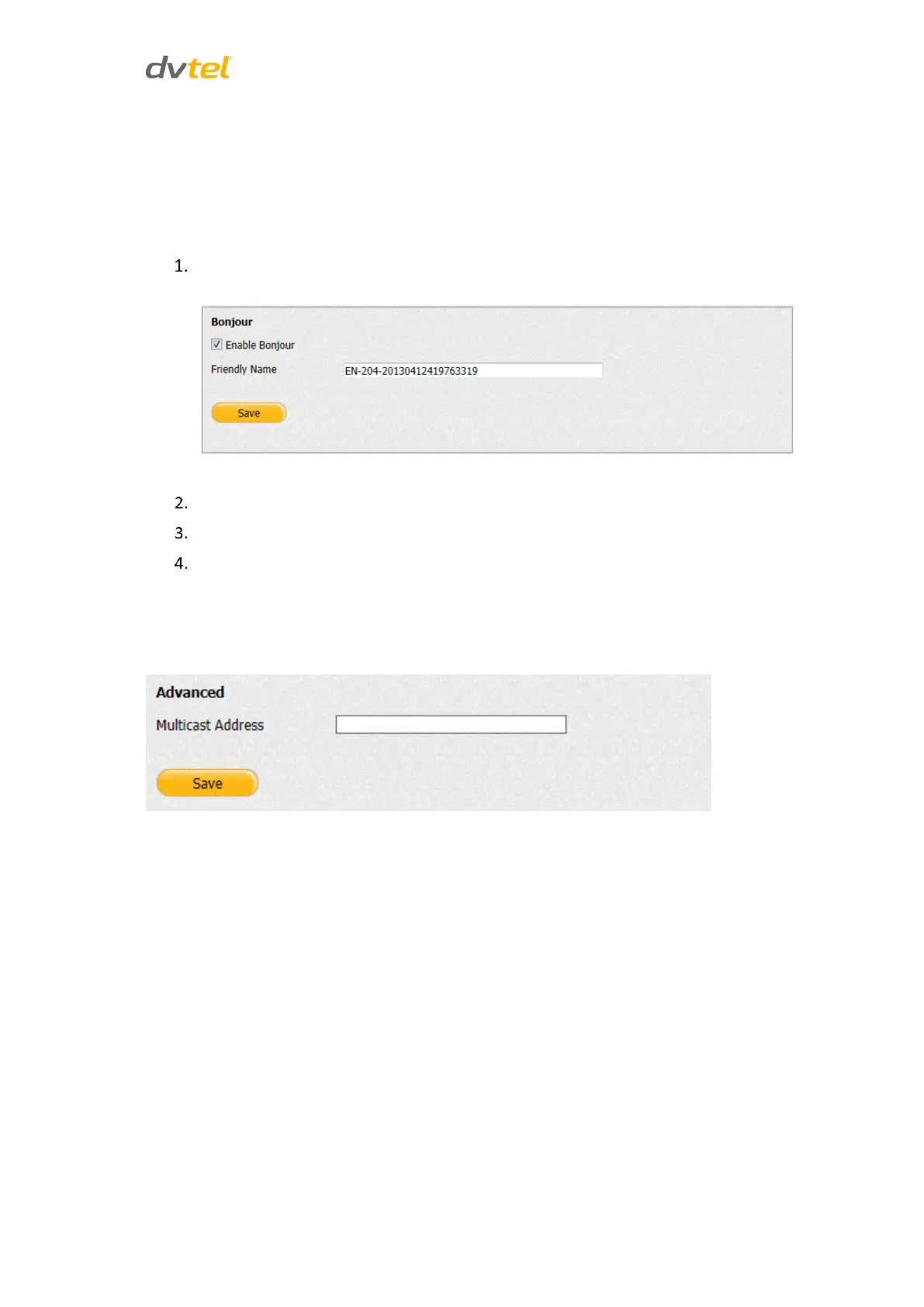
From the Configuration sidebar menu, select Network Settings > Bonjour. The Bonjour
screen opens.
Figure 75: Bonjour Screen
Set enable support for Bonjour, select the Enable Bonjour checkbox.
Enter a friendly name for the encoder in the Friendly Name text box.
Click Save.
5.4.4.14 Advanced
Enter the Multicast Address, which is used by a media player such as VLC, when viewing a clip over
the web. Click Save when finished.
Figure 76: Network Settings > Advanced Screen



 To Next Page