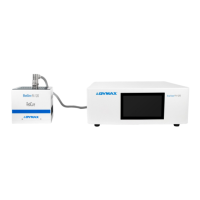
Dymax BlueWave® 200 Version 3.0 User Guide
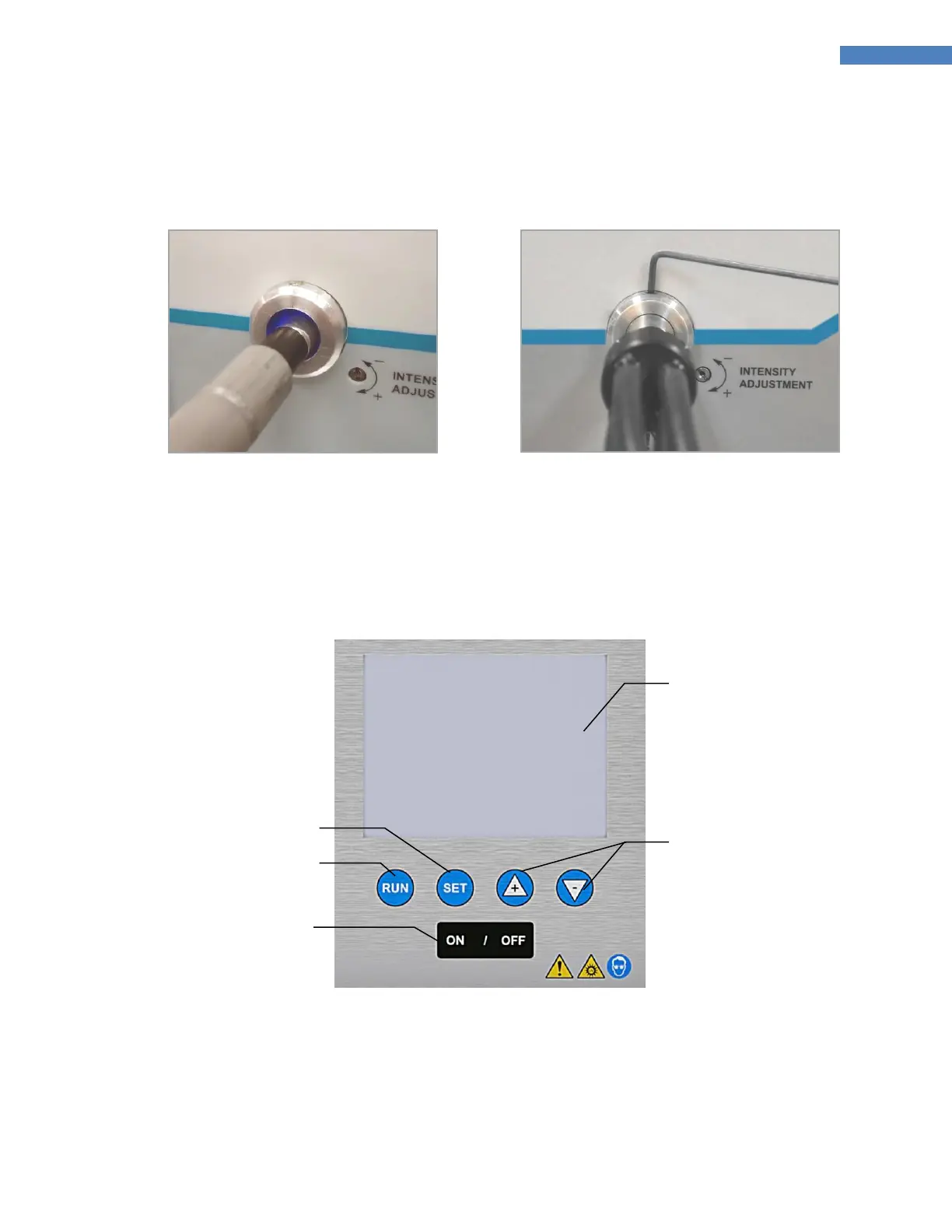
NOTE: Multi-Leg Lightguides should be balanced by rotating the Lightguide to obtain the desired UV
intensity of each leg before lightly tightening the Setscrew.
Figure 5. Insert Lightguide into
Lightguide Mount
Figure 6. Gently Tighten Setscrew on
Lightguide Mount with Hex Wrench
Becoming Familiar with the Controls
There are 4 simple controls which can adjust all features of the BlueWave 200 (Figure 7).
Figure 7. Front Panel Controls
■ LCD Display – Displays operating mode, menus, settings, instructions and special messages.
■ Bulb On Button – Pressing this button turns the bulb on (except in PLC Mode).
■ Bulb Off Button — Pressing this button turns the bulb off. In PLC Mode, a press stops the BlueWave 200
and puts it in safe state.



 To Next Page