Dymax BlueWave® 200 Version 3.0 User Guide
Operating in PLC Mode
PLC Mode Description
CAUTION! Always wear protective goggles or a face shield when working near UV light.
Never look directly at the light exiting the lightguide. The PLC is capable of opening the shutter at
any time, including when the bulb becomes ready in PLC mode or when a user selects PLC Mode
from the front panel controls.
PLC Mode means that an external PLC (Programmable Logic Controller) controls the system. The PLC provides
Input Signals to the BlueWave 200 to control the bulb and shutter. The PLC monitors the status of the unit by
reading Output Signals provided by the BlueWave 200. The PLC is typically programmed to start other
machinery when the BlueWave 200 becomes ready, or perhaps start the BlueWave 200 when other machinery
is ready. The Input Signals and Output Signals are present on a special connector on the back of the BlueWave
200.
NOTE: Output Signals are always provided in Manual Mode and Timer Mode to allow simple interfacing to
alarms, counters, other interlocks, etc. even if a PLC will not be controlling the BlueWave 200. However, the
input signals will be ignored in Manual Mode and Timer Mode.
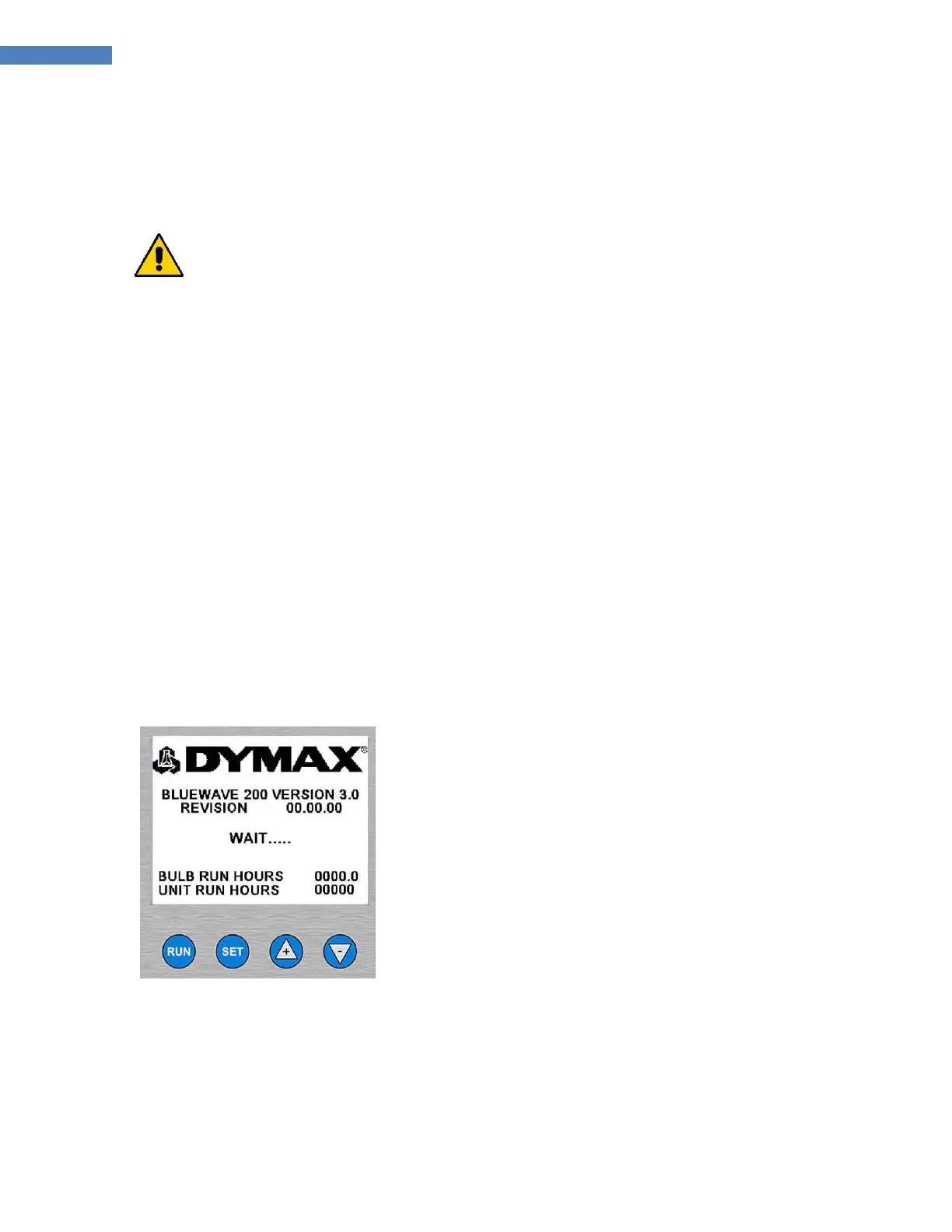
Start-Up Screen for PLC Mode
In PLC Mode, the BlueWave 200 displays a special start-up screen while it conducts internal diagnostics
for a few seconds. As soon as unit finishes its tests, it can be immediately controlled by the PLC. The
BlueWave 200 will always return to PLC Mode after power is turned off and on, or after power outages,
until a specific procedure is followed to exit PLC Mode.
Figure 30. Start-Up Screen for PLC Mode



 To Next Page