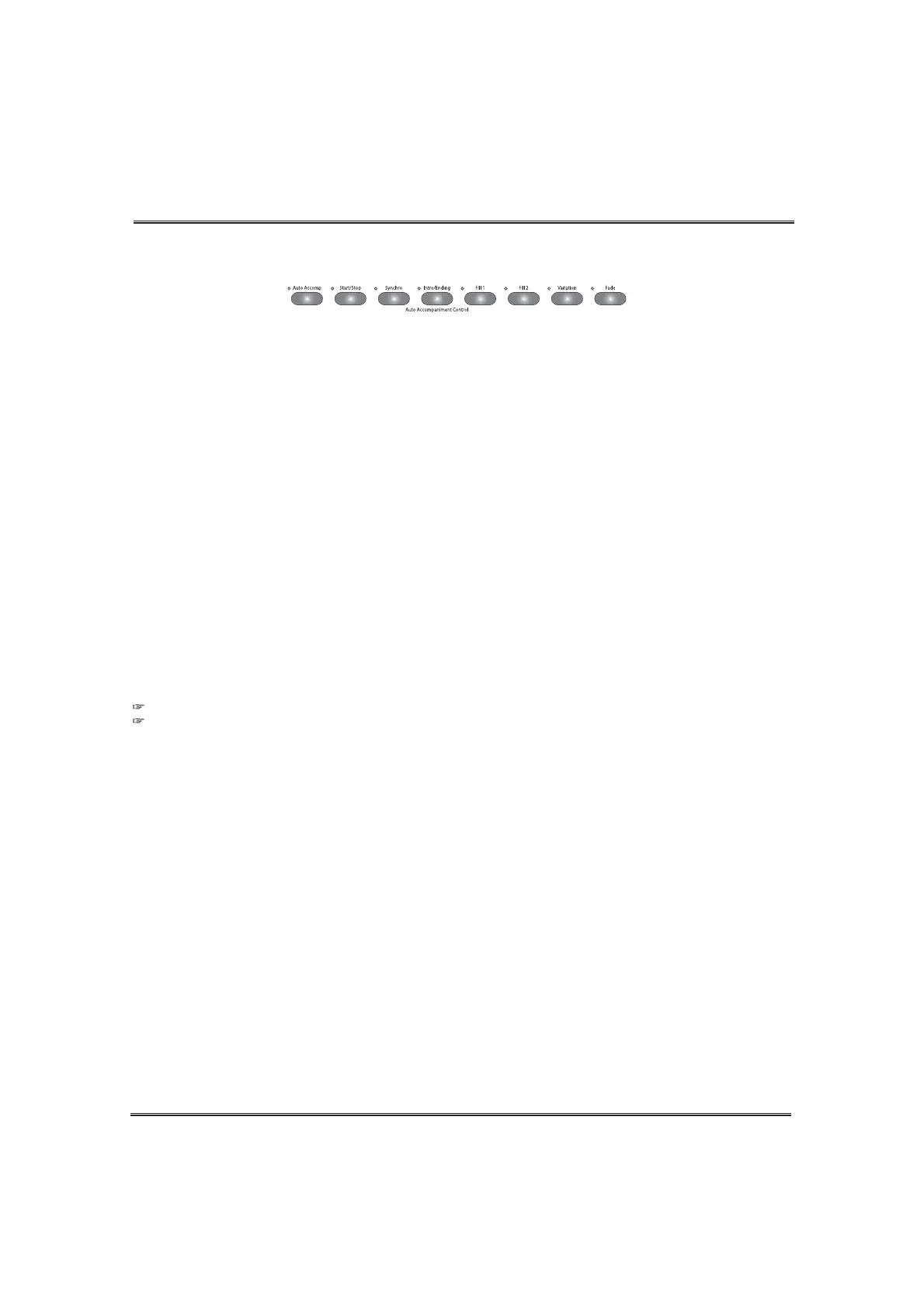
Auto Accompaniment
Starting the accompaniment style
There are several ways to start the accompaniment style, as described.
44
PLAYING A RHYTHM
Immediate rhythm starting
Press the START/STOP button. To stop the rhythm press the START/STOP button again.
Synchronized starting
Press the SYNCHRO button and then play the keyboard to start the rhythm.
Rhythm starting with an Introduction
Press the INTRO/ENDING button to begin the selected rhythm with an introduction arrangement.
Synchronized starting with an Introduction
After pressing the SYNCHRO button, press the INTRO/ENDING button and then play the keyboard.
Introduction, Fill-in and Ending arrangements are available for each rhythm pattern.
INTRODUCTION
Press the INTRO/ENDING button to begin the rhythm performance with an introduction
arrangement. After the introduction plays, then the normal rhythm pattern begins.
FILL
There are two fill arrangements for each rhythm pattern. Press one of the FILL buttons to insert a fill-
in pattern anytime while a rhythm is playing.
FILL 1 After the fill, the arrangement goes to basic rhythm loop.
FILL 2 After the fill, the arrangement goes to variation rhythm loop.
VARIATION
A rhythm style has two loop patterns. one is a basic rhythm loop and the other one is a variation
rhythm loop of the basic rhythm loop. Press the VAR button, the button lamp lights and the variation
loop is applied applied. Press the VAR button again, the button lamp is turned off and the basic
rhythm loop is applied.
ENDING
Press the INTRO/ENDING button to finish the rhythm performance with an arranged ending.
FADE
When starting an Auto Accompaniment after pressing this button, the volume will gradually increase
to its normal volume from zero volume.
If you press the FADE button during a rhythm performance, the volume will gradually decrease from
full volume to zero volume and then stop.
If you press the FADE button again while fading, the volume change is canceled and reset to normal.
Stopping the accompaniment style.
To stop style playback, press the START/STOP button.
To playback an ending pattern before stopping, press the INTRO/END button during playback of rhythm.
The INTRO/ENDING lamp flashes during playback of ending.
If you need to cancel ending playback, press the FILL 1 or the FILL 2 button. The ending pattern stops
and the main loop starts after fill pattern playback.



 To Next Page