SV-D600 and SV-D900 Operation
3-8 SkyView SE Pilot’s User Guide - Revision I
How to Configure the Top Bar
The Top Bar is the strip across the top of the screen. It displays textual information such as the
clock and autopilot status. Future software updates will use this space for information such as
radio status.
Enter the Top Bar Setup Page to configure the Top Bar (IN FLIGHT SETUP MENU > FULL PAGE
SETUP MENU or > LOCAL DISPLAY SETUP > TOP BAR SETUP).
Screen Layout Configuration
SkyView SE can display 4 combinations of PFD and Engine data in full-screen and partial-screen
configurations as well as distribute this data across multiple displays. Each display in the system
can also have its own layout. This section tells you how to configure the display(s) in your
SkyView SE system.
SkyView SE displays only display data from connected modules. For example, if an
SV-EMS-220 module is not present on the network, the display will not show any
engine data.
The following table lists the amount of screen space you can allot for a given page. Note that
pages may also be turned off by the user.
Table 5 – Onscreen Page Allotments
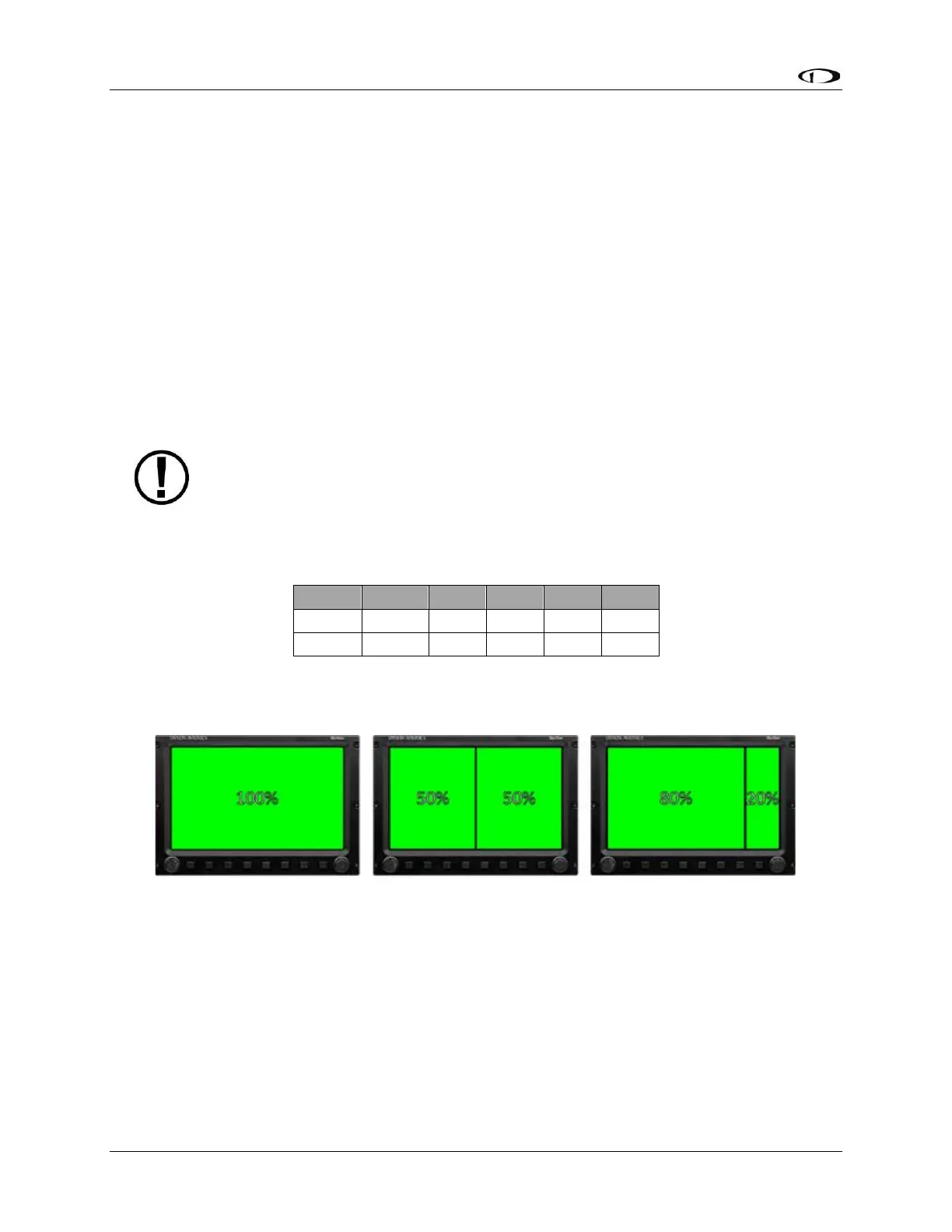
The following diagram illustrates example screen layout configurations.
Figure 7 – Example Screen Layout Configurations



 To Next Page