Transponder Operation
SkyView SE Pilot’s User Guide - Revision I 6-3
• Reply Status: The reply indicator illuminates when the transponder replies to
interrogations.
When connected properly, third-party transponders such as the Garmin GTX 300
Series can provide status as described above. However, they cannot be controlled
from the SkyView SE display as the SV-XPNDR-261/262 can.
Transponder Sub-Menu
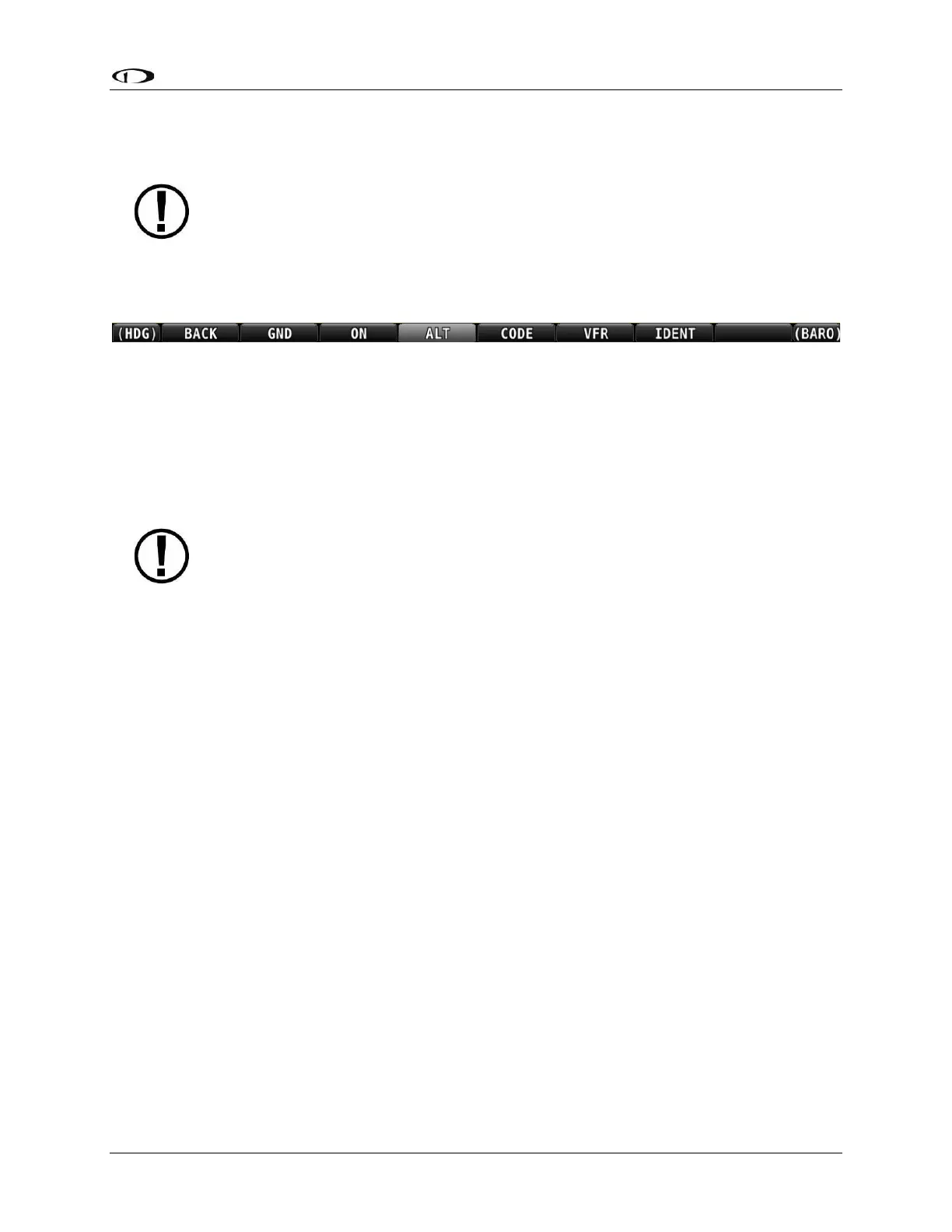
Figure 42 – Transponder Menu Example
When the Dynon SV-XPNDR-261/262 transponder module is installed and configured, the
Transponder submenu becomes accessible from the Main Menu by pressing XPNDR (Button 6).
All transponder operation can be accomplished from this submenu. There is no dedicated or
separate control panel needed (or available).
Note that there are some situations when the selected transponder mode may be
different from the status annunciated in the Transponder Status Area. For example,
if you select ALT mode, but there is a squat switch installed, it will keep the
transponder in GND mode until the aircraft has become airborne. The requested
ALT mode would then be activated.
BACK
Press BACK to return to the Main Menu.
GND
Press to set the transponder to ground mode. In ground mode, the transponder will respond to
Mode S ground interrogations from surface movement radar. When active, the GND button will
remain highlighted in this menu, and GND is annunciated in the transponder status area in the
Top Bar. When the transponder is in ground mode, pressing GND again will turn ground mode
off and put the transponder in standby mode.
ON
Press to set the transponder to respond to all interrogations, but with altitude reporting
suppressed. When active, the ON button will remain highlighted in this menu, and ON is
annunciated in the transponder status area in the Top Bar. When the transponder is on in this
mode, pressing ON again will turn put the transponder in standby mode.



 To Next Page