COM Radio Operation
8-10 SkyView SE Pilot’s User Guide - Revision I
Loading and Removing Databases
See the current revision of the SkyView Classic / SE / HDX System Installation Guide.
Other Status Information
Operating Without SkyView SE
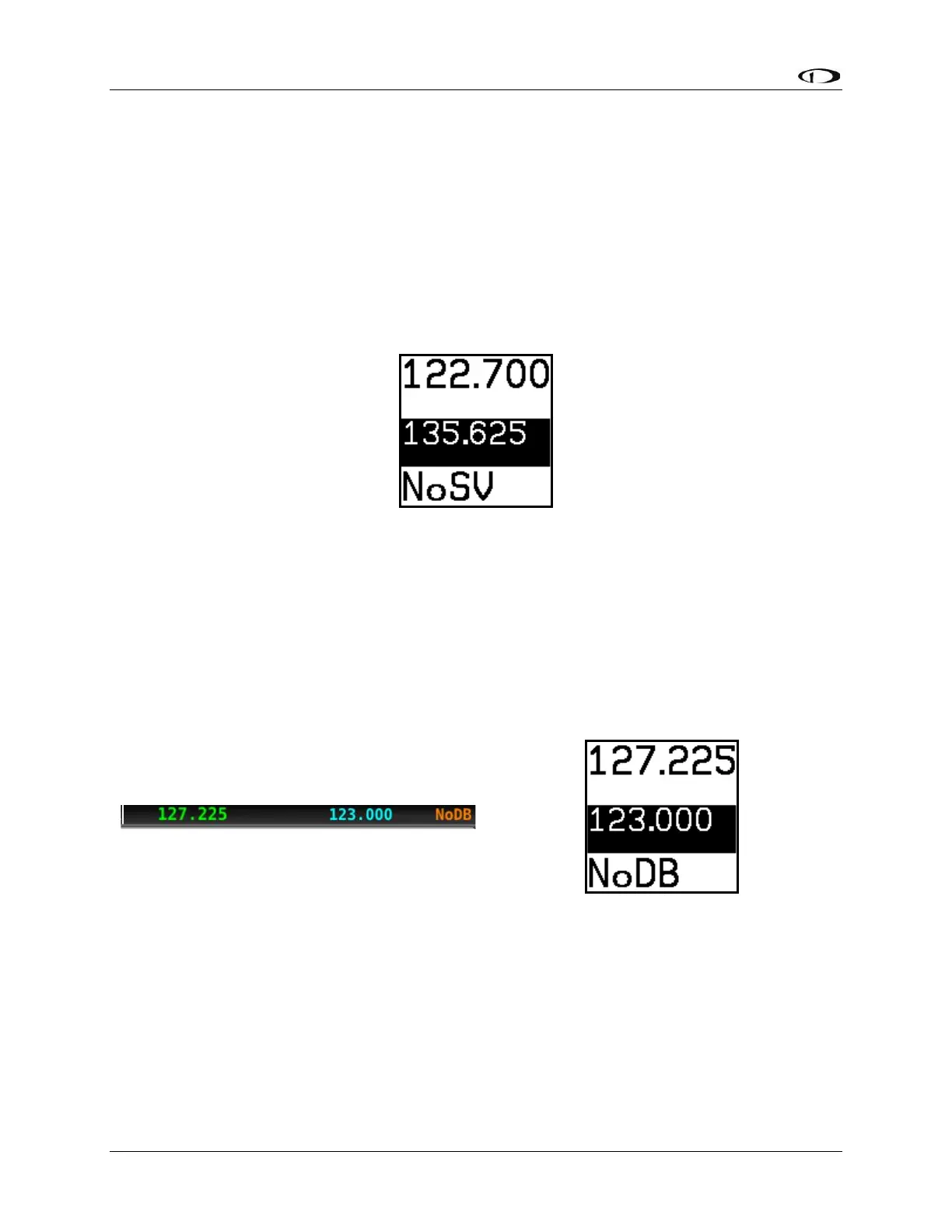
The SV-COM-760, -T25/T8, -425 can be used when SkyView SE is powered off or has failed.
However, only manual tuning will be available and the control panel will display NoSV. The
control panel annunciates this condition in the following way:
Figure 97 – No SkyView mode
You may see this annunciation as your SkyView SE displays first power up, as they take longer
to initialize than the COM radio.
No Aviation Database
If SkyView SE does not have an aviation database loaded, the airport loading and
TWR/ATIS/GND/ATC buttons will not be available. The control panel annunciates this condition
by displaying NoDB:



 To Next Page