Autopilot Operation
SkyView SE Pilot’s User Guide - Revision I 7-7
Servo Offline Messages
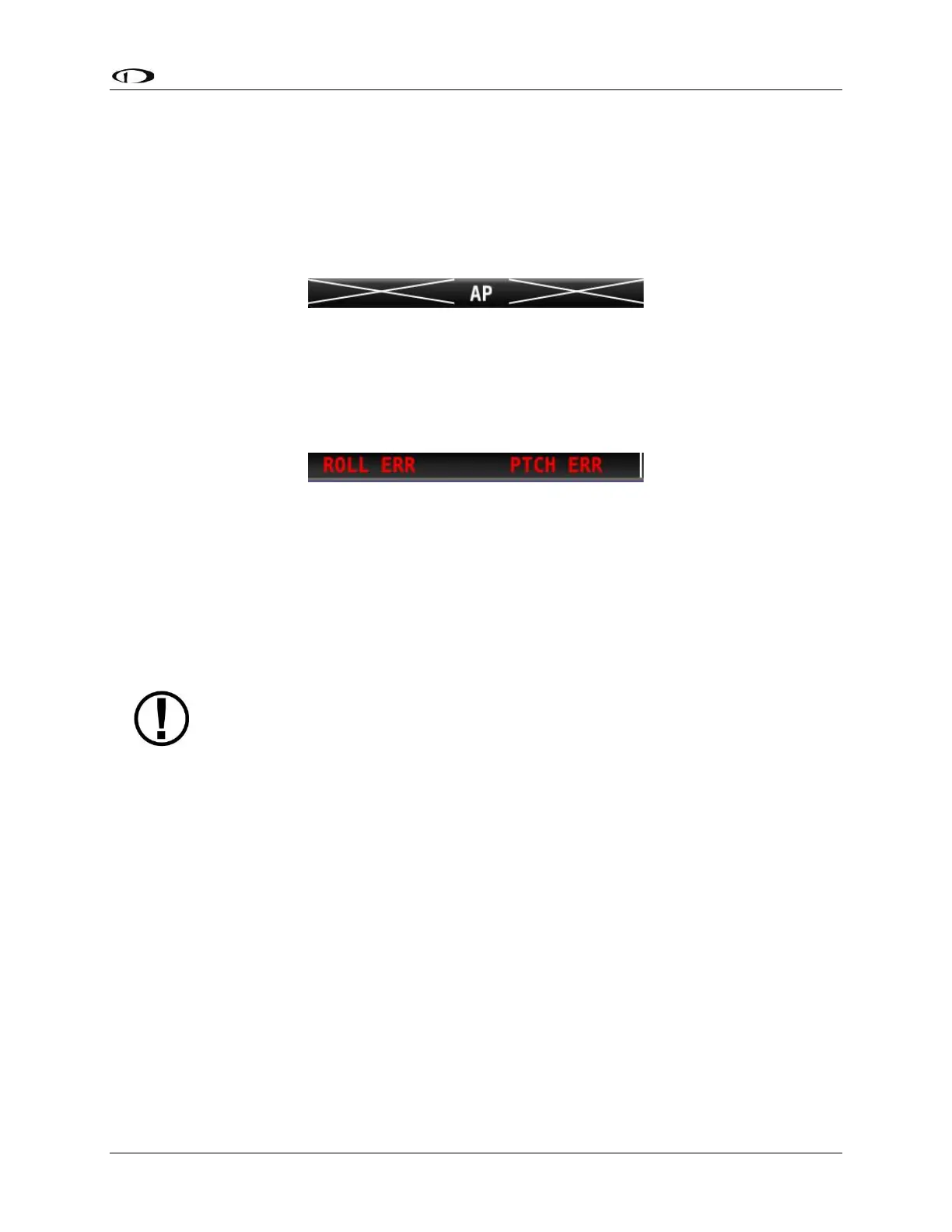
When a servo is offline (for example, when the autopilot circuit breaker has been pulled), the
following is displayed in the Top Bar and an accompanying Message is generated. When in
Expert Mode, press the MESSAGE button twice to view and acknowledge this error. After the
error is acknowledged, the Top Bar indicator is suppressed so that you can continue to use the
Flight Director for guidance.
Figure 56: Roll and Pitch Servo Offline Messages
Servo Error Alerts
When a servo has failed (for example, when an internal error has occurred or ADAHRS data is
unreliable), the following is displayed in the Top Bar.
Figure 57 – Roll and Pitch Servo Error Alerts
Auto-Trim
SkyView has the ability to automatically trim the aircraft while the Autopilot is engaged. This
feature requires that you have an SV-AP-PANEL installed and are using its integrated trim
controller to actuate your pitch and/or roll trim servos. Reference the SkyView Classic / SE / HDX
System Installation Guide for more information about configuring Auto-Trim.
Be advised that the SV-AP-PANEL's buttons are not compatible with SkyView SE.
However, an SV-AP-PANEL may be installed, possibly behind the panel "in the
blind" to provide trim control and Autopilot Auto-Trim features.
When Auto-Trim is enabled, you should not need to manually adjust the trim when the
autopilot is engaged. When the AP is running the trim, the Roll and/or Pitch Axes Engaged
Arrows will animate as described in the above sections. SkyView’s Auto-Trim feature is only
active on roll or pitch when that axis’ Autopilot servo is engaged. It does not actuate the trim
when you are hand-flying.
The Auto-Trim’s goal is to minimize the stick forces so that the Autopilot servos do not need to
apply much force to the control surface to maneuver the aircraft. This allows it to have the ideal
amount of control authority over the control surface, while keeping the aircraft in trim
continuously. Essentially, Auto-Trim flies the aircraft very similarly to how you do.
Although Auto-Trim is constantly monitoring and adjusting to neutralize trim forces, you may
occasionally see the Pitch and Roll Trim messages and advice as described in the above section.
However, given a short period of time, the Auto-Trim system’s movement should neutralize the
forces and the messages should subside. Note that Auto-Trim moves the trim surfaces slower
than your trim switch commands normally do.



 To Next Page