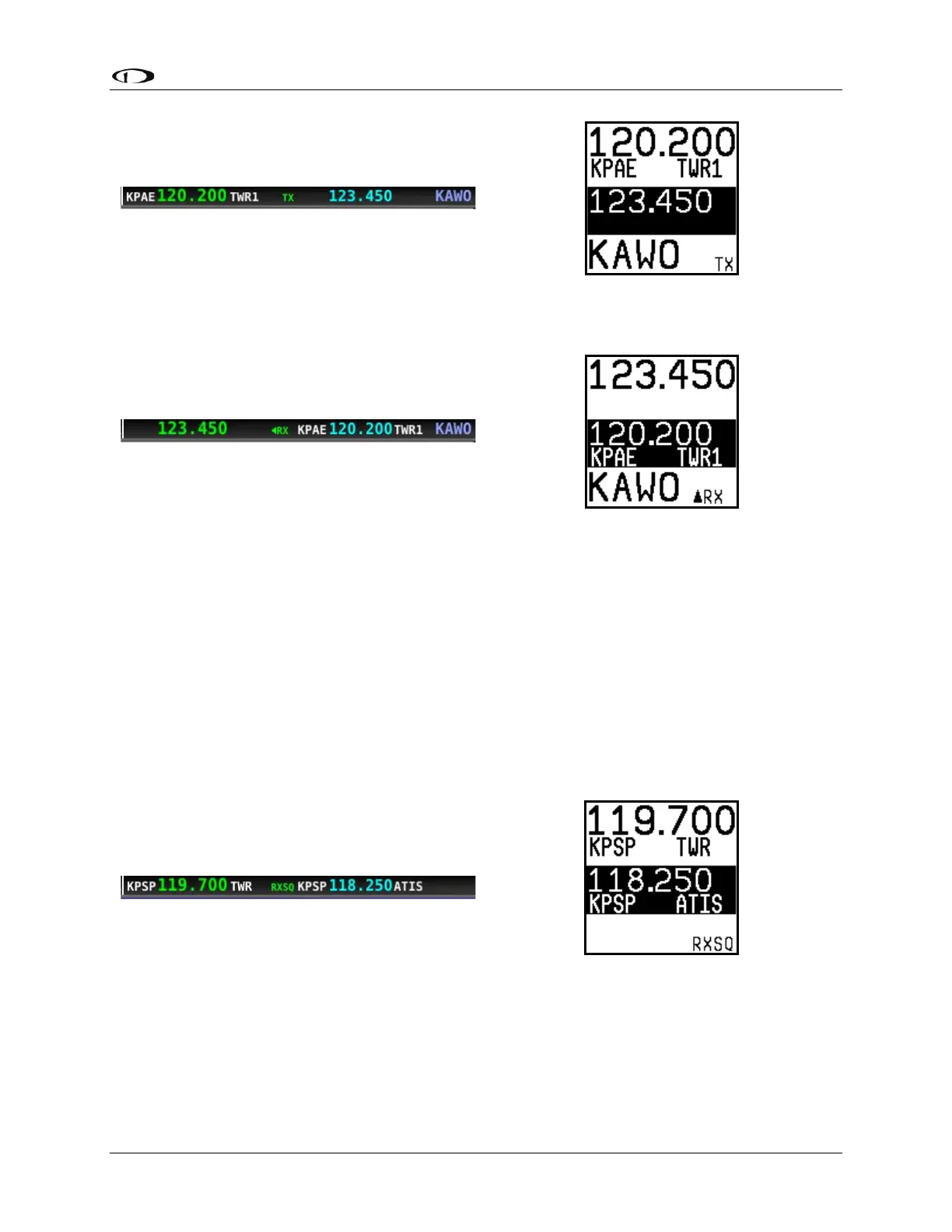
Note the arrow on the top bar that points to the active frequency, and the up arrow on the RX
area of the control panel display that points “up” to the active frequency:
Squelch Override (Monitor)
The radio has an automatic squelch function which screens out noise and only receives radio
stations that have active transmissions on them. However, you may wish to override this
feature to hear a distant radio station or to help set the radio volume. To listen to the active
frequency, press the volume knob momentarily.
RXSQ will be shown in the RX/TX Status Indicator areas on both the control panel and SkyView
SE Top Bar to indicate the squelch is being overridden.
The squelch setting, which determines how strong a radio transmission must be before the
radio receives it, is configured during setup. See the SkyView Classic / SE / HDX System
Installation Guide for instructions on adjusting this parameter.



 To Next Page