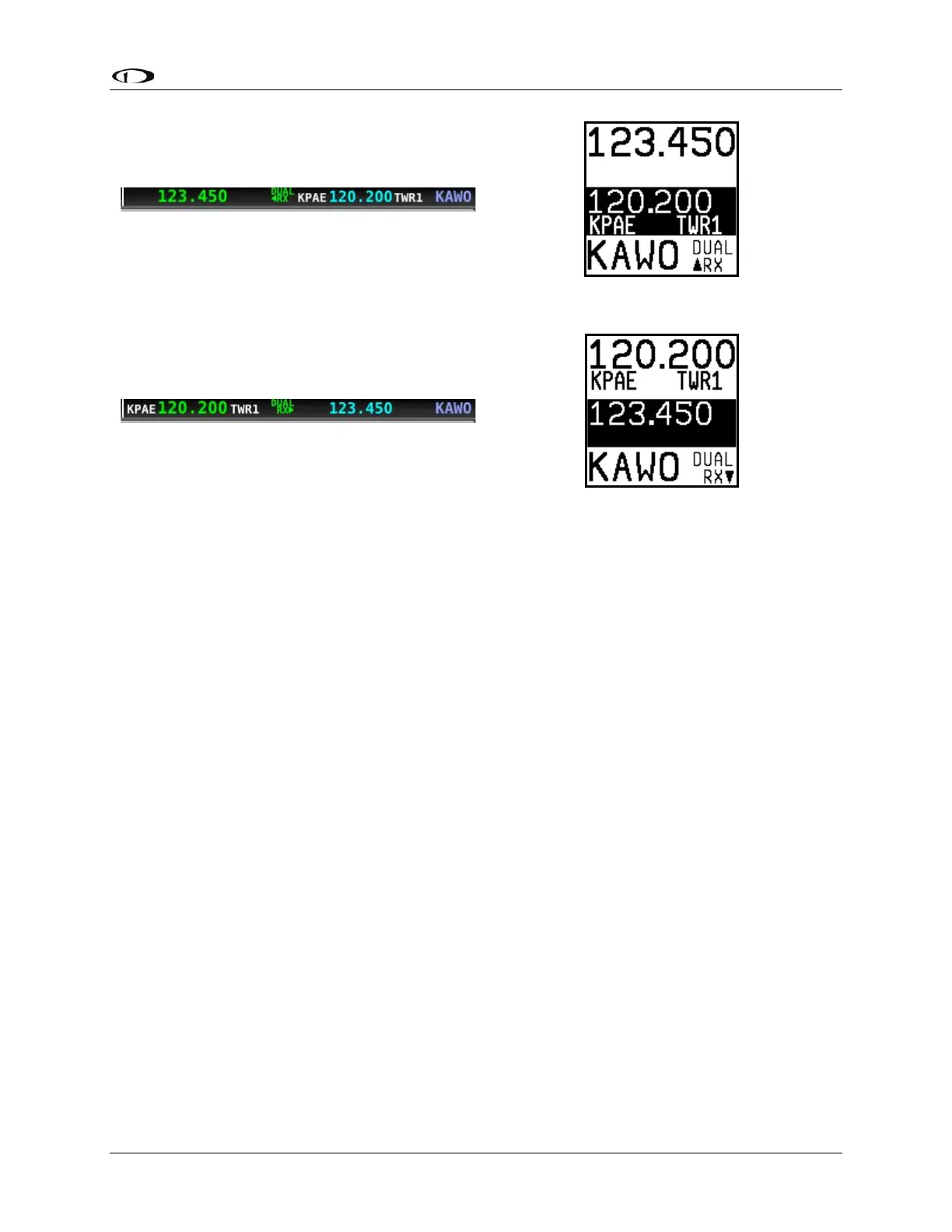
Manual Frequency Tuning
To manually tune a frequency via the control panel:
• Turn the large, outer ring of the dual concentric knob to change the standby frequency
in 1 MHz increments.
• Turn the small, inner ring of the dual concentric knob to change the standby frequency.
The SV-COM-760, -T25, -425 adjusts in 25 kHz increments and by either 25kHz or
8.33kHz increments on the SV-COM-T8 (depending on how it is configured).
o For example, if the frequency you start with is 123.450, turning the large knob
will change the numbers before the decimal – 123 – while the small knob will
adjust the numbers after the decimal – 450.
• Press the dual concentric knob on the control panel to flip/flop the chosen frequency
from the standby frequency to the active frequency.
Airport / Station Type Reverse-Lookup
When a frequency is manually tuned, SkyView SE will search for the closest known airport
within 75 miles that has that frequency and automatically show that airport’s identifier in the
associated airport and station type fields on both the control panel and top bar.
For example, if you manually tune 118.300 near Seattle’s Boeing Field, the associated airport
will be shown as KBFI and the station type as TWR1.



 To Next Page