38
K800000000EJ 020650A0 170512
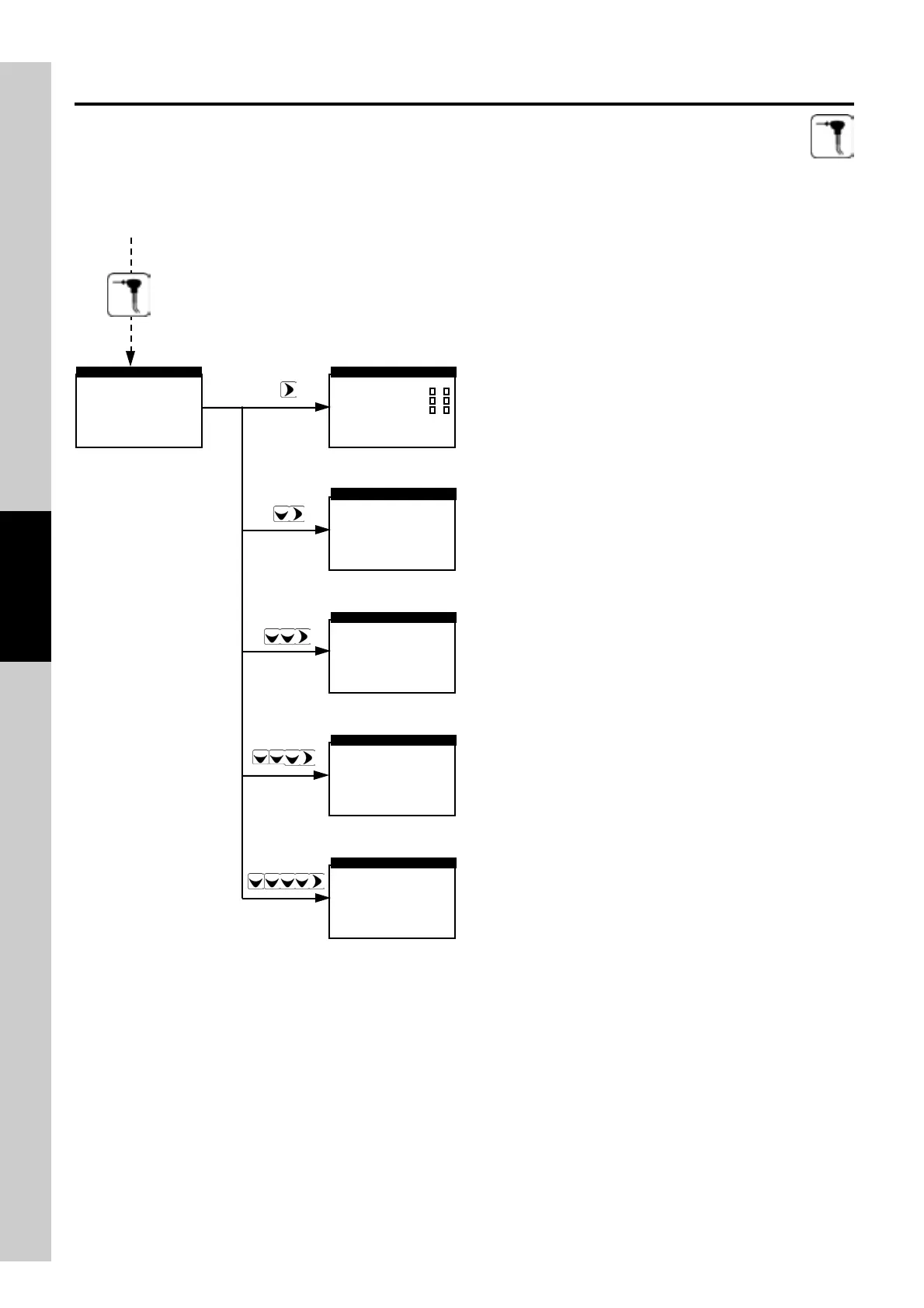
Select the analysis mode - automatic or manual. If automatic
mode is selected, define the test time and print mode -
automatic or manual.
Select the test operator.
Setup the report printing, selecting the number of copies, the
ty pe of report to print and the printer speed.
Activates the Analysis Menu.
Select the fuel of the plant being tested.
Select the memory wherein to store the acquired data.
By pressing the Analysis key once more, and starting from any of the above screens, the user may
proceed as follows:
►Mem.: 01
Fuel.: Natural gas
Oper.: John Smith
Rep.: full
Mode: manual
ANALYSIS SETUP
►Mem.:001
Date:--/--/--
Time:--.--
Name:-------------
----------
SELECT MEMORY
1
2
3
D
S
A
►Natural gas
#2 Oil
#4 Oil
Diesel
Wood/Pellets 8%
▼
FUEL
►1:Mario Rossi
2:Luigi Bindi
3:
OPERATOR ID
►Copies
Model
Printer
PRINT SETUP
full
1
►Mode
Duration
Print
AUTOMATIC ANALYSIS
auto
s 120
manual
fast



 To Next Page