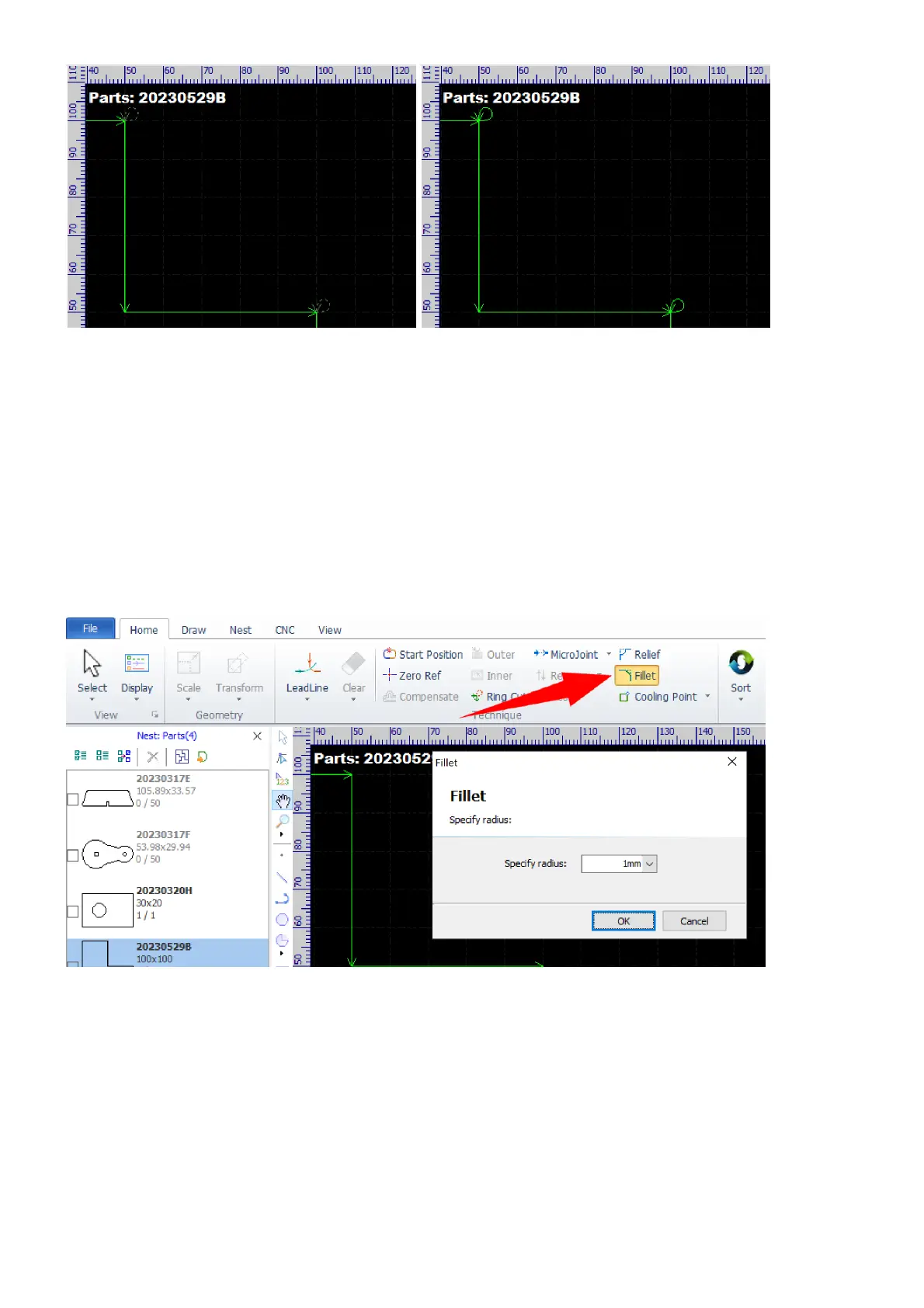
Ring cuts appear as dashed with laser off and as solid with laser on.
If you are not happy with the ring cuts and want to make a change, just select the contours and select the
command Ring Cut again, and give it a try with different settings. If you want to delete the ring cuts, just click
on the button Clear path in the dialog.
Fillet and Relief
The fillet function converts sharp corners to round ones.
Select the command Fillet in Home.
Set the radius of round corners in the pop-up dialog and then click on the corners you want to convert.



 To Next Page