Import Parts
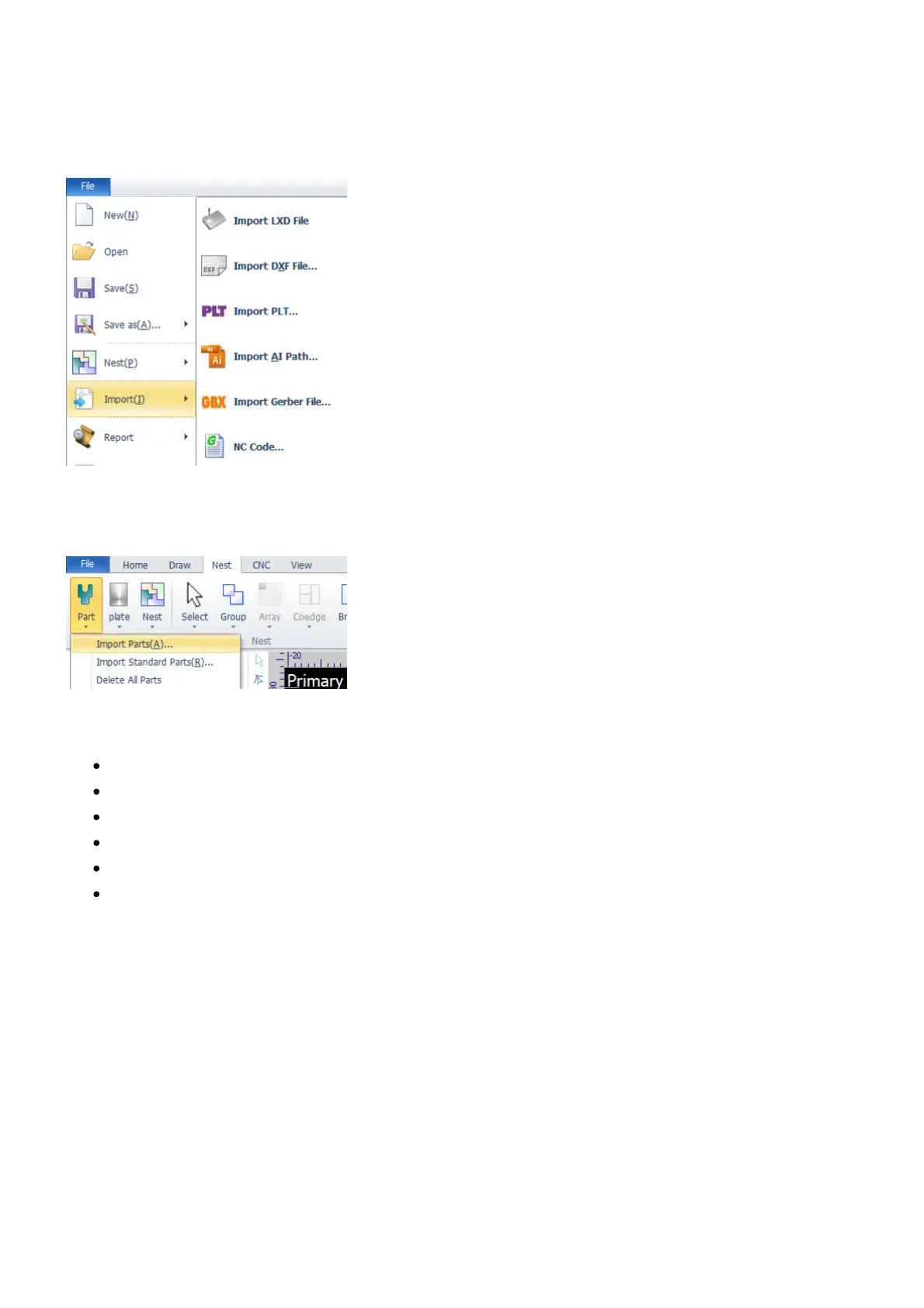
You can import different file formats to CypCut. The import functions launched from the pulldown-menu
File>Import import parts into the drawing window.
On the other hand, the import functions launched from the menu Nest>Part import parts directly into the
part library, refer to Part Library for more information.
Here is a list of the supported file formats:
LXD (CypCut)
DXF (AutoCAD)
PLT
AI (Adobe Illustrator)
Gerber
G Code



 To Next Page