Hints for Programming Parts
This manual does not describe any drawing functions in detail. However, the following information will give
you an overview of basic programming procedures.
Cursor
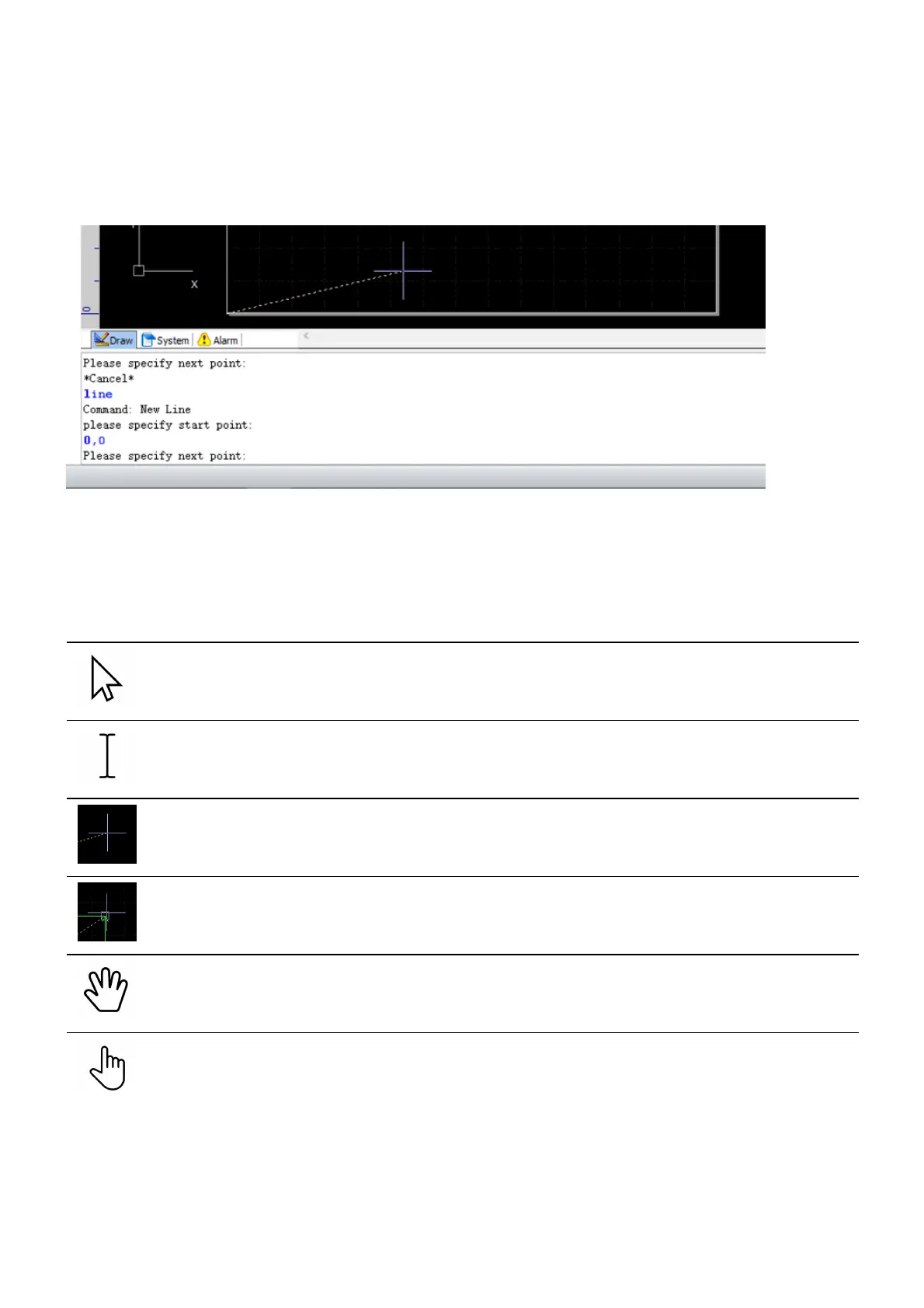
With the mouse you move the cursor over the screen. Depending on the actual position of the mouse and on
the command which has been chosen, the cursor will appear in different shape, either as a white arrow, as an
I-beam or as a purple crosshair, etc.
Cursor Description
White arrow
The cursor is on the menu bars, the tool bars, or the other docking panels.
I-Beam
The cursor is on the Draw command window.
Purple crosshair
The cursor is on the drawing window, no special functions are active.
Purple crosshair with object snap box
The cursor is on the drawing window and has been activated by an object snap function.
Drag
The cursor is on the drawing window and has been activated by the drag function.
Hand
The cursor is on the drawing window and has been activated by the zoom dynamically function.
Mouse Buttons
The left mouse button is for clicking on icons, choosing drawing elements, for setting points in the drawing
window, etc.



 To Next Page