Construct Parts
Instead of importing parts file, you can construct parts directly in CypCut, especially for simple ones.
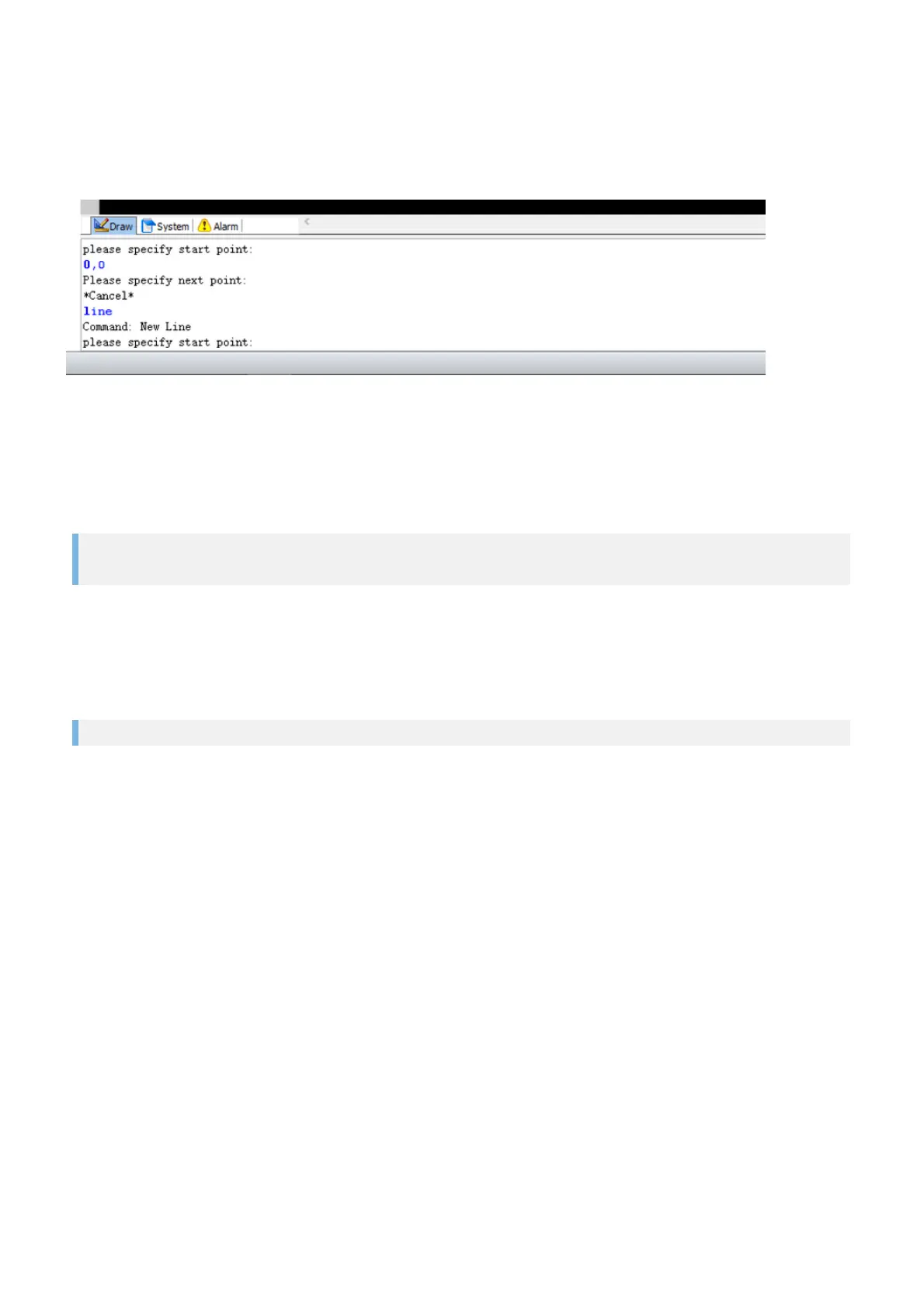
Draw Command Window
The Draw command window is the most important communication platform between you and the PC while
programming parts. The PC tells you which insertions it expects you to enter for the chosen command.
For example, when you enter line in the Draw command window, or run the function by selecting the
function Line in the menu or clicking on the button Line, you will see the message below.
Command: New Line
please specify start point:
The PC is waiting for an insertion in the form of a coordinate. Insert an X and Y coordinate and separate the
two values with a comma (do not use the decimal point of the number block. It is only needed for entering
decimal values). Confirm your entry with Enter. If the message Unknown param appears, you have either
forgotten to enter a second value or have not separated the X and Y coordinates properly.
30.5,15.85



 To Next Page