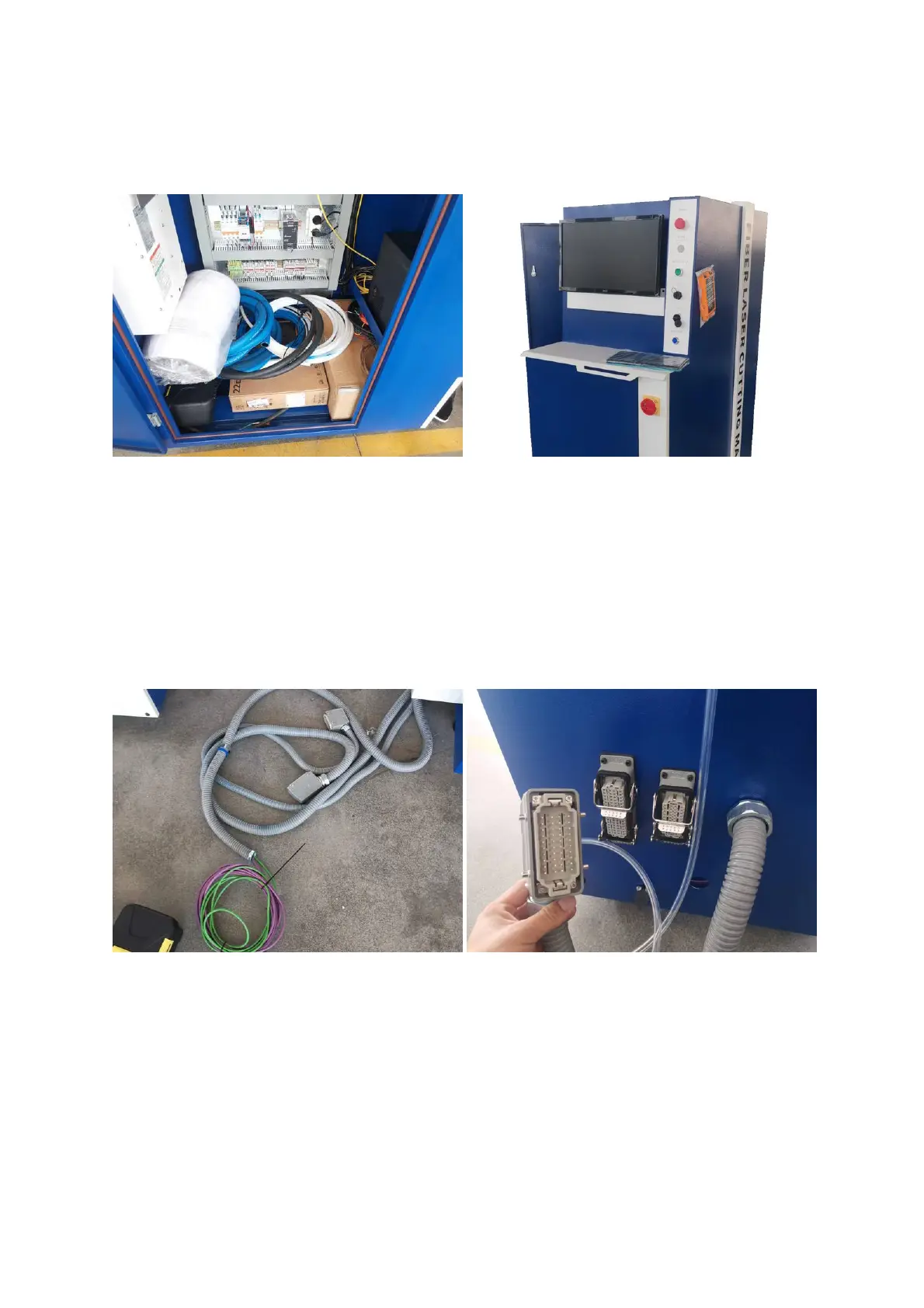
(For 6kW Only) Set up the Control Console
1. Assemble the monitor.
Take out the monitor from the console cabinet, assemble it in place, and connect the cables.
2. Put the keyboard, mouse and the handheld remote on the console.
3. Assemble the alarm indicator.
Assemble the alarm indicator on the top of the console cabinet, and connect the wires.
4. Connect the cables.
Connect the cables from the machine to the console.



 To Next Page