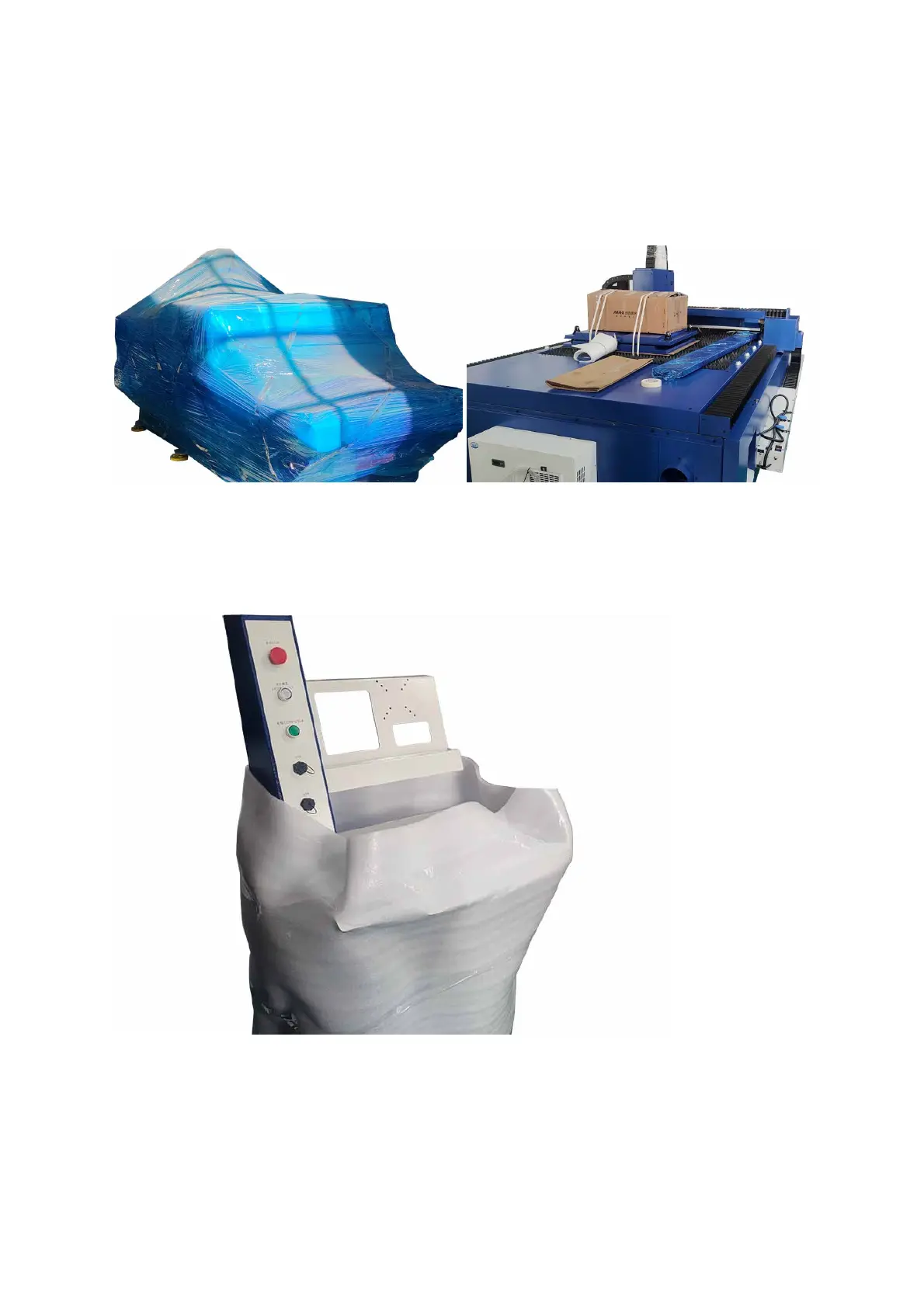
Unpacking the Laser System
Follow the steps below to unpack and place all the components of the EV-30 laser system, refer to The
Recommended Footprint Configuration of the EV-30 Laser System for more details.
1. Remove all the protective films and the packing materials on the machine, set it in place, and set all the
accessory packs to the right side for now.
2. Remove the packing materials on the control console, and set it to the front of the left side of the
machine.
The control console for 3kW lasers.



 To Next Page