Import into the Drawing Window
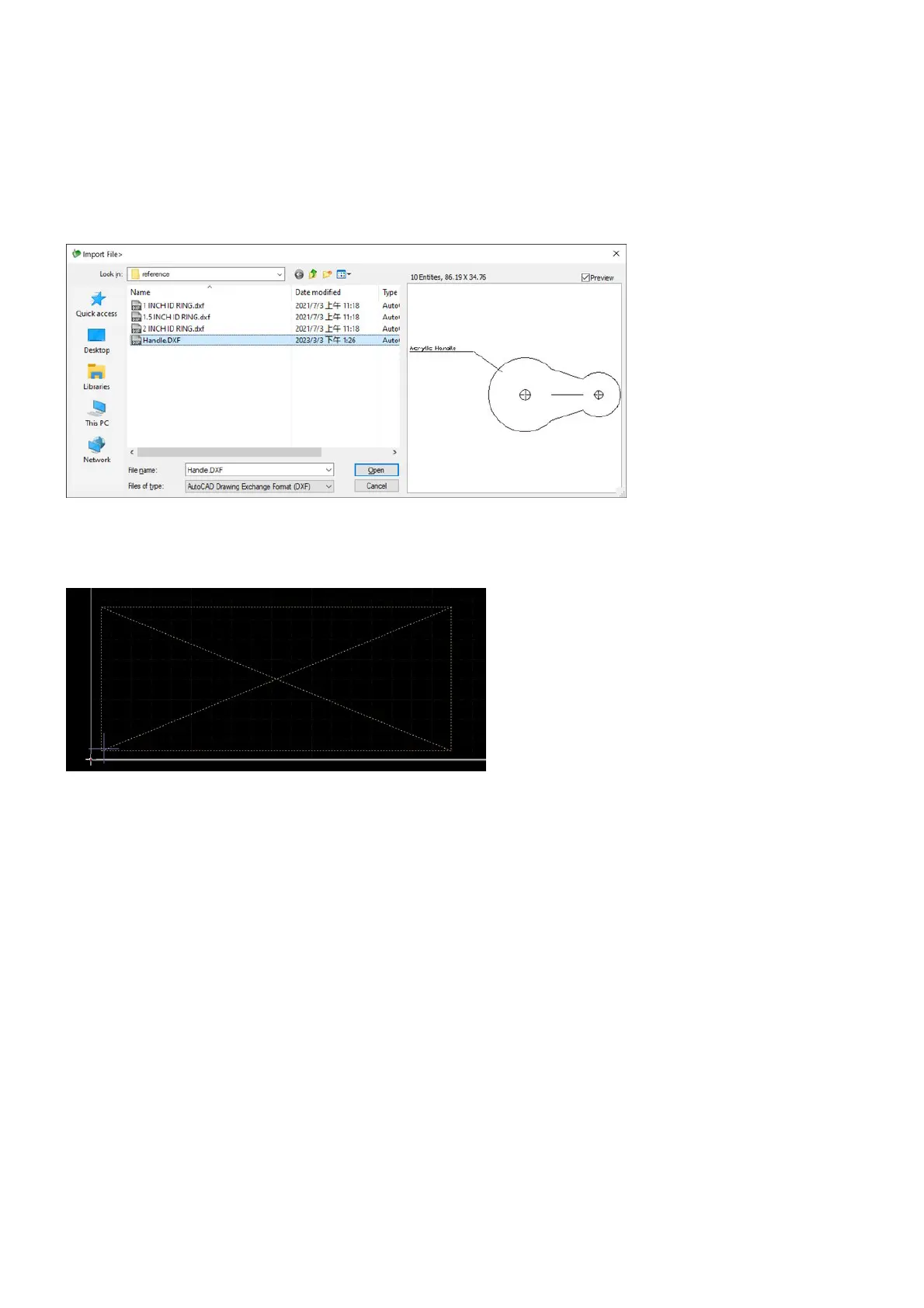
Let's go through the steps for importing a DXF file into the drawing window. Importing other files works just
like this one.
Select the command Import from the pulldown-menu File, then Import DXF File. Search for the DXF file in
the Windows dialog box and click on Open.
The placement of the drawing will be shown as a placeholder which sticks to the mouse cursor, set it to where
you want in the drawing window.



 To Next Page