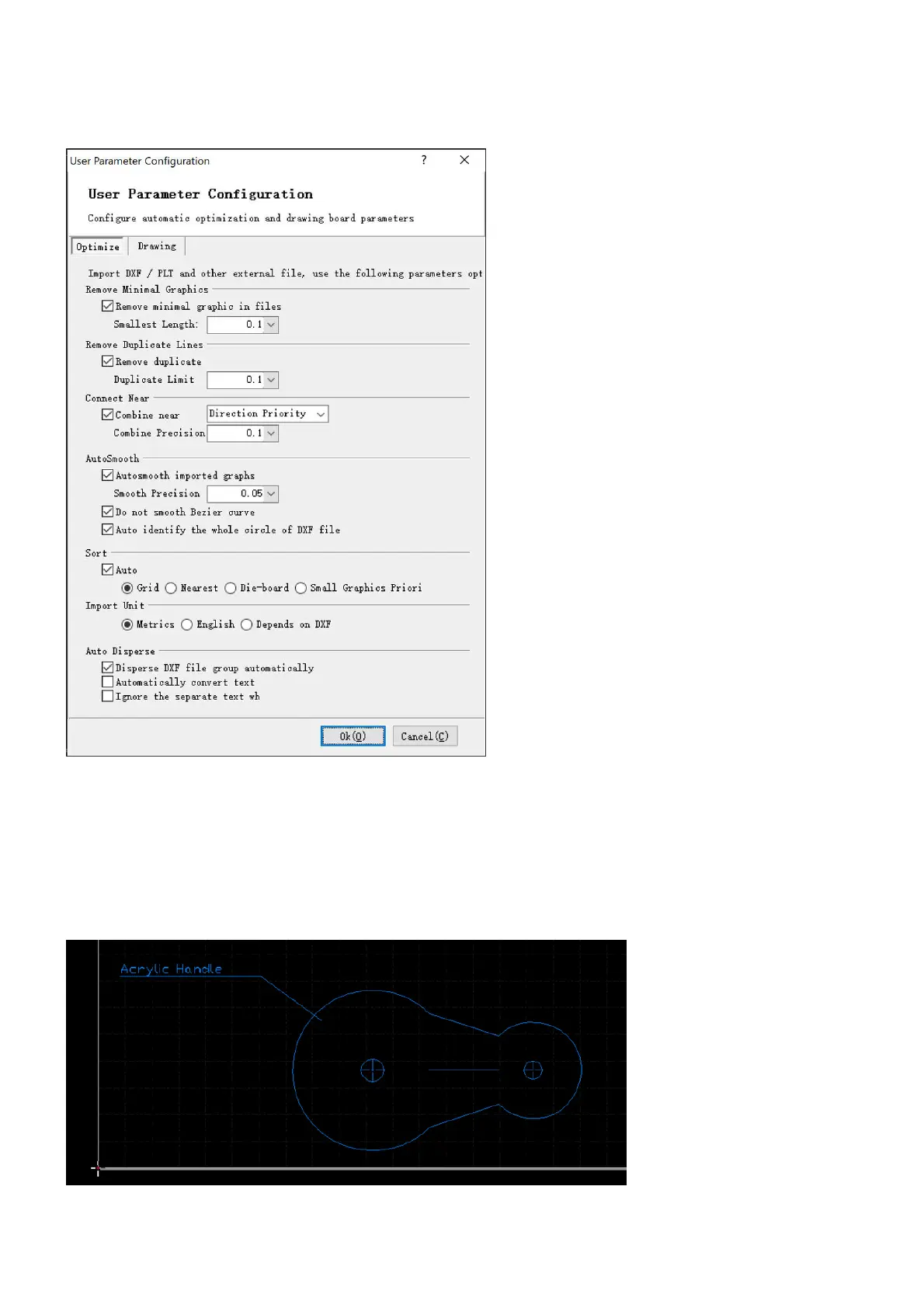
Now the software executes various activities, which you have to define or check first. Open User parameters
from the pulldown-menu File>User option.
These settings will be executed on the file when importing, i.e. removing tiny elements, deleting duplicated
elements, etc.
And then the optimized drawing of the DXF file is displayed in the drawing window. Apart from the contours
you might also see construction and dimensioning lines plus drawing information which you do not want to
import.



 To Next Page