Select and remove those unwanted elements to "isolate" the contours.
Finally, check the parts for open contours and correct any mistakes if necessary.
Drawing Optimizations
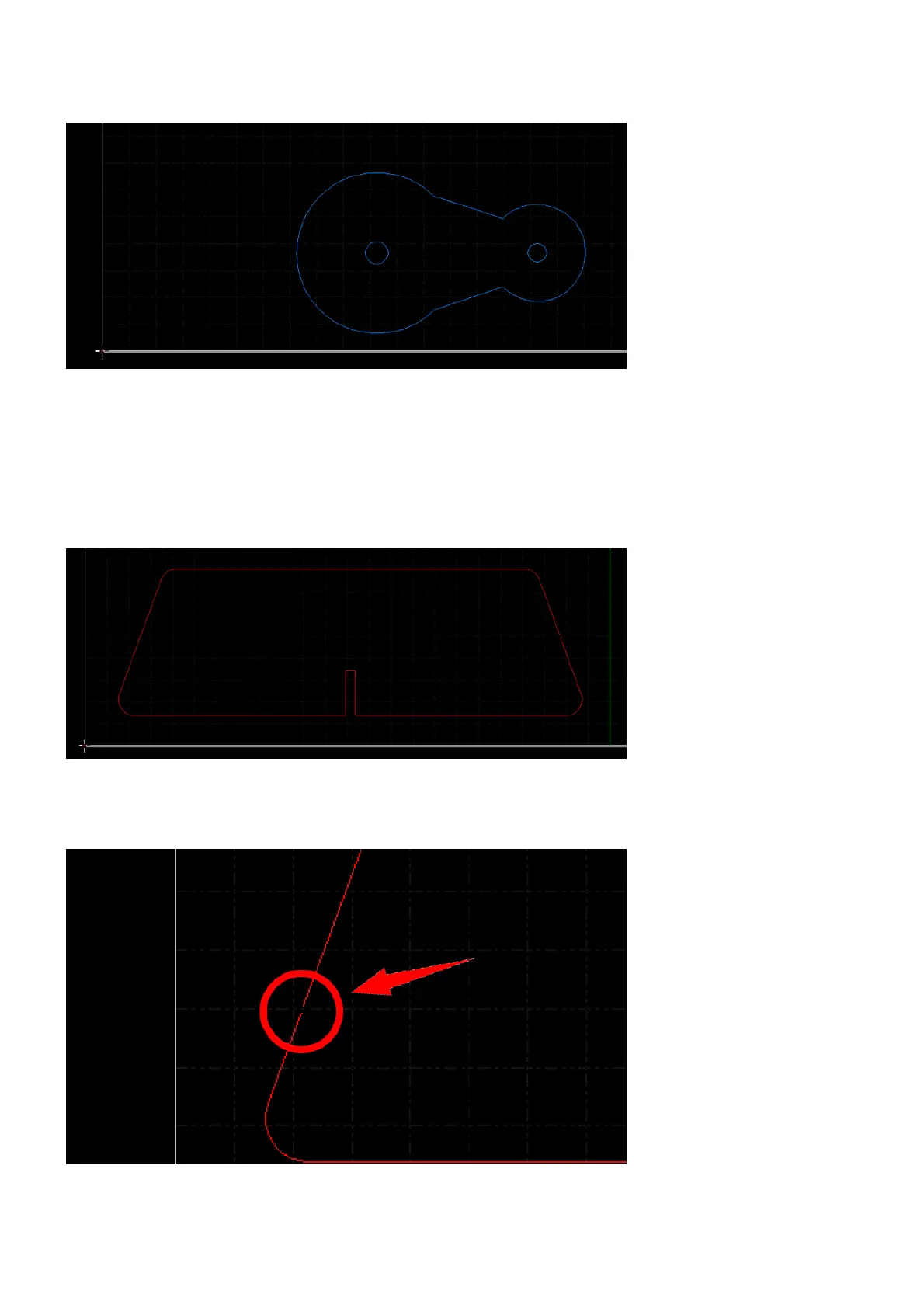
Sometimes, there are still open contours (shown in red if the view function Show unclosed curve as red is
active) and other kinds of issues left in the parts after the default optimizations executed when importing.
That is due to the drawing issues exceed the range of the corrections that the default optimizations can make,
e.g. the gaps in the open contours are too big to close.



 To Next Page