Drawing Settings
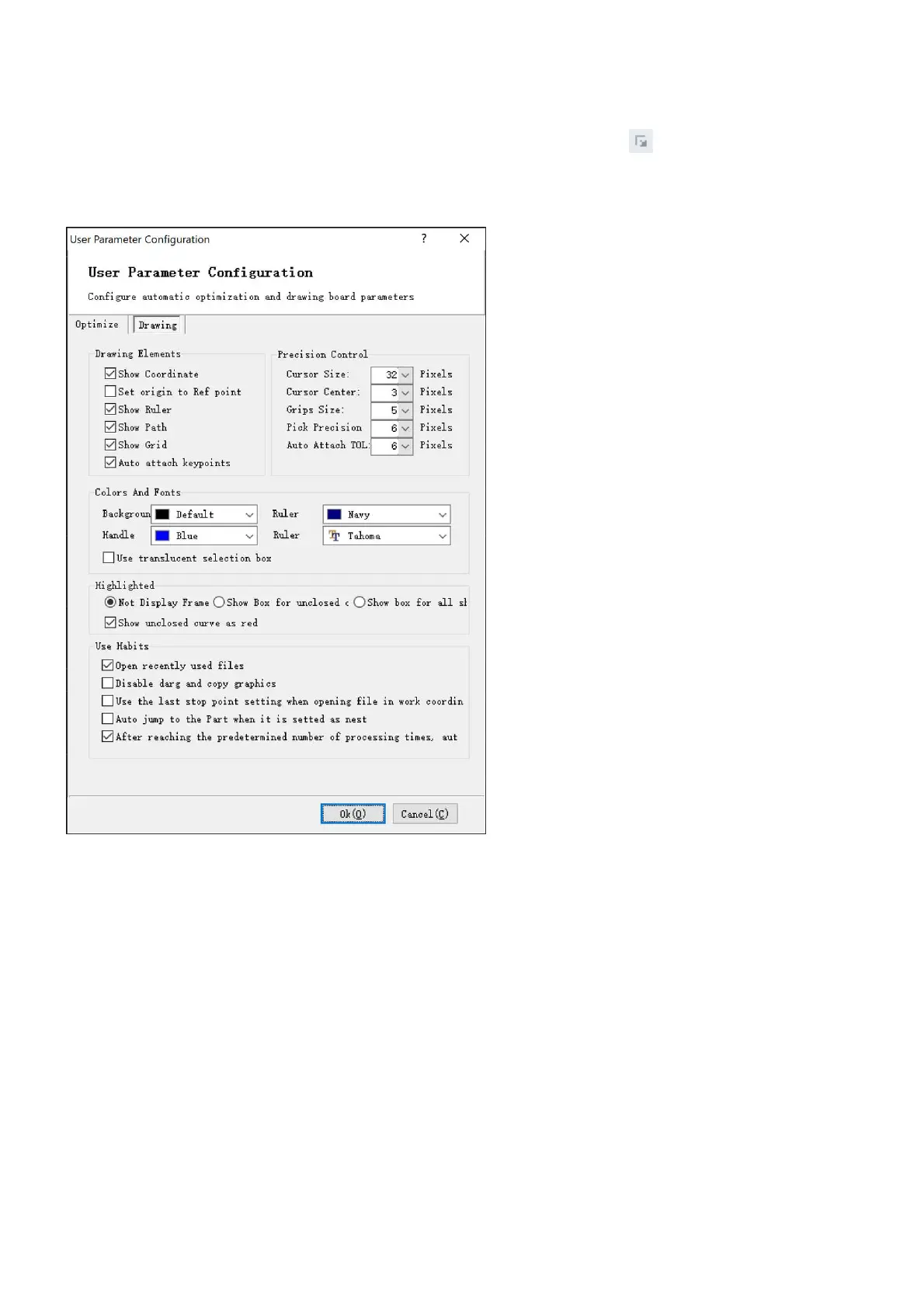
Select the menu User parameters in File>User option, or click on the button in the Basic Operation
section in Home, you will see the drawing settings, which include settings for the object snap functions we
just mentioned above.
Here you can set which elements to display in the drawing window, set size of cursor, set background color of
the drawing window, set color and font of the ruler, set highlighting of drawing elements, and others
according to your preferences.



 To Next Page