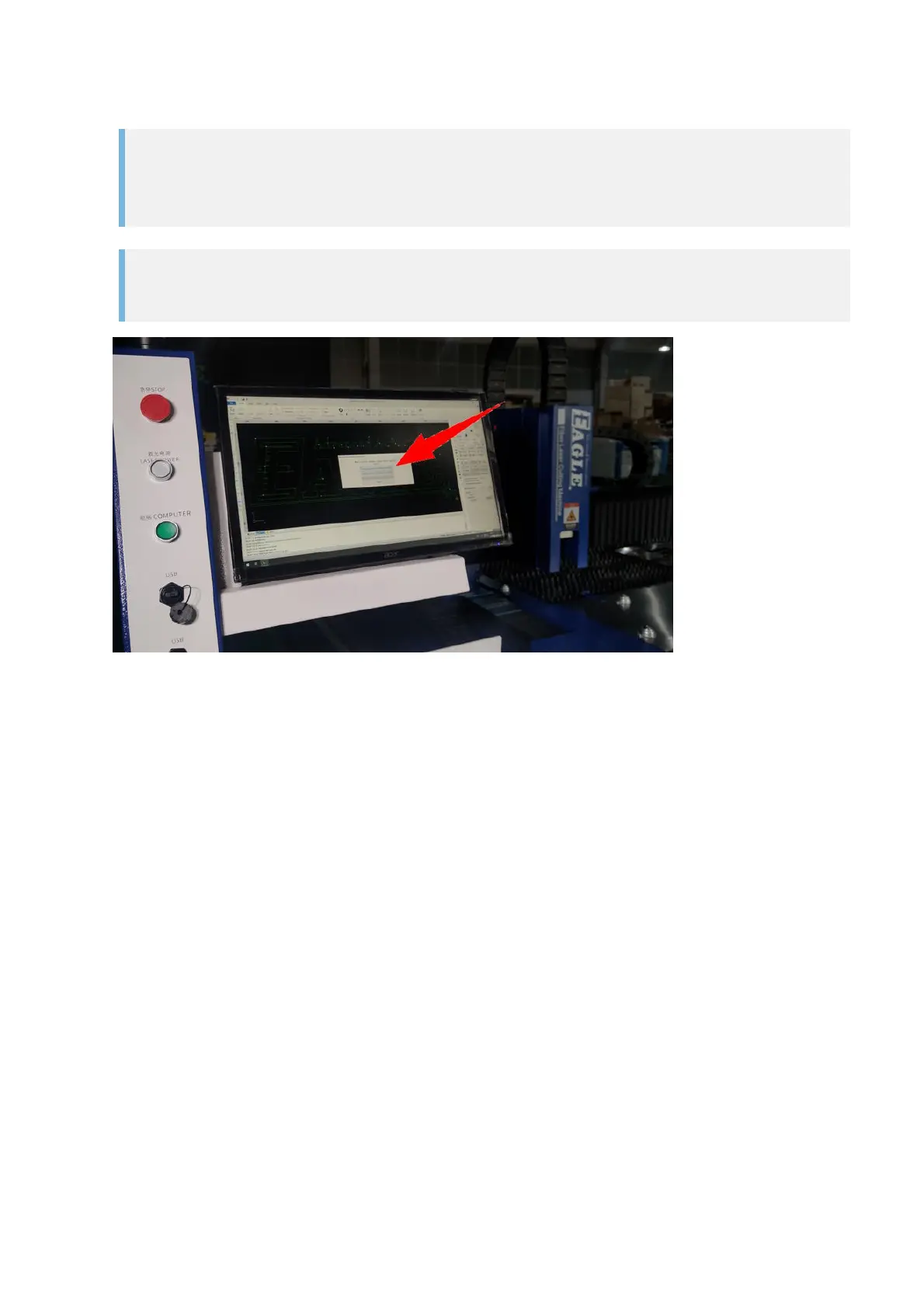
11. Launch the CypCut software and complete the homing process.
IMPORTANT
The laser head will move to its home position (the front left corner of the cutting bed), make
sure there is nothing blocking the way of the laser head and the gantry.
IMPORTANT
Cancel the homing process if there is any warning reported in CypCut.
Now the laser system is ready for machining.



 To Next Page