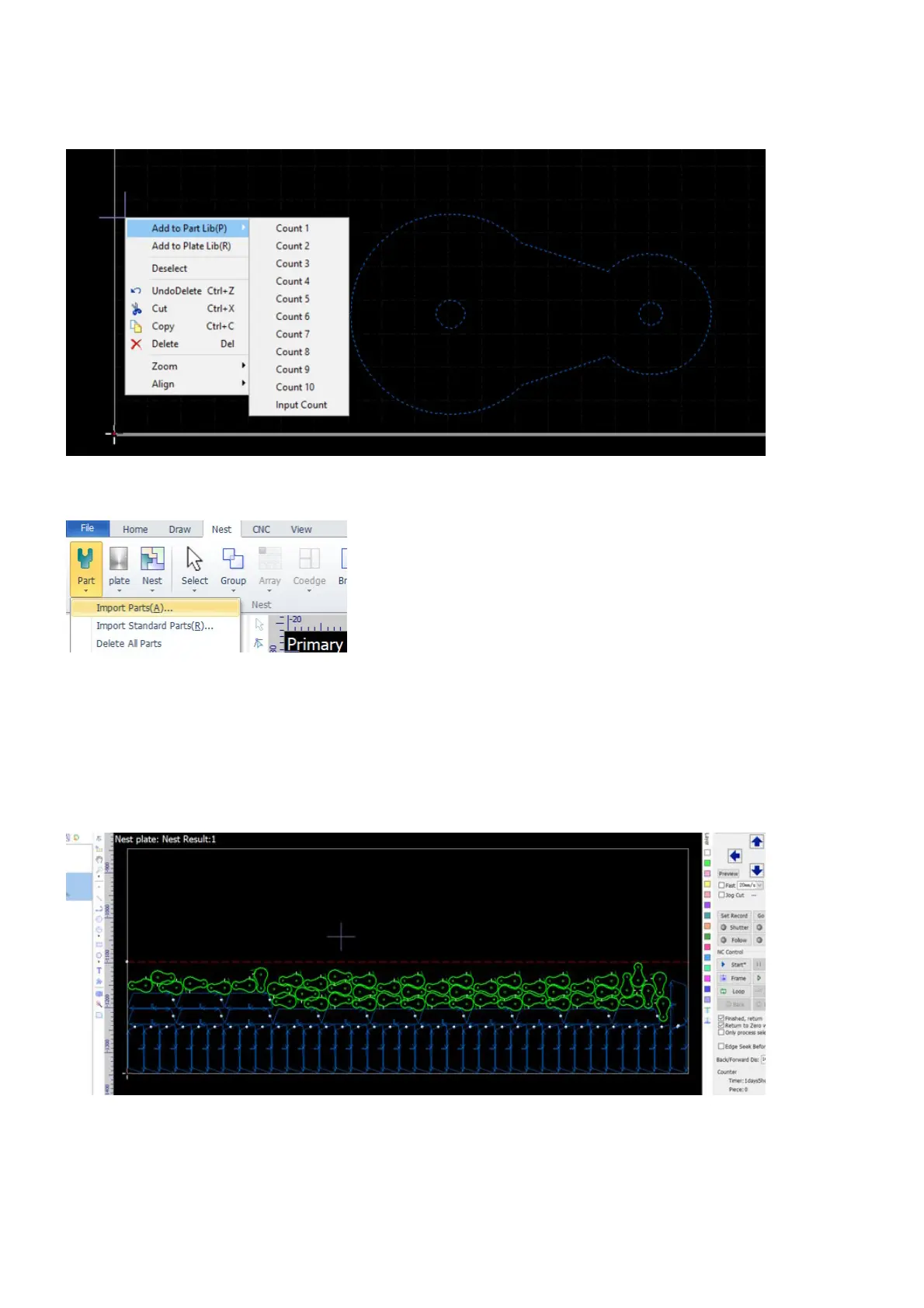
And then select the parts that you want to machine, right click to bring up the context menu, click on Add to
Part Lib to add them to the part library for nesting.
Or, you can import parts directly into the part library. In Nest, click on Part, and then click on Import Parts.
You can also construct simple parts directly in CypCut, add them to the part library if you want to do nesting.
Nest Parts
In Nest, click on the button Nest, fill out the settings in the popup dialog, and then the parts will be optimally
nested onto the raw material sheets.



 To Next Page