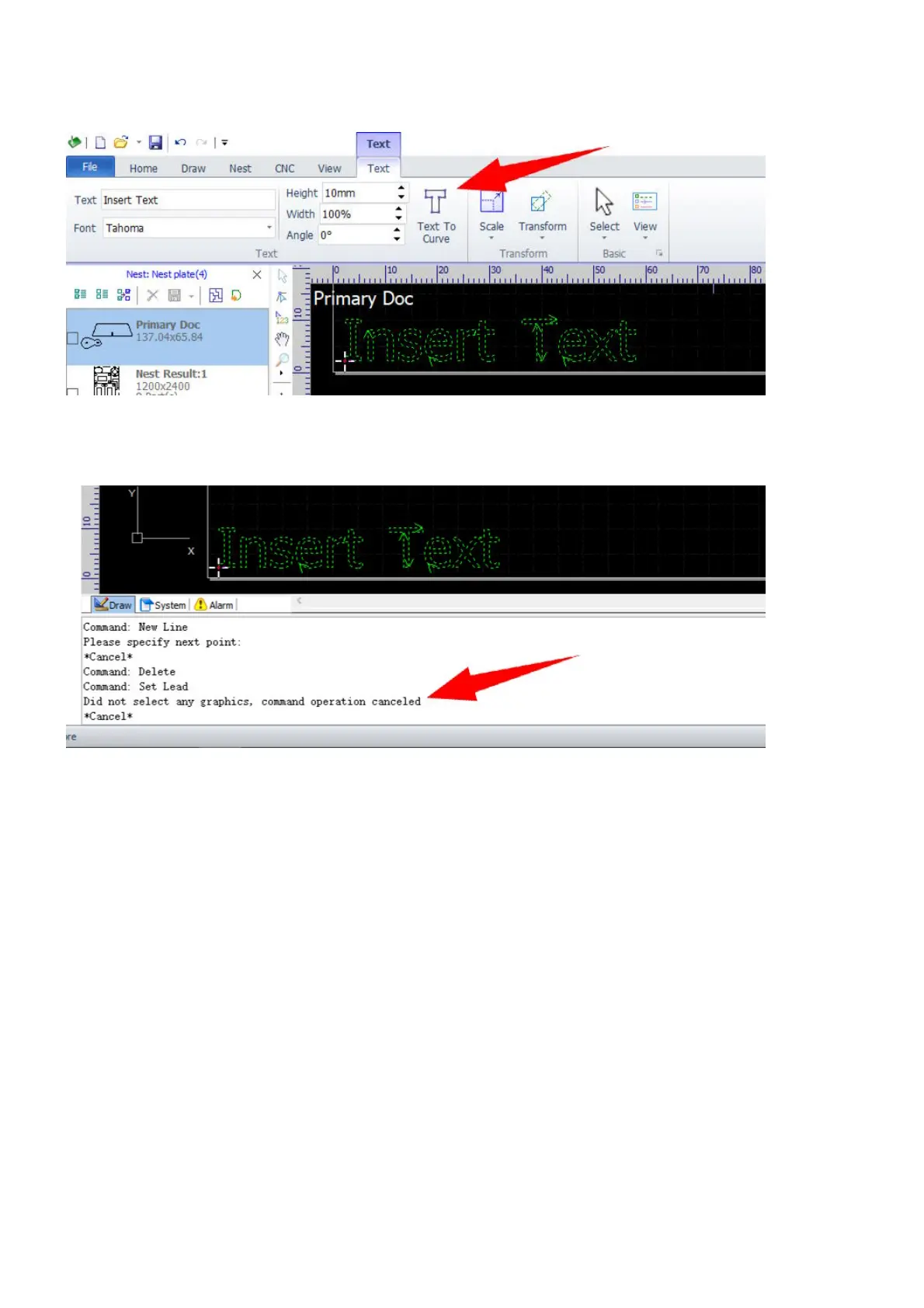
The Text command will create a text object and activate the menu Text after you confirm the creation. You
can change text, font, size and placement of the object in the menu.
After creation, you need to select the command Text to Curve to convert the text object to normal contours
which are ready for setting technology. Otherwise, you will get error messages when doing that.



 To Next Page