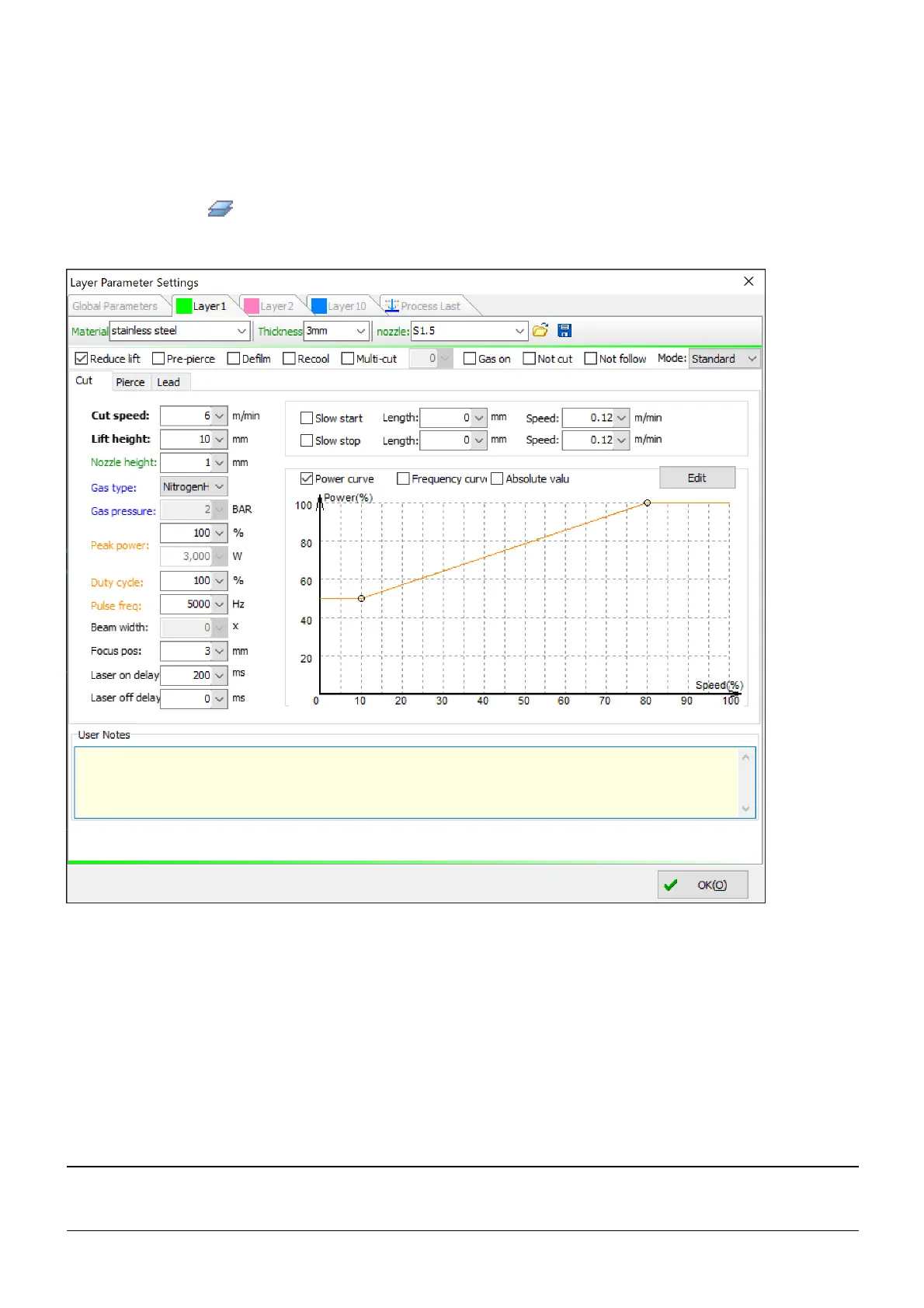
Layer Parameters
To set cutting parameters of a layer, there must be at least a drawing element in the drawing window, a part in
the part library, or a drawing element in the nest results.
Click on the button Layer, you will see tabs for different layers and parameters grouped in the tab Cut,
Pierce and Lead for each layer in the pop-up dialog.
There are four layers in this example, i.e. layer #1, layer #2, layer #10 and layer #16 which is the special layer
processed in the end. They have a same set of layer parameters, including general options, parameters for
cutting, piercing and leads.
First, you can give a layer some annotations which help you get to know how to apply this set of cutting
parameters, such as the material, the thickness, the nozzle type as well as other matters that need attention.
Then, you can find a group of general options which are placed on the top.
Option Description
Reduce
lift
The laser head will not lift up when traveling if the start position of the next cutting is nearby
and within a pre-defined distance.



 To Next Page