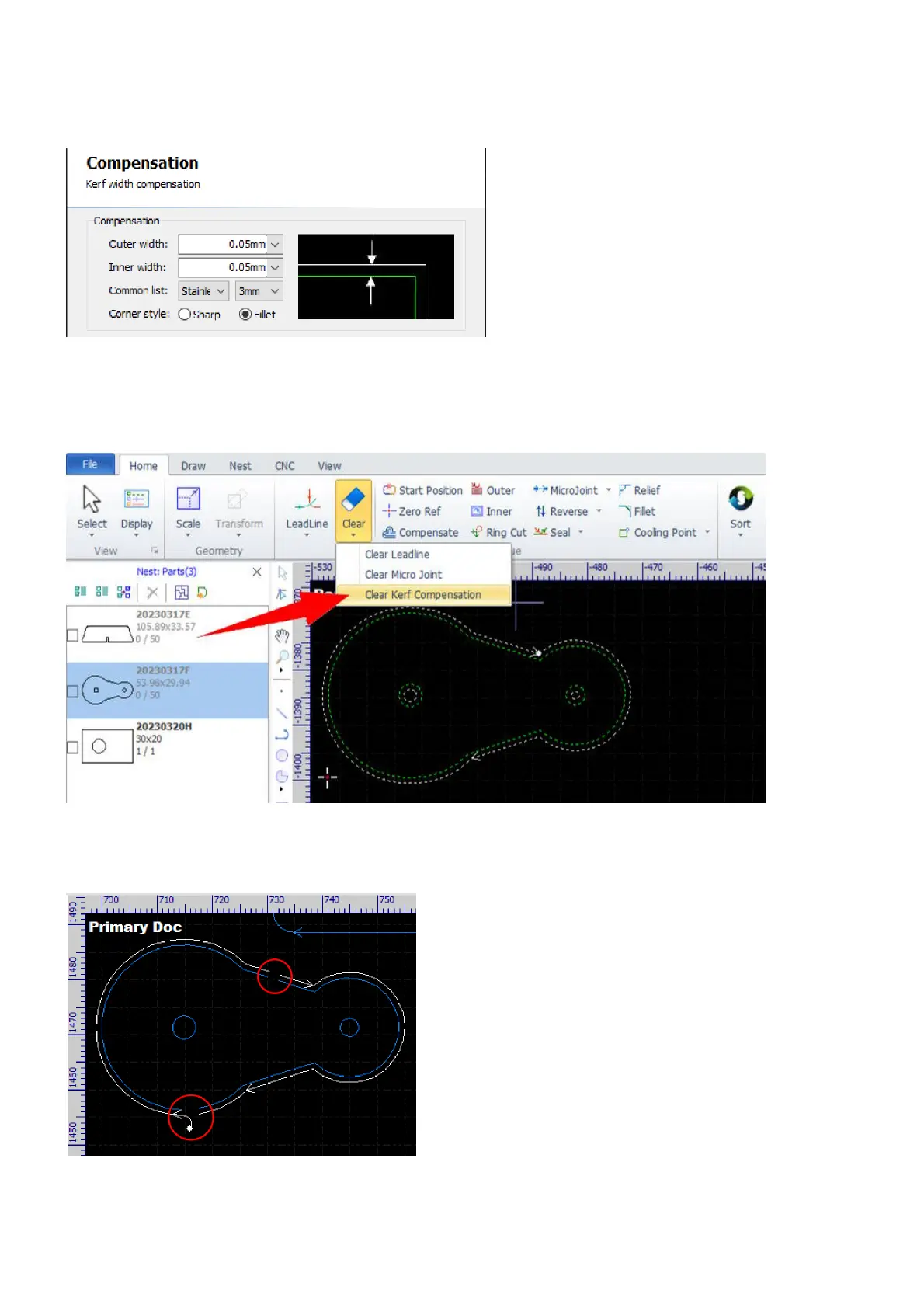
After setting up the library, you can select the corresponding compensation setting by choosing the material
and the thickness from the pulldown-lists.
To remove the cutting paths created by the kerf compensation function, click on the button Clear
compensation in the dialog or select the command Clear Kerf Compensation in Home>Clear when the
contours are selected.
In addition, all the other technologies set on a contour will be applied to the cutting path created by the kerf
compensation function, e.g. lead-ins and lead-outs, gaps, microjoints, etc.



 To Next Page