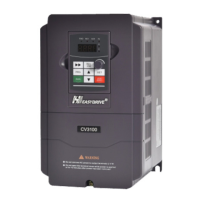
CV3100 series and MINI series high performance general purpose inverter instruction manual
4-5
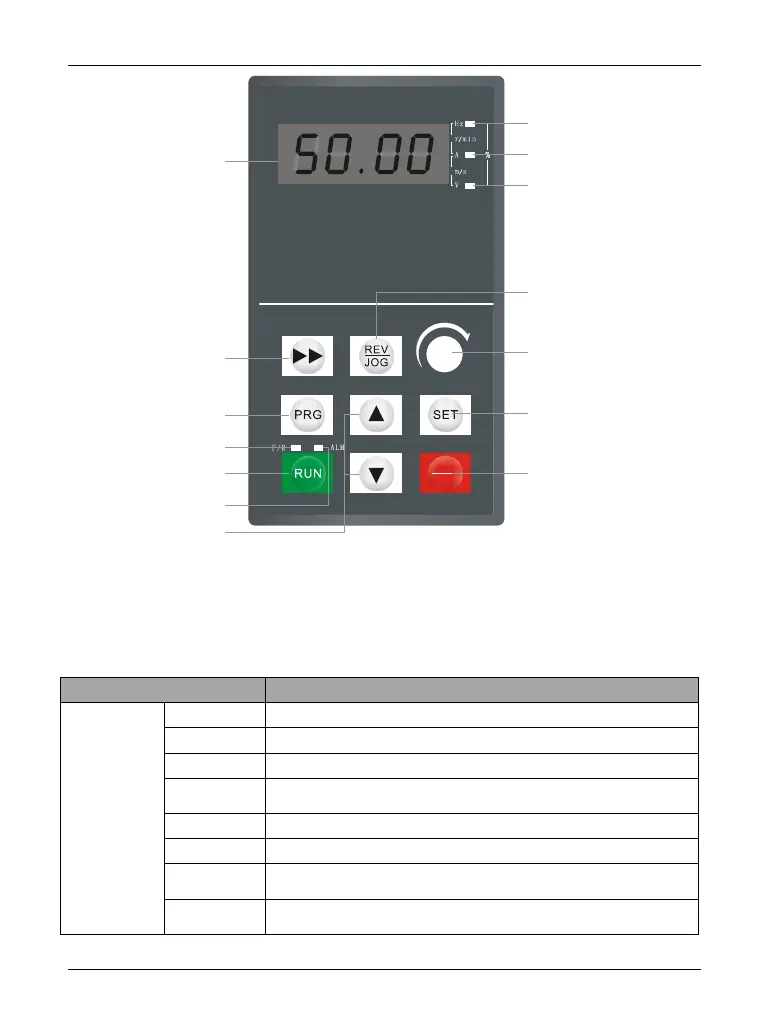
Diagram 4-4 RKD Operating keyboard map
4.2.2 Keyboard function description
There are eight buttons and one keyboard analog POT on the inverter keyboard, they
functions are defined as follows:
Status
indication
Fuction
When the LED display content is frequency data, the light is on
When the LED display content is current data, the light is on
When the LED display content is voltage data, the light is on
When the inverter current limiting operation or pressure limiting
operation or the failure occurs,the light is on
When the inverter is forward running, this light is on
When the inverter is reverse running,this light is on
When the LED display content is rotational speed, the two lights is
on at the same time
When the LED display content is percentage, the two lights is on at
the same time
STOP
RESET
Programming/exit
Shift
Run
Up/Down
4-digit digitron
Freq unit Hz. ( )
Current unit A()
Voltage unit V ( )
Jog
Freq. setting analog
Store
Stop/Fault reset
Forward/Reverse
Alarm(red)



 To Next Page