KOSMOS User Guide 5
Symbols in this user guide
Symbols in this user guide
User guide conventions
The following style conventions are used in this guide:
• Numbered and lettered steps must be performed in a specific order.
• Bulleted items are lists in no specific order.
• KOSMOS touch screen icons and buttons are indicated in bold, such as SCAN.
• The word:
Tap refers to touching the screen quickly with your finger
Drag refers to touching the screen with your finger and then moving your
finger across the screen
Swipe refers to moving your finger across the screen quickly
Pinch refers to moving two fingers in a pinch motion or pinch release
motion across the screen
Check refers to tapping a check box to enable the associated function
Clear refers to tapping a check box to disable the associated function
Select refers to tapping a menu item from a menu list
• Links to other sections within the guide appear bold and colored, such as the
cross reference, see Imaging modes.
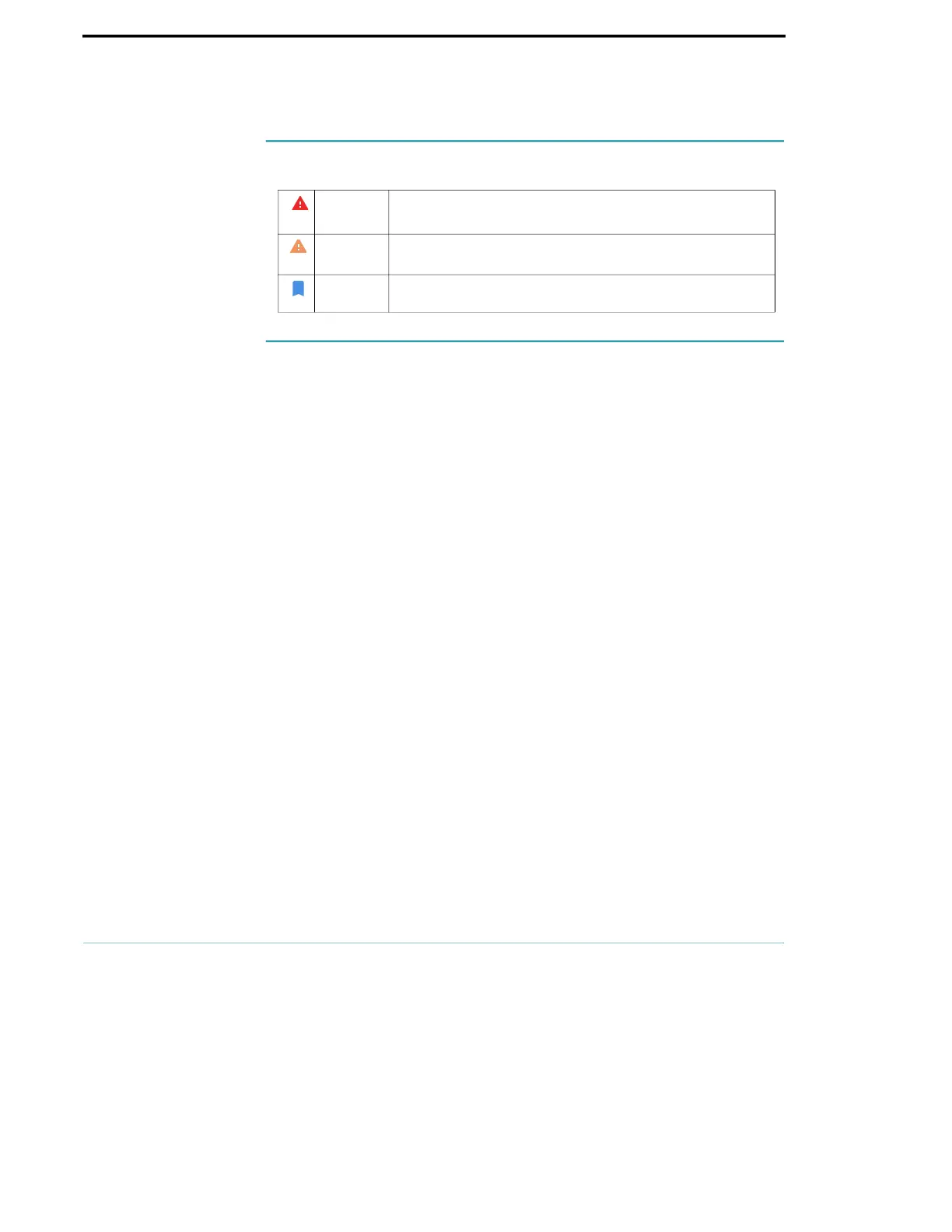
Warning A warning describes precautions to prevent injury or loss of life.
Caution A caution describes precautions to prevent damage to the
device.
Note A note provides supplemental information.



 To Next Page