Reviewing an Exam
66 KOSMOS User Guide
For more information about setting up a PACS server, see Managing PACS
archives.
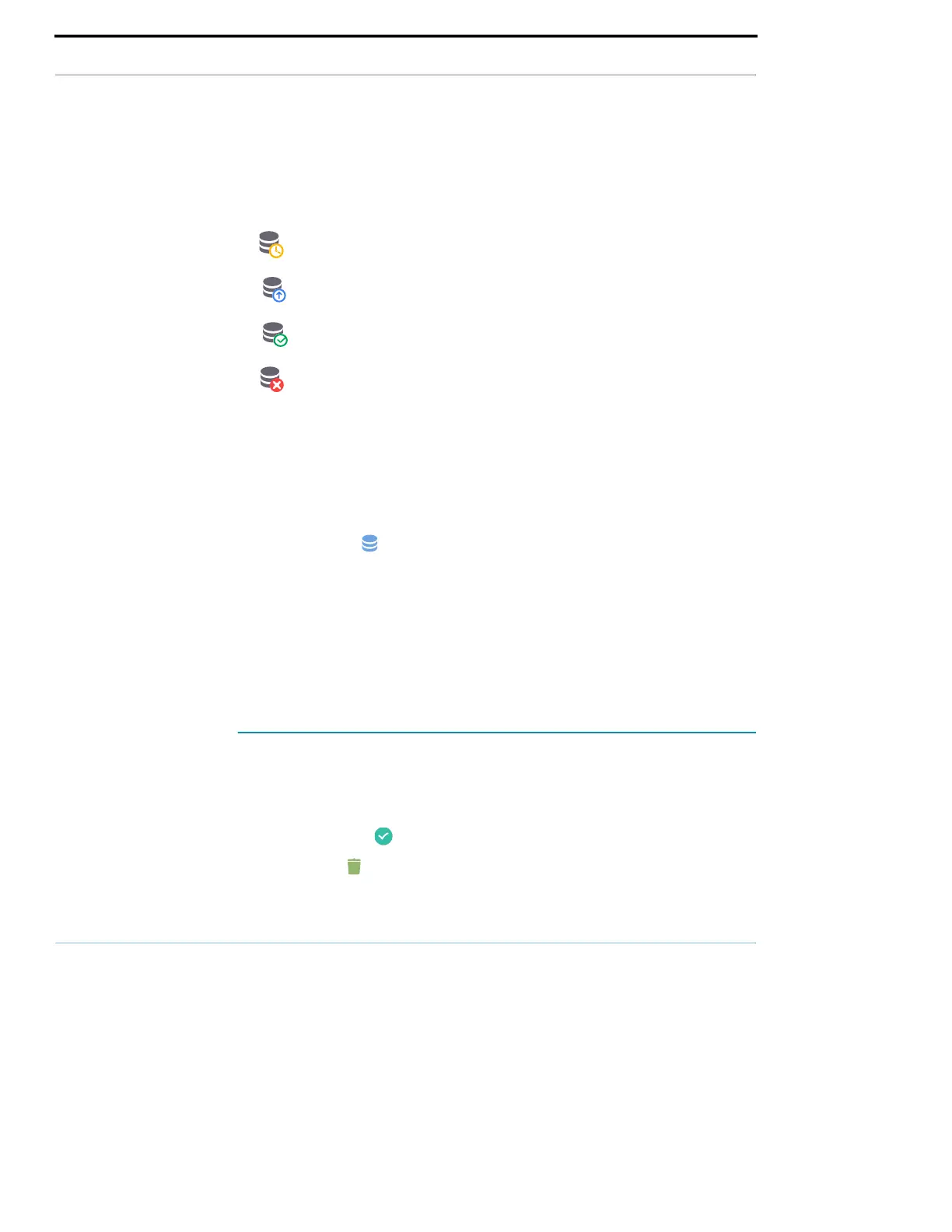
The following table is a legend for the archiving icons.
You can archive an exam either from the Exam list or the Exam review screens.
To archive an exam from the Exam list screen:
1. From the Exam List screen, tap to select the completed exam(s) you want to
archive.
2. Tap the Archive icon. The complete exam is archived according to the
default archive options. For more information, see Managing PACS archives.
To archive an exam from the Exam review screen:
1. From the Exam review screen, tap ARCHIVE.
2. From the Archive exam to PACS server screen, select which images and clips
you want to archive and if you would like to include a report.
3. Click OK and, when prompted, click OK again.
Deleting an exam
To delete an exam from the Exam list:
1. Tap the left icon next to the exam you would like to delete. The icon turns
into a check mark .
2. Tap the Trash icon.
3. When prompted, tap OK.
Exam is waiting to be archived.
Archive is in progress.
Archive is complete.
Archive failed.



 To Next Page