KOSMOS User Guide 61
Managing images and clips
Managing images and clips
Filtering images and clips
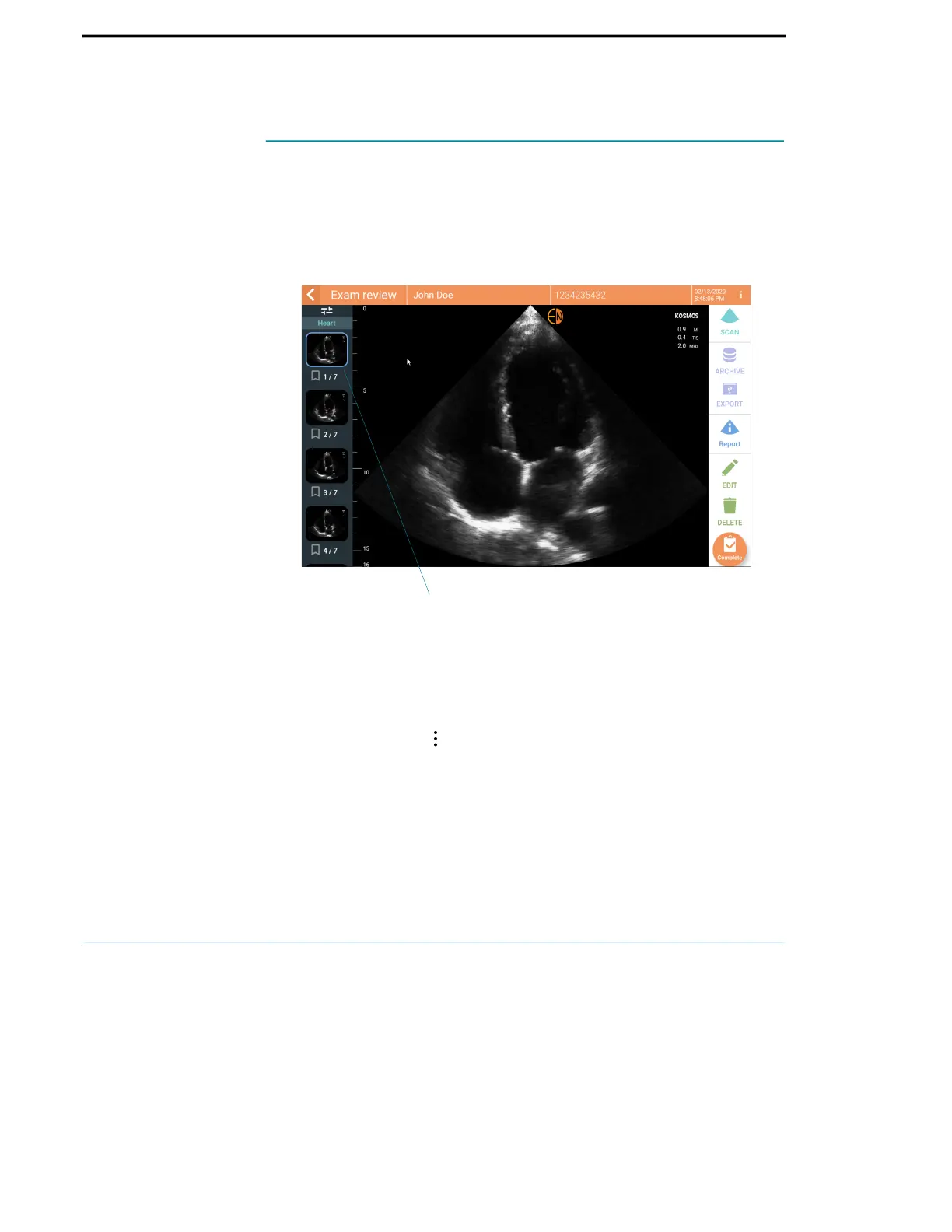
When you review an exam, all the images and clips, regardless of the scan type
(lung, heart, abdomen) are visible in the thumbnail list.
You can filter images and clips in the following ways:
• Drag and pull the thumbnail list down to reveal the filter options.
• Tap the Filter icon on top of the thumbnail list to reveal the filter options.
• Tap the More options icon in the title bar, and tap Filter images and clips.
When the filter options are visible, a blue check icon will be shown next to
Filter images and clips.
When you select a filter, only the tagged images/clips are visible in the
thumbnail list. You can tag images/clips by tapping the star icon under each
image/clip in the thumbnail list so the star turns yellow.
Thumbnail list



 To Next Page