Reviewing an Exam
58 KOSMOS User Guide
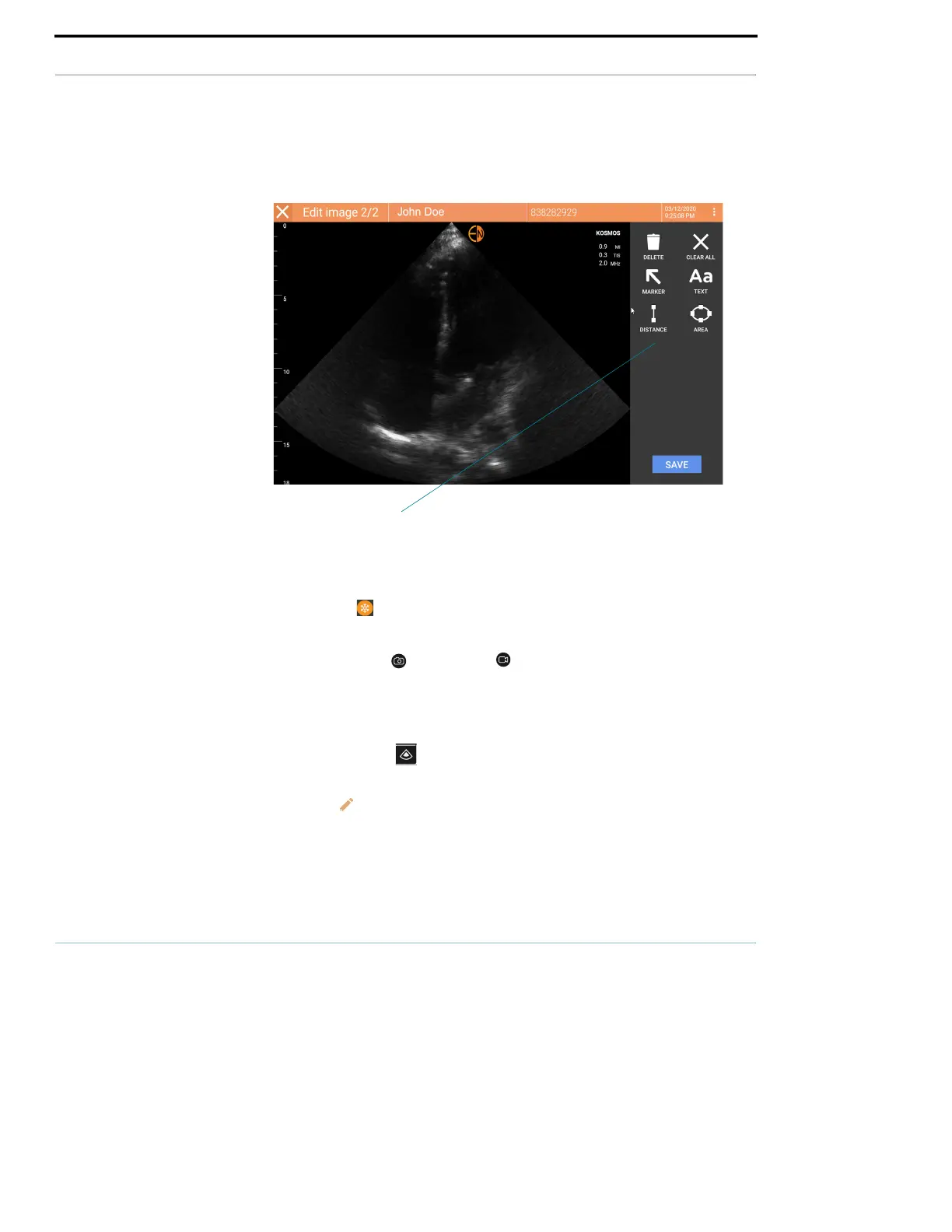
Navigating to the Edit Image screen
To navigate to the Edit Image or Edit Clips screen:
While scanning a patient:
1. Tap the Freeze icon.
2. Add your annotations.
3. Tap the Save image or Save clip icon.
4. Move the image or clip <?>
After scanning a patient:
1. Tap the Exam review icon.
2. Tap the image/clip you want to annotate.
3. Tap the Edit icon.
From the Home screen:
1. Tap Exam.
Annotation tools



 To Next Page