Performing an Exam
52 KOSMOS User Guide
Color-mode
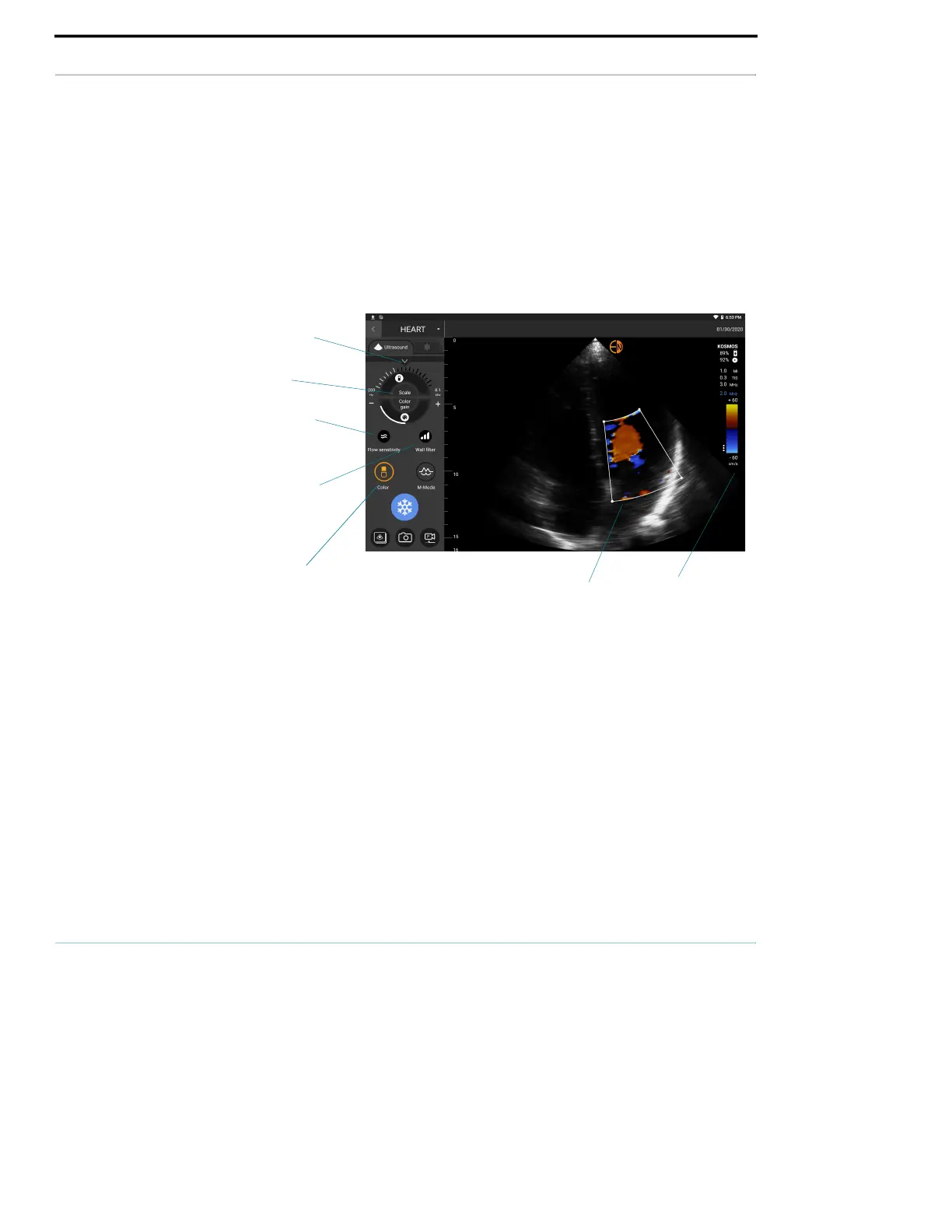
Color-mode is used to visualize the presence, velocity, and direction of blood
flow in a wide range of flow states.
When using KOSMOS, you can turn color-mode on and off without it interfering
with the system’s color acquisition.
To turn Color-mode on and off, tap Color.
Color box
You can move and resize the color box during imaging. The maximum axial and
lateral size of the box may be limited depending on the organ, depth, or other
settings.
To move the color box, drag it to another position.
To resize the color box, move one of the corners to make it either taller or
wider.
Color box
Color
B-mode
controls
Scale
Flow sensitivity
Color map
Wall filter



 To Next Page