KOSMOS User Guide 51
Imaging modes
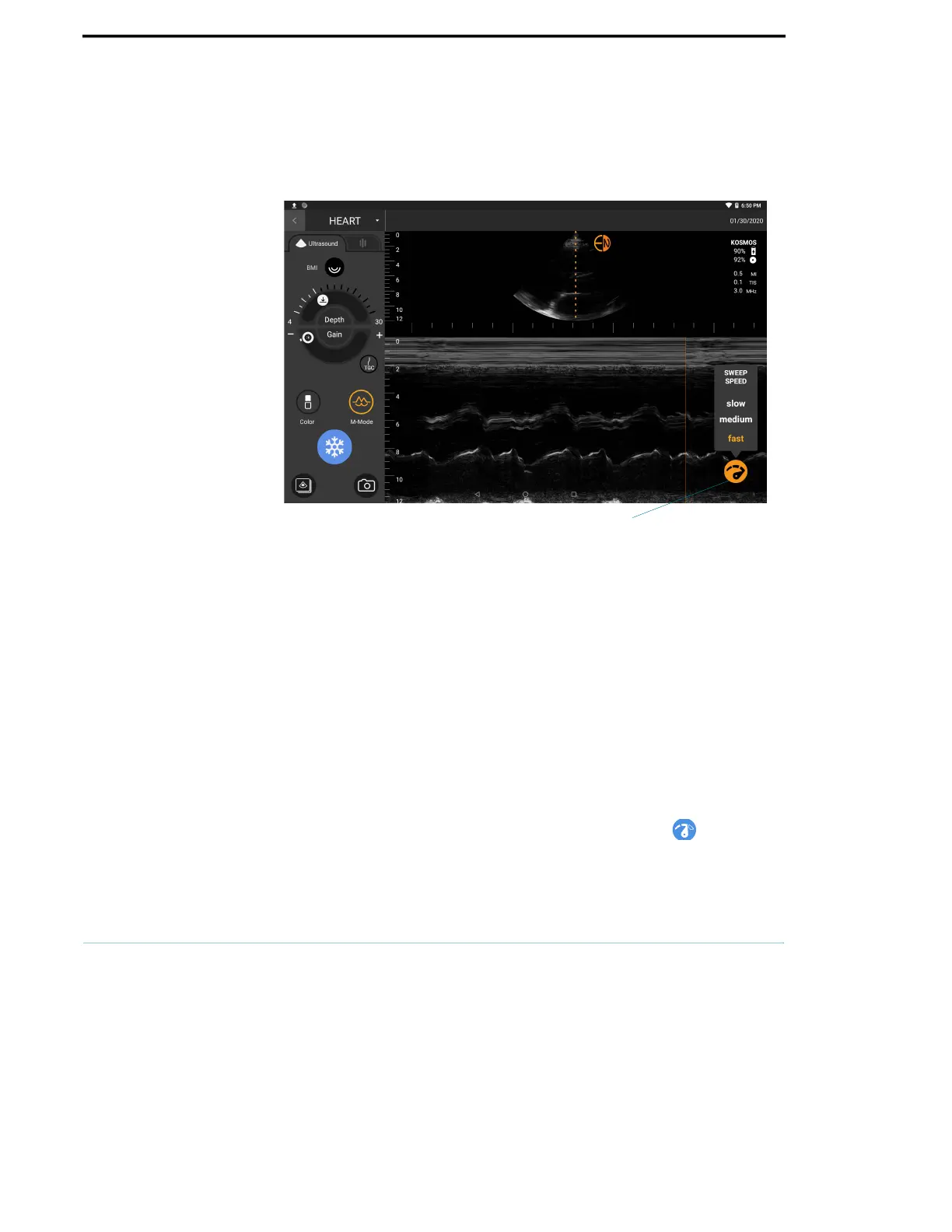
When M-mode is turned on, the screen splits to show B-mode as well as M-
mode. You can adjust BMI, depth, and gain (similar to B-mode) along with M-
mode specific controls like M-line and sweep speed.
To change to M-mode, tap M-Mode.
M-Line
To move the M-Line, use your finger to drag the M-Line to the location you
want.
Sweep speed
You can change the sweep speed to isolate individual motions.
To change the M-Mode sweep speed, tap the Sweep speed icon, and
adjust it to your preferences.
Sweep speed



 To Next Page