KOSMOS User Guide 15
Connecting the power supply
handle.
Connecting the power supply
Kosmos Bridge contains an internal rechargeable battery. Recharge Kosmos
Bridge using the power supply provided with the device.
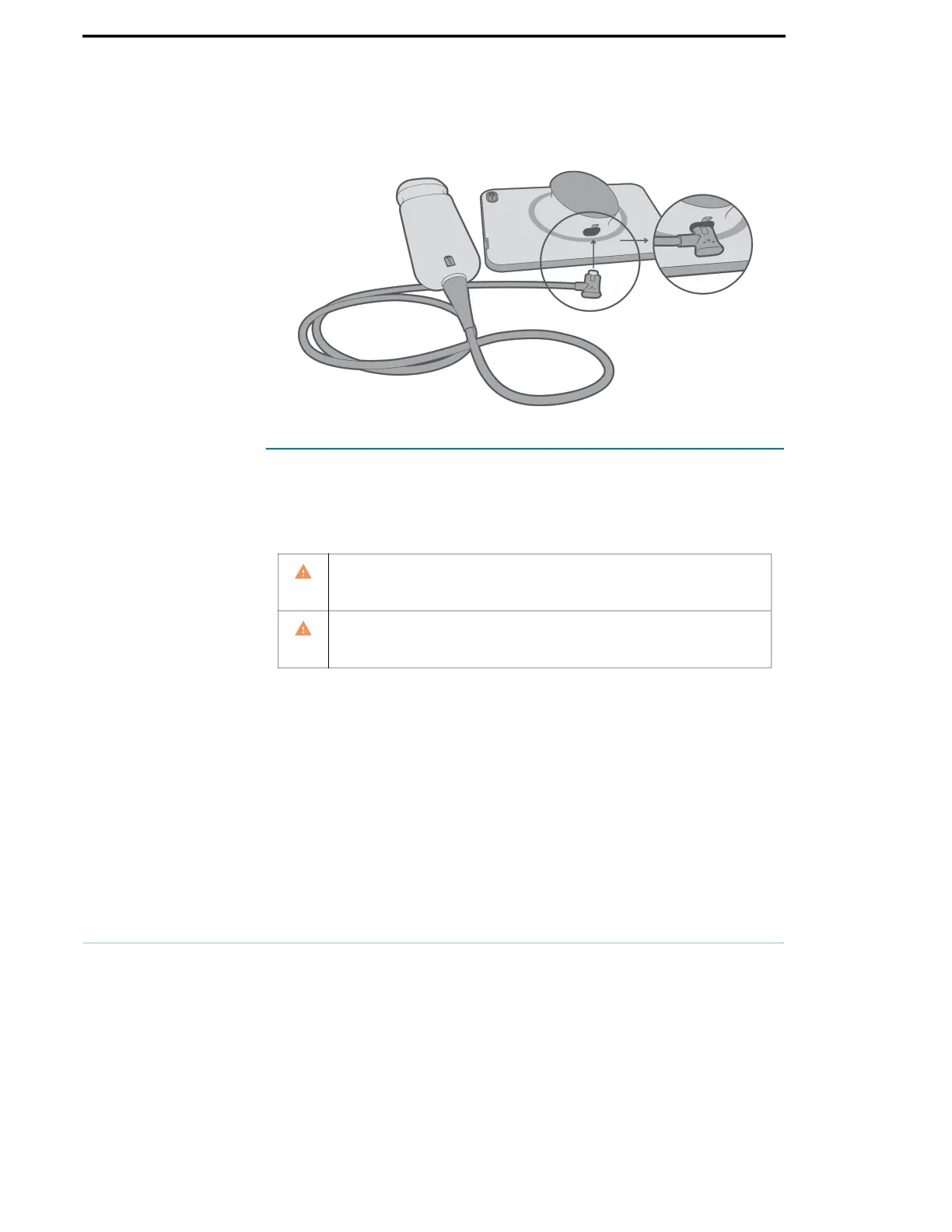
To connect the power supply to Kosmos Bridge:
1. Attach the Kosmos power supply into the USB slot on Kosmos Bridge.
2. Then plug the other end into an electrical outlet.
Avoid excessive bending or twisting of the mains power cord.
Only use KOSMOS with power supplies provided by EchoNous. If you try
to use a power supply not approved by EchoNous, Kosmos Bridge will
continue to charge properly but will disable scanning.



 To Next Page