Using KOSMOS
16 KOSMOS User Guide
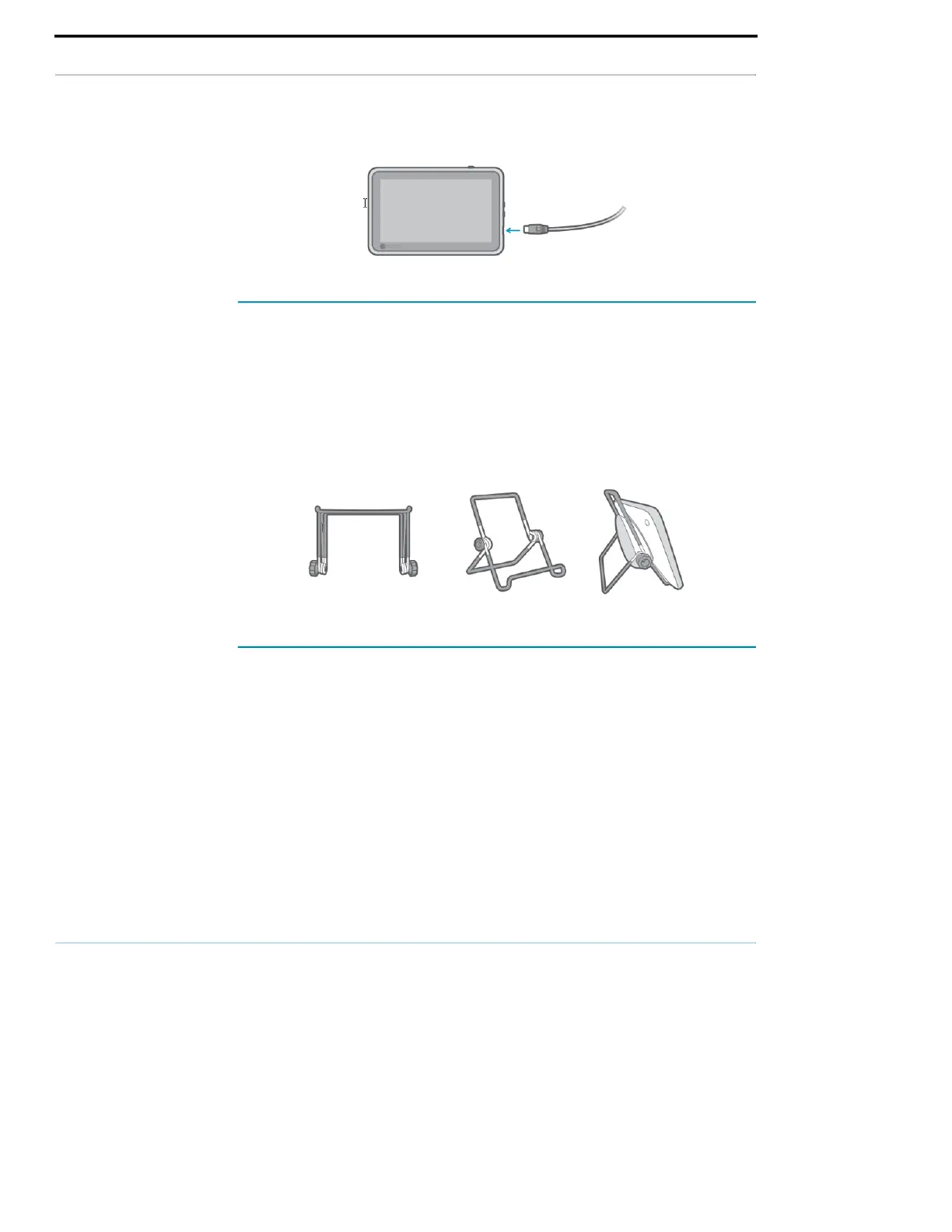
Setting up the Kosmos Bridge stand
To set up the Kosmos Bridge stand:
1. Unfold the stand, and put it on a flat surface.
2. Place Kosmos Bridge on it.
3. Adjust the angle to the best viewing position.
4. Tighten the screws.
Turning Kosmos Bridge on and off
Turning on Kosmos Bridge and Kosmos Torso
To turn on Kosmos Bridge and Kosmos Torso:
1. Press the Power button.



 To Next Page