EasyManua.ls Logo

echosens FibroScan 502 touch - Software Interface; Home Screen

Default Icon
70 pages
Print Icon
To Next Page IconTo Next Page
To Previous Page IconTo Previous Page
Loading...
EE
FIBROSCAN
502
TOUCH
USER
MANUAL
FibroScan
6.
SOFTWARE
INTERFACE
6.1.
HOME
SCREEN
The
software
loaded
when
the
FibroScan
device
is
started
up
is
used
to:
perform
examinations,
print
the
results,
manage
the
archives,
export
the
data
in
several
formats.
If
the
software
is
connected
to
the
hospital
network
(optional):
import
the
list
of
patients,
export
the
results
of
the
examination.
When
the
device
is
switched
on,
the
home
screen
is
displayed.
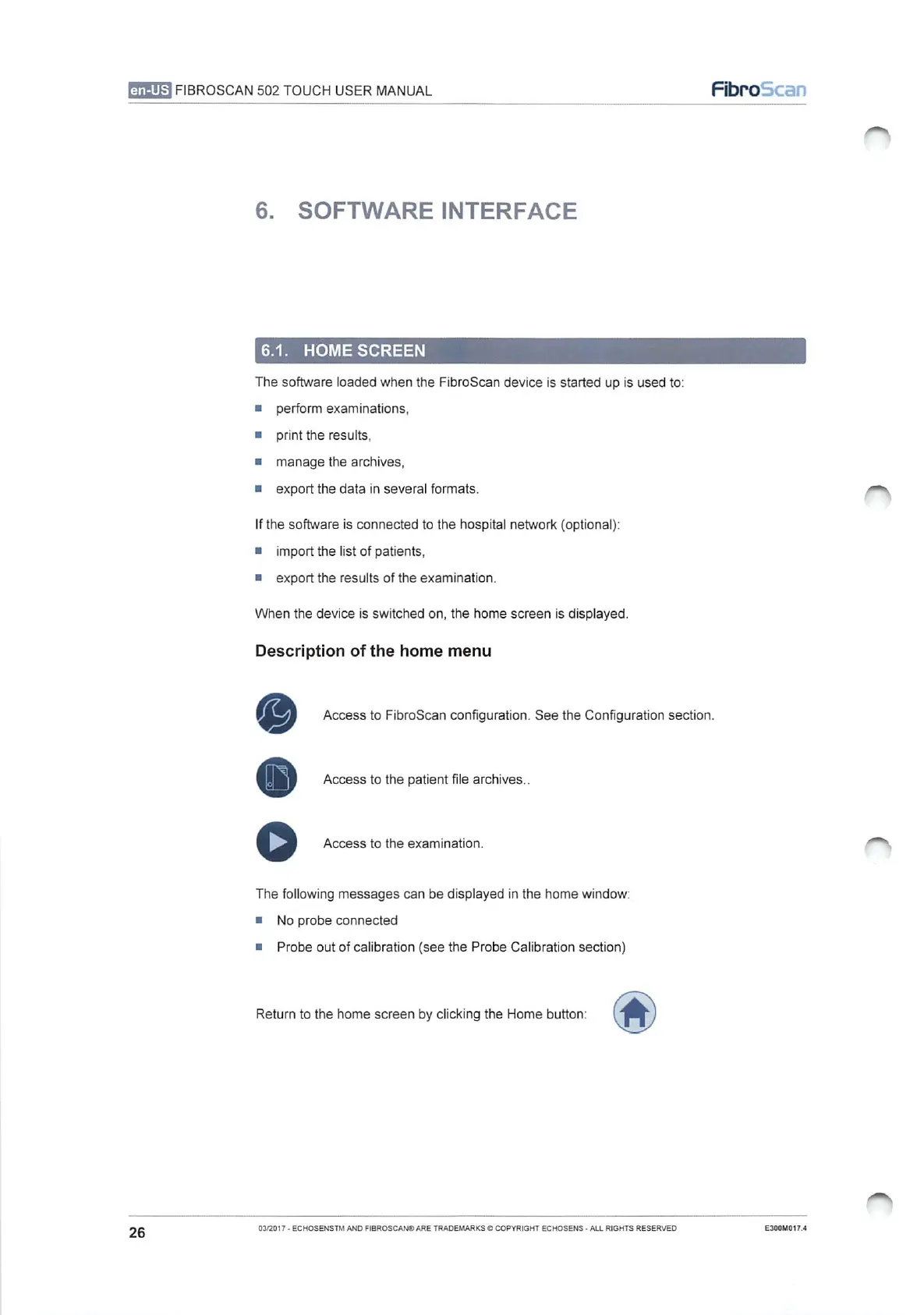
Description
of
the
home menu
©
Access
to
FibroScan
configuration.
See
the
Configuration
section.
Access
to
the
patient
file
archives..
>
Access
to
the
examination.
The
following
messages
can
be
displayed
in
the
home
window:
No
probe
connected
Probe
out
of
calibration
(see
the
Probe
Calibration
section)
Return
to
the
home
screen
by
clicking
the
Home
button:
A
26
03/2017
-
ECHOSENSTM
AND
FIBROSCANO
ARE
TRADEMARKS
COPYRIGHT
ECHOSENS
-
ALL
RIGHTS
RESERVED
E300M017.4

Table of Contents