EasyManua.ls Logo

echosens FibroScan 502 touch - Details of the Examination

Default Icon
70 pages
Print Icon
To Next Page IconTo Next Page
To Previous Page IconTo Previous Page
Loading...
EE
FIBROSCAN
502
TOUCH
USER
MANUAL
FibroScan
46
To
view
the
details
of
an
examination,
click
the
summary
of
the
examination.
6.7.3.
Details
of
the
examination
To
display
the
measurements,
click
a
value
in
the
list
of
valid
measurements.
Description
of
contextual
buttons:
<>
B
ES
©
v
de
03/201
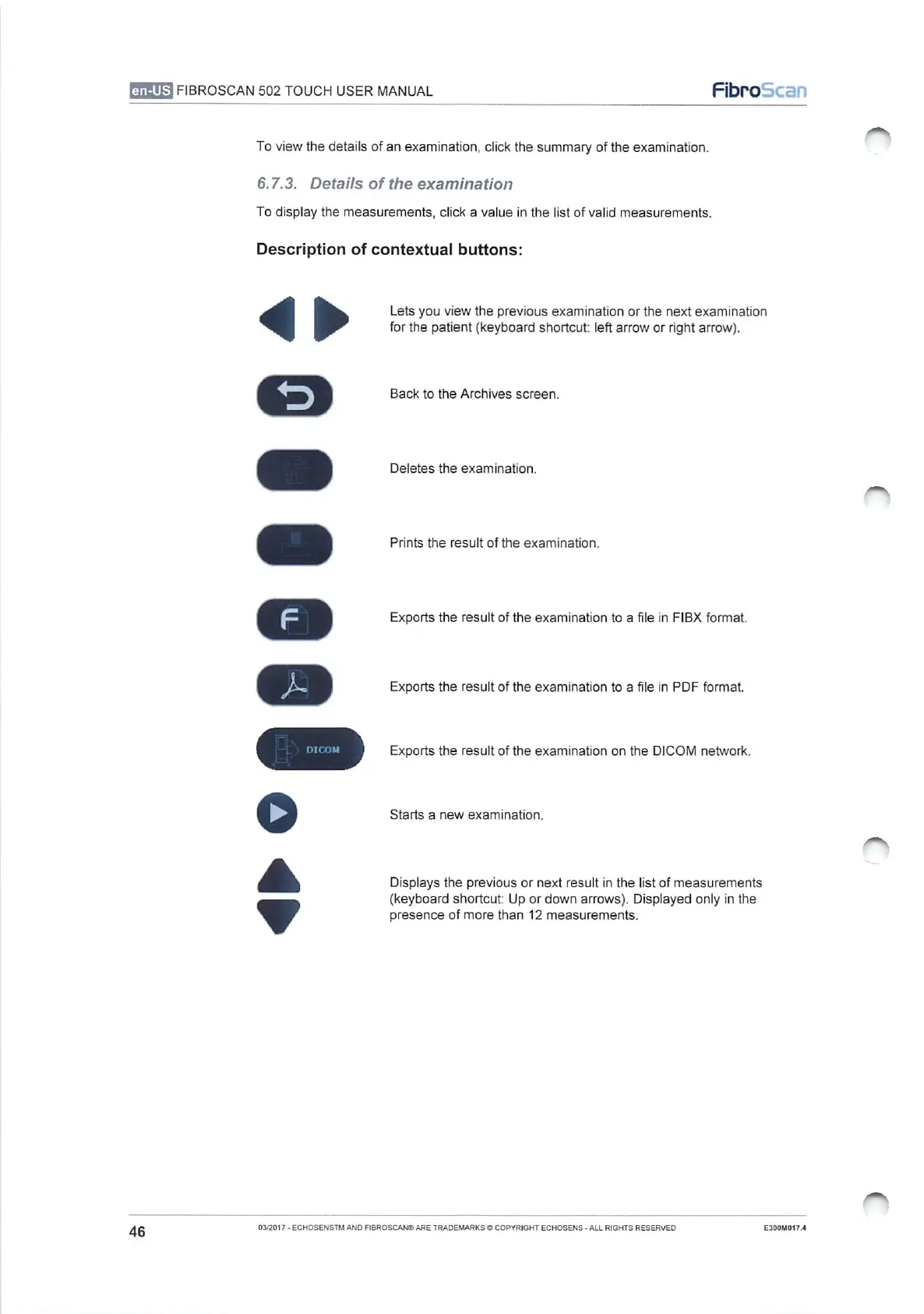
Lets
you
view
the
previous
examination
or
the
next
examination
for
the
patient
(keyboard
shortcut:
left
arrow
or
right
arrow).
Back
to
the
Archives
screen.
Deletes
the
examination.
Prints
the
result
of
the
examination.
Exports
the
result
of
the
examination
to
a
file
in
FIBX
format.
Exports
the
result
of
the
examination
to
a
file
in
PDF
format.
Exports
the
result
of
the
examination
on the
DICOM
network.
Starts
a
new
examination.
Displays
the
previous
or
next
result
in
the
list
of
measurements
(keyboard
shortcut:
Up
or
down
arrows).
Displayed
only
in
the
presence
of
more
than
12
measurements.
-
ECHOSENSTM
AND
FIBROSCAN®
ARE
TRADEMARKS
©
COPYRIGHT
ECHOSENS
-
ALL
RIGHTS
RESERVED
E300M017.4

Table of Contents