EasyManua.ls Logo

echosens FibroScan 502 touch - View and Print Theresultoftheexamination

Default Icon
70 pages
Print Icon
To Next Page IconTo Next Page
To Previous Page IconTo Previous Page
Loading...
FibroScan
FIBROSCAN
502
TOUCH
USER
MANUAL
(STEVE)
E300M017.4
6.6.14.
View
and
print
the
result
of
the
examination
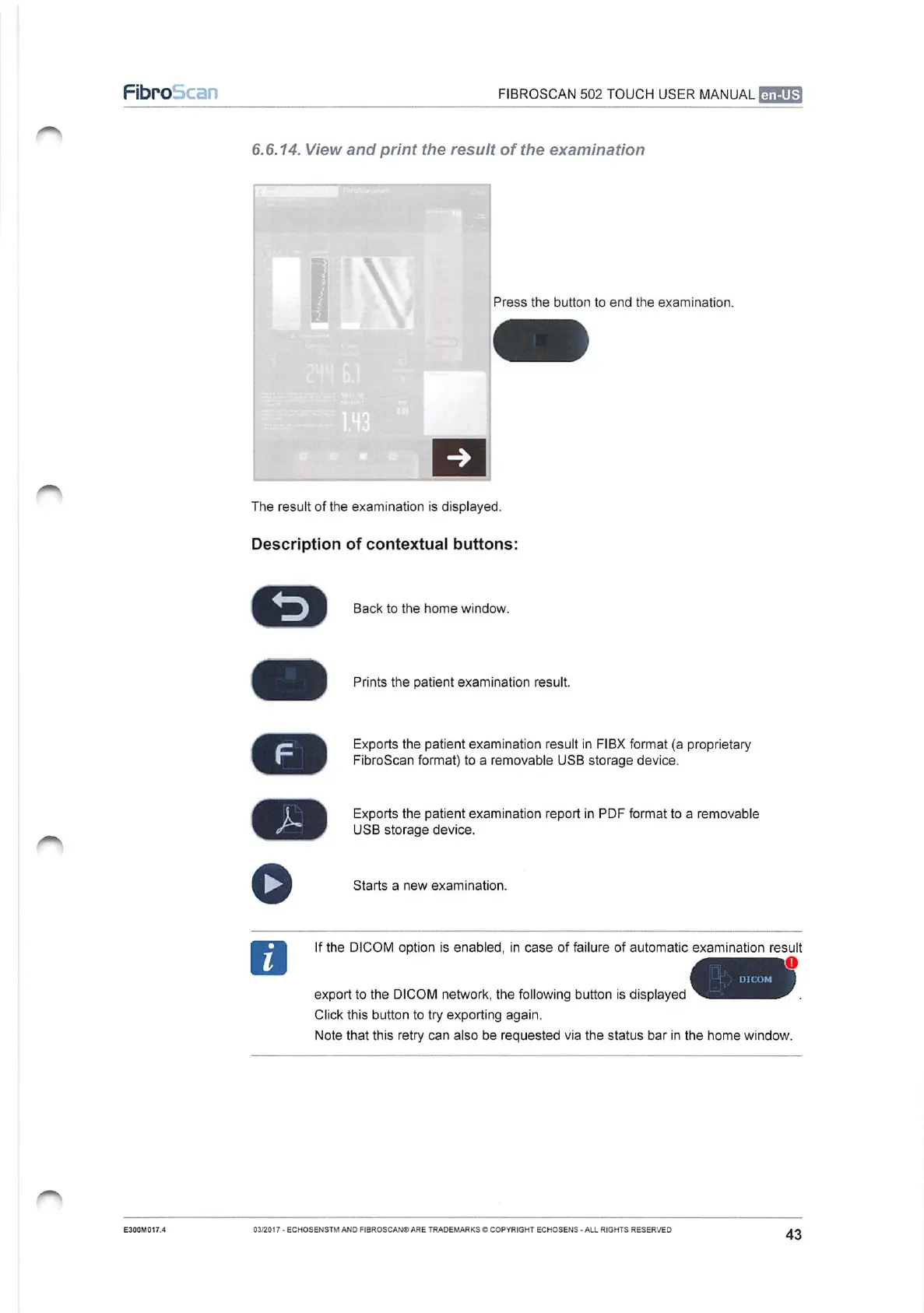
Press
the
button
to
end
the
examination.
The
result
of
the
examination
is
displayed.
Description
of
contextual
buttons:
>
F
Back
to
the
home
window.
Exports
the
patient
examination
result
in
FIBX
format
(a
proprietary
FibroScan
format)
to
a
removable
USB
storage
device.
=
Prints
the
patient
examination
result.
j
Exports
the
patient
examination
report
in
PDF
format
to
a
removable
USB
storage
device.
©
Starts
a
new
examination.
If
the
DICOM
option
is
enabled,
in
case
of
failure
of
automatic
examination
result
export
to
the
DICOM
network,
the
following
button
is
displayed
Click
this
button
to
try
exporting
again.
Note
that
this
retry
can
also
be
reguested
via
the
status
bar
in
the
home
window.
03/2017
-
ECHOSENSTM
AND
FIBROSCAN®
ARE
TRADEMARKS
©
COPYRIGHT
ECHOSENS
-
ALL
RIGHTS
RESERVED
43

Table of Contents