EasyManua.ls Logo

echosens FibroScan 502 touch - Advanced File Search; Selectand View a Patient File

Default Icon
70 pages
Print Icon
To Next Page IconTo Next Page
To Previous Page IconTo Previous Page
Loading...
FibroScan
FIBROSCAN
502
TOUCH
USER
MANUAL
ERETE]
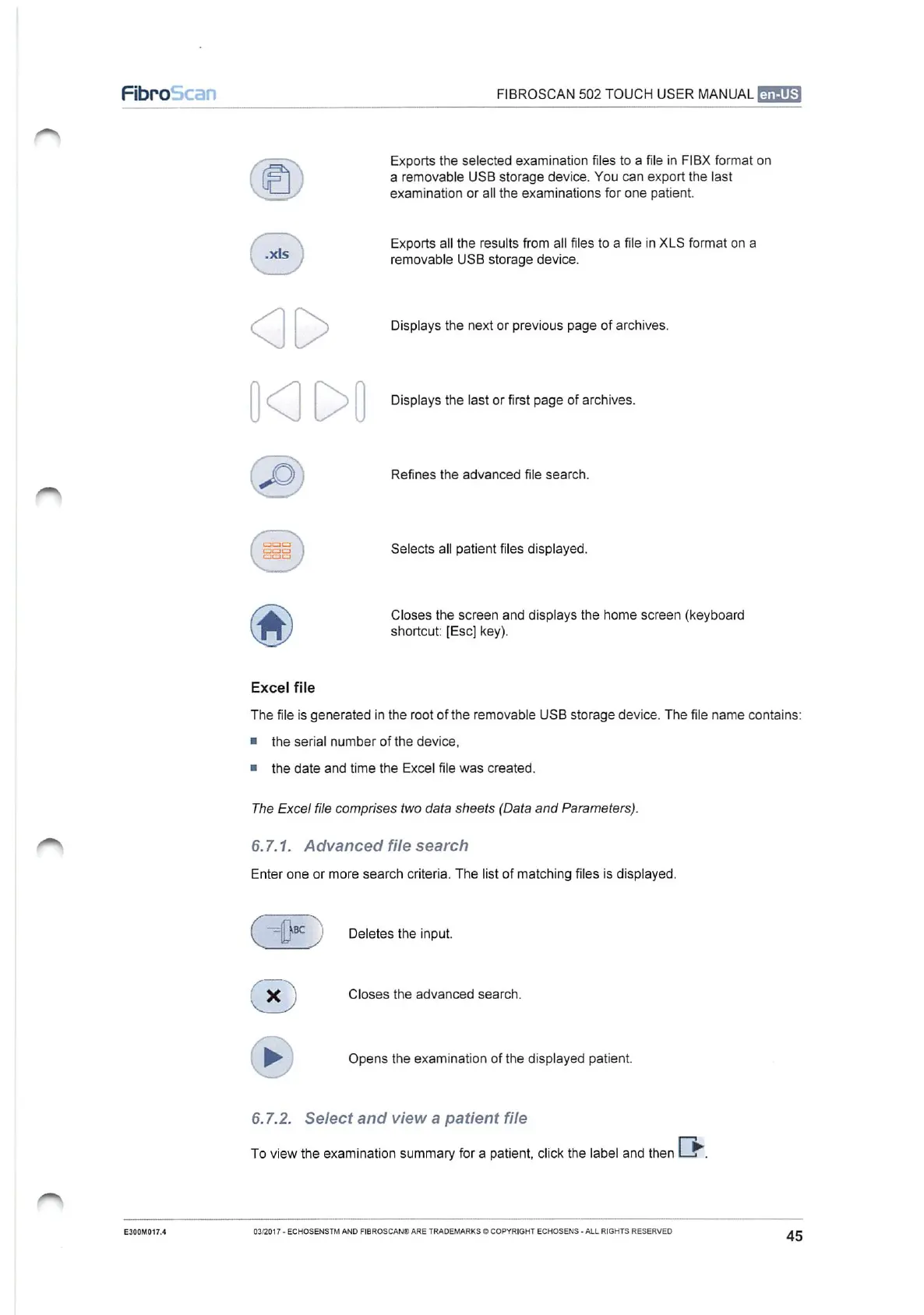
Exports
the
selected
examination
files
to
a
file
in
FIBX
format
on
a
removable
USB
storage
device.
You
can
export
the
last
examination
or
all
the
examinations
for
one
patient.
Exports
all
the
results
from
all
files
to
a
file
in
XLS
format
on
a
)
removable
USB
storage
device.
=
>
>
Displays
the
next
or
previous
page
of
archives.
Displays
the
last
or
first
page
of
archives.
(
po
)
Refines
the
advanced
file
search.
(
sss
|
Selects
all
patient
files
displayed.
Closes
the
screen
and
displays
the
home
screen
(keyboard
shortcut:
[Esc]
key).
Excel
file
The
file
is
generated
in
the root
of
the
removable
USB
storage
device.
The
file
name
contains:
и
the
serial
number
of
the
device,
=
the
date
and
time
the
Excel
file
was
created.
The
Excel
file
comprises
two
data
sheets
(Data
and
Parameters).
6.7.1.
Advanced
file
search
Enter
one
or
more
search
criteria.
The
list
of
matching
files
is
displayed.
x
e
|
Deletes
the
input.
EE
2
)
Closes
the
advanced
search.
Se
(
b
)
Opens
the
examination
of
the
displayed
patient.
6.7.2.
Select
and
view
a
patient
file
To
view
the
examination
summary
for
a
patient,
click
the
label
and
then
E300M017.4
03/2017
-
ECHOSENSTM
AND
FIBROSCAN®
ARE
TRADEMARKS
©
COPYRIGHT
ECHOSENS
-
ALL
RIGHTS
RESERVED.
45

Table of Contents