EasyManua.ls Logo

echosens FibroScan 502 touch - Page 30

Default Icon
70 pages
Print Icon
To Next Page IconTo Next Page
To Previous Page IconTo Previous Page
Loading...
30
MANUAL
FibroScan
~
+2
\
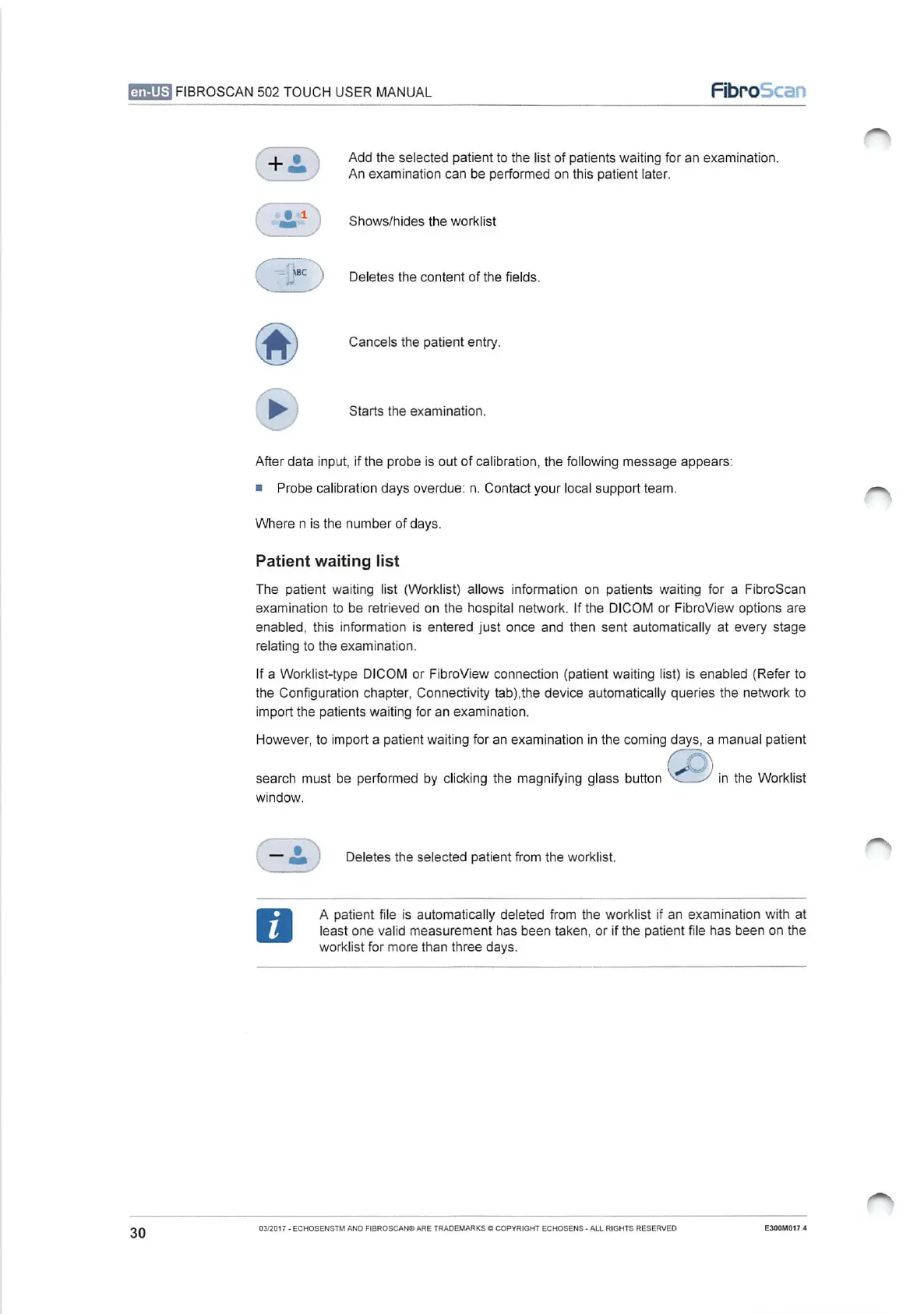
Add
the
selected
patient
to
the
list
of
patients
waiting
for
an
examination.
[=
An
examination
can
be
performed
on
this
patient
later.
Shows/hides
the
worklist
)
Deletes
the
content
of
the
fields.
Cancels
the
patient
entry.
>
Starts
the
examination.
After
data
input,
if
the
probe
is
out
of
calibration,
the
following
message
appears:
m
Probe
calibration
days
overdue:
n.
Contact
your
local
support
team.
-
Where
n
is
the
number
of
days.
Patient
waiting
list
The
patient
waiting
list
(Worklist)
allows
information
on
patients
waiting
for
a
FibroScan
examination
to
be
retrieved
on
the
hospital
network.
If
the
DICOM
or
FibroView
options
are
enabled,
this
information
is
entered
just
once
and
then sent
automatically
at
every stage
relating
to
the
examination.
If
a
Worklist-type
DICOM
or
FibroView
connection
(patient
waiting
list)
is
enabled
(Refer
to
the
Configuration
chapter,
Connectivity
tab),the
device
automatically
queries
the
network
to
import
the
patients
waiting
for
an
examination.
However,
to
import
a
patient
waiting
for
an
examination
in
the
coming
days,
a
manual
patient
CD
search
must
be
performed
by
clicking
the
magnifying
glass
button
in
the
Worklist
window.
o
~
Deletes
the
selected
patient
from
the
worklist.
A
patient
file
is
automatically
deleted
from
the
worklist
if
an
examination
with
at
least
one
valid
measurement
has
been
taken,
or
if
the
patient
file
has
been
on the
worklist
for
more
than three
days.
~
03/2017
-
ECHOSENSTM
AND
FIBROSCAN®
ARE
TRADEMARKS
©
COPYRIGHT
ECHOSENS
-
ALL
RIGHTS
RESERVED
E300M017.4

Table of Contents