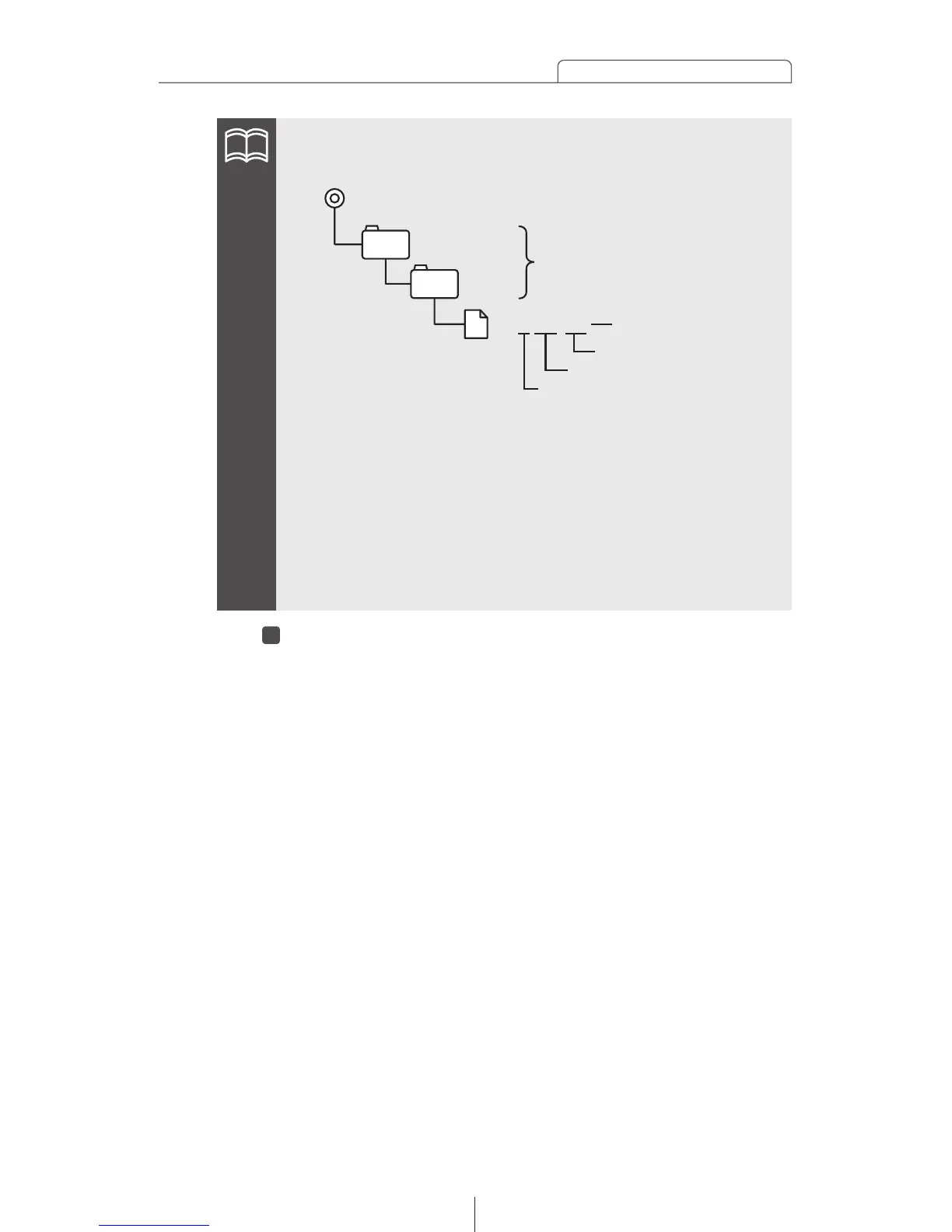
•Make a folders in the Memory Stick and download the data
adjust through E-iSERV (web site) as shown below.
•The files that can be read by this deck are created automatically
when you are downloading from the E-iSERV (web site).
•The sound quality data that is read (crossover adjustment
values and time alignment adjustment values) are stored
automatically in preset button [6]. During equalizer mode
(Advance mode), you can retrieve the adjustment values in the
saved data by pressing button [6] for two seconds or more.



 To Next Page