The data, information and descriptions, and the technology described herein are the exclusive intellectual property of Snap-on Climate Solutions S.r.l. and
constitute industrial secrets. Said information is communicated in strict confidentiality; said information may be used only for the purpose for which it is
communicated; said information may not be divulged, communicated, or revealed to third parties and/or reproduced by any means for any reason whatsoever; said
information is protected under applicable Italian competition and industrial property law.
Service manual Cinquecento12 (VA21) [MANUY2V.SB0] ed.1 ver.0.1.doc pag.36 - 09/11/2021
SETUP
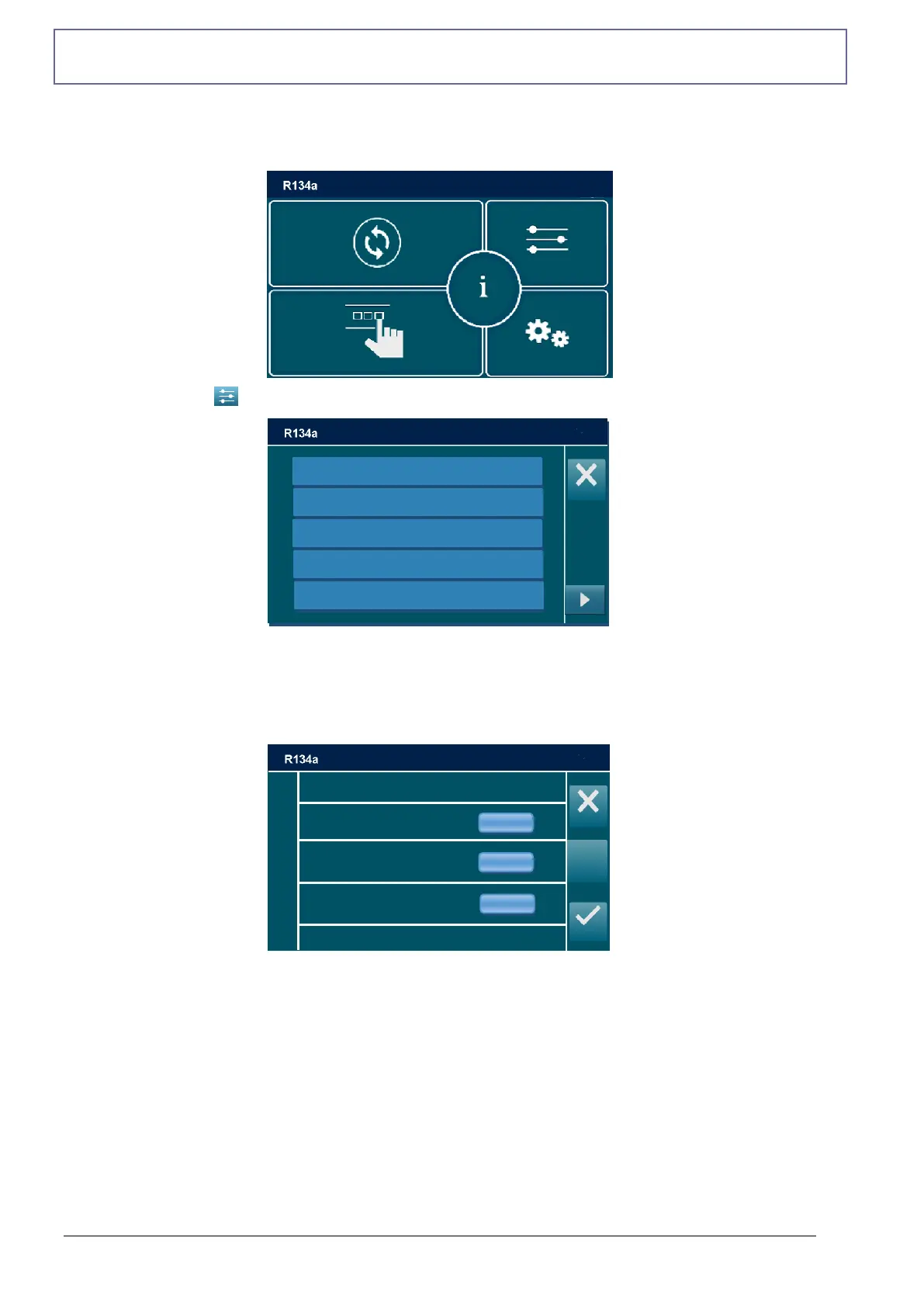
From the MAIN MENU:
Select the SETUP , the following screen will be displayed:
VACUUM SETTINGS
From the SETUP, select VACUUM SETTINGS, default setting is displayed:
Allows to modify the default vacuum time and the default time of check.
Each value can be modified, within the values shown in parentheses.
NOTE: press DEFAULT to restore default values:
Vacuum time 25 min
Time of check 2 min
Vacuum rising 0,1 mbar
Vacuum time
(Min 2, Max 120 min)
Vacuum rising
(min 100, max 900 mbar
Time of check
(Min 1, Max 120 min)



 To Next Page