The data, information and descriptions, and the technology described herein are the exclusive intellectual property of Snap-on Climate Solutions S.r.l. and
constitute industrial secrets. Said information is communicated in strict confidentiality; said information may be used only for the purpose for which it is
communicated; said information may not be divulged, communicated, or revealed to third parties and/or reproduced by any means for any reason whatsoever; said
information is protected under applicable Italian competition and industrial property law.
Service manual Cinquecento12 (VA21) [MANUY2V.SB0] ed.1 ver.0.1.doc pag.43 - 09/11/2021
TANK FILLING
This operation must be performed whenever the available refrigerant fluid in the tank is less
than 3 kg and must in any case be performed when the “empty tank” alarm is displayed.
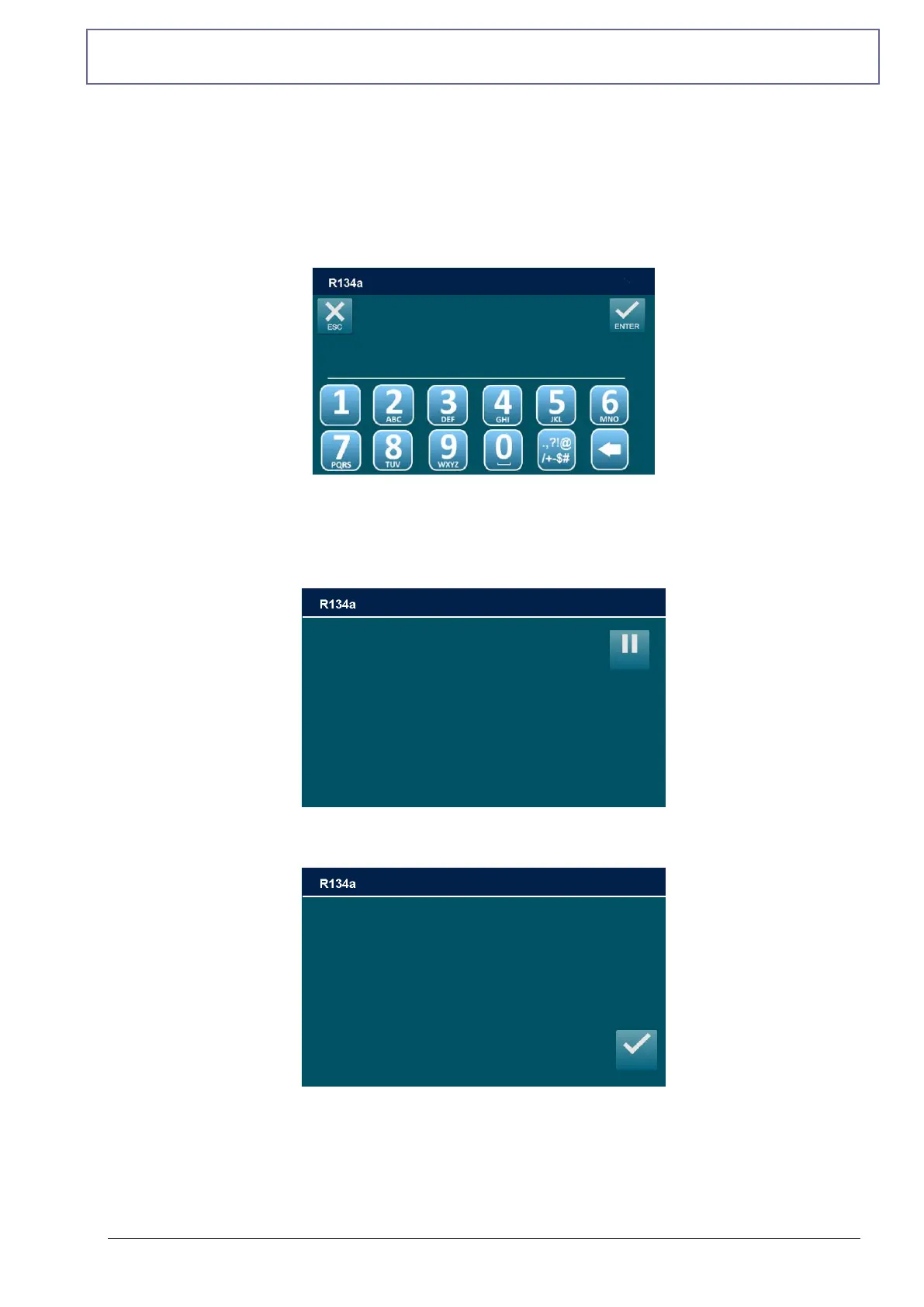
From MAINTENANCE, select TANK FILLING, the following screen will be displayed:
Procure a tank of appropriate refrigerant (R134a or R1234yf depending on machine model),
connect and open LP coupler to the liquid side of the external tank and open the liquid valve,
then Use the keypad to insert the amount of refrigerant, then press ENTER to continue.
The TANK FILLING will start.
The machine will now fill the machine tank with the preset quantity ~ 500g. When the quantity
minus 500 grams is reached, the machine will stop and display:
Close the liquid valve of the external tank and press ENTER, the machine will recover the
residual refrigerant from the hoses, then will display the following screen:
TANK FILLING
min:600 MAX:xxxx [grams]
________
Close the external valve
tank and press ENTER
Gas charged: 122 g
Pressure -0.1 bar



 To Next Page