The data, information and descriptions, and the technology described herein are the exclusive intellectual property of Snap-on Climate Solutions S.r.l. and
constitute industrial secrets. Said information is communicated in strict confidentiality; said information may be used only for the purpose for which it is
communicated; said information may not be divulged, communicated, or revealed to third parties and/or reproduced by any means for any reason whatsoever; said
information is protected under applicable Italian competition and industrial property law.
Service manual Cinquecento12 (VA21) [MANUY2V.SB0] ed.1 ver.0.1.doc pag.45 - 09/11/2021
CHANGE OIL CONTAINER
This procedure is needed when changing oil, to remove traces of previous oil from the pipeline.
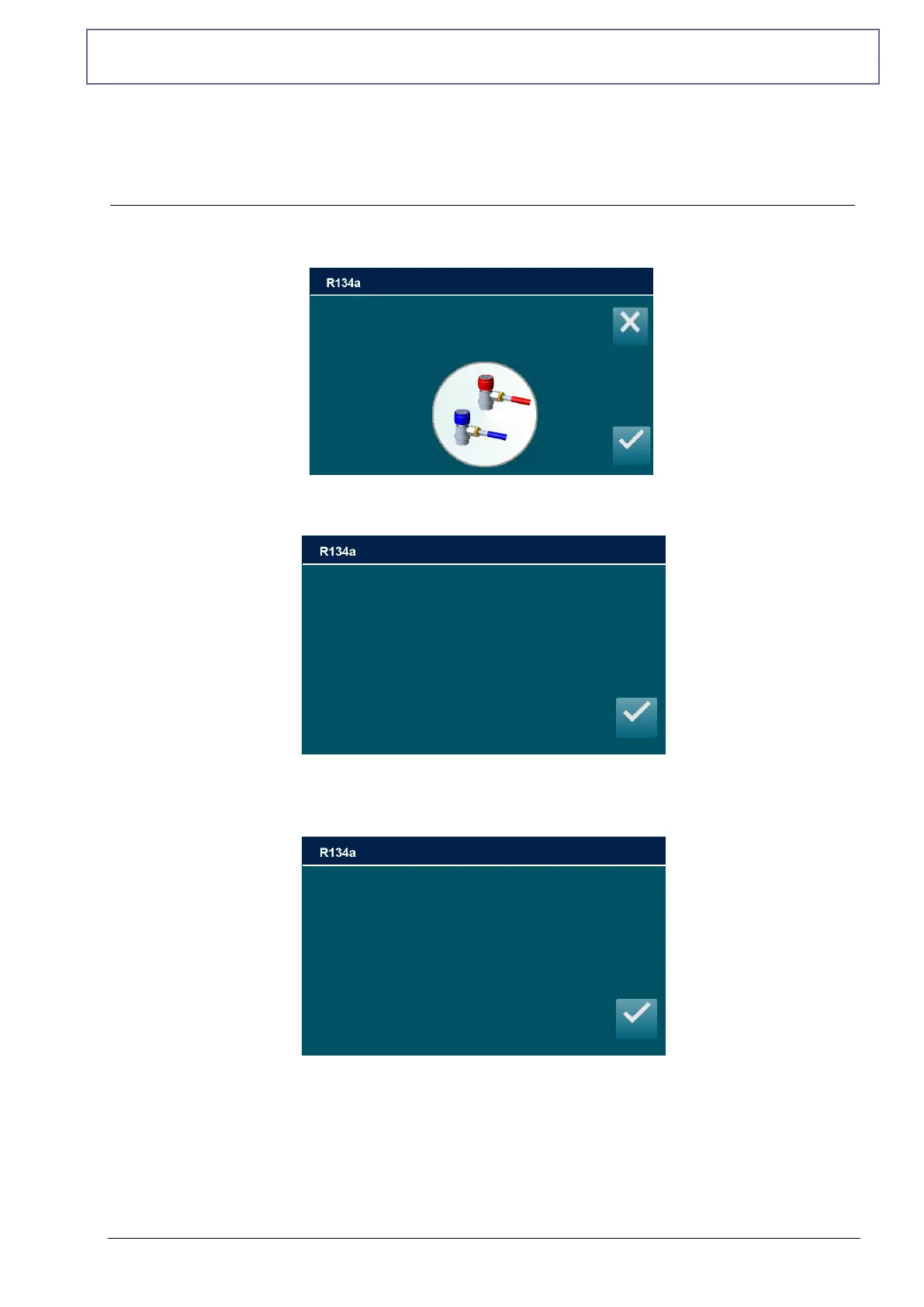
From MAINTENANCE, select CHANGE OIL CONTAINER, the following screen will be
displayed:
Make sure that HP and LP coupling are disconnected from A/C system or else and press
ENTER:
Remove the old container and replace it with the newer one already filled, then press ENTER
to begin oil drain procedure. After some minutes, at the end of the operation the following
screen will be displayed:
Press ENTER to return to the MAINTENANCE MENU; CHANGE OIL CONTAINER is now
successfully completed.
CHANGE OIL CONTAINER
OPERATION COMPLETED
Make sure that HP and LP couplings are
Disconnected from A/C system
Remove the old container and
replace it with the newer one
already filled
Then press ENTER



 To Next Page