The data, information and descriptions, and the technology described herein are the exclusive intellectual property of Snap-on Climate Solutions S.r.l. and
constitute industrial secrets. Said information is communicated in strict confidentiality; said information may be used only for the purpose for which it is
communicated; said information may not be divulged, communicated, or revealed to third parties and/or reproduced by any means for any reason whatsoever; said
information is protected under applicable Italian competition and industrial property law.
Service manual Cinquecento12 (VA21) [MANUY2V.SB0] ed.1 ver.0.1.doc pag.99 - 09/11/2021
USB UPDATE
1. Verify data before upgrading
Visualize the screen INFO MENU, you may want to take note of the data: Software version,
Gas available, total Gas , Oil, Pressure, Temperature, please record the data.
2. Preparation USB drive
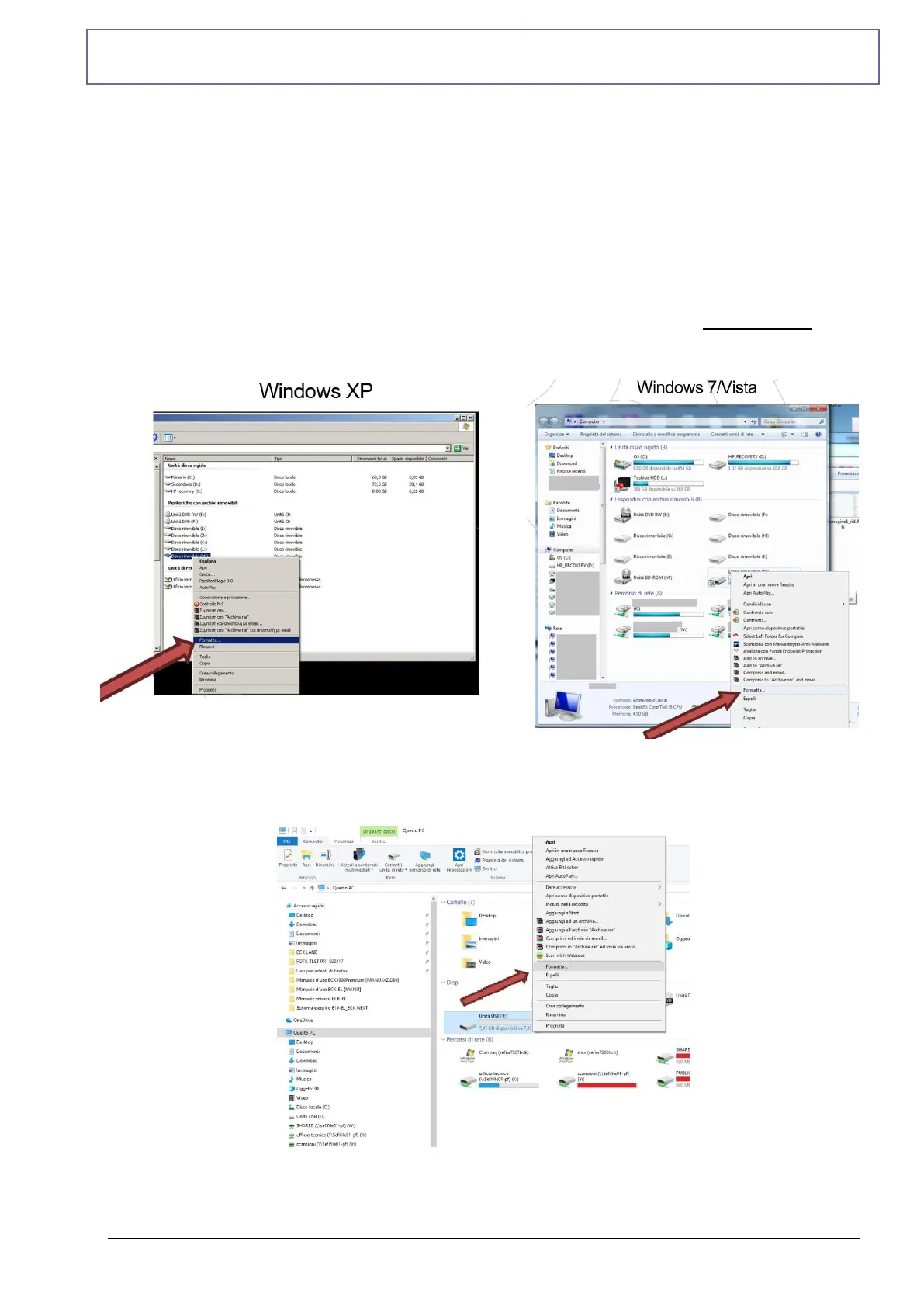
Use a new USB key from 2Gb min.-32Gb max. Format the USB drive with FAT32 format, from
“Computer Resources” click with right button on USB key and select “Format..”
Windows 10
On “File system” Select the format FAT32 and press “Start”



 To Next Page